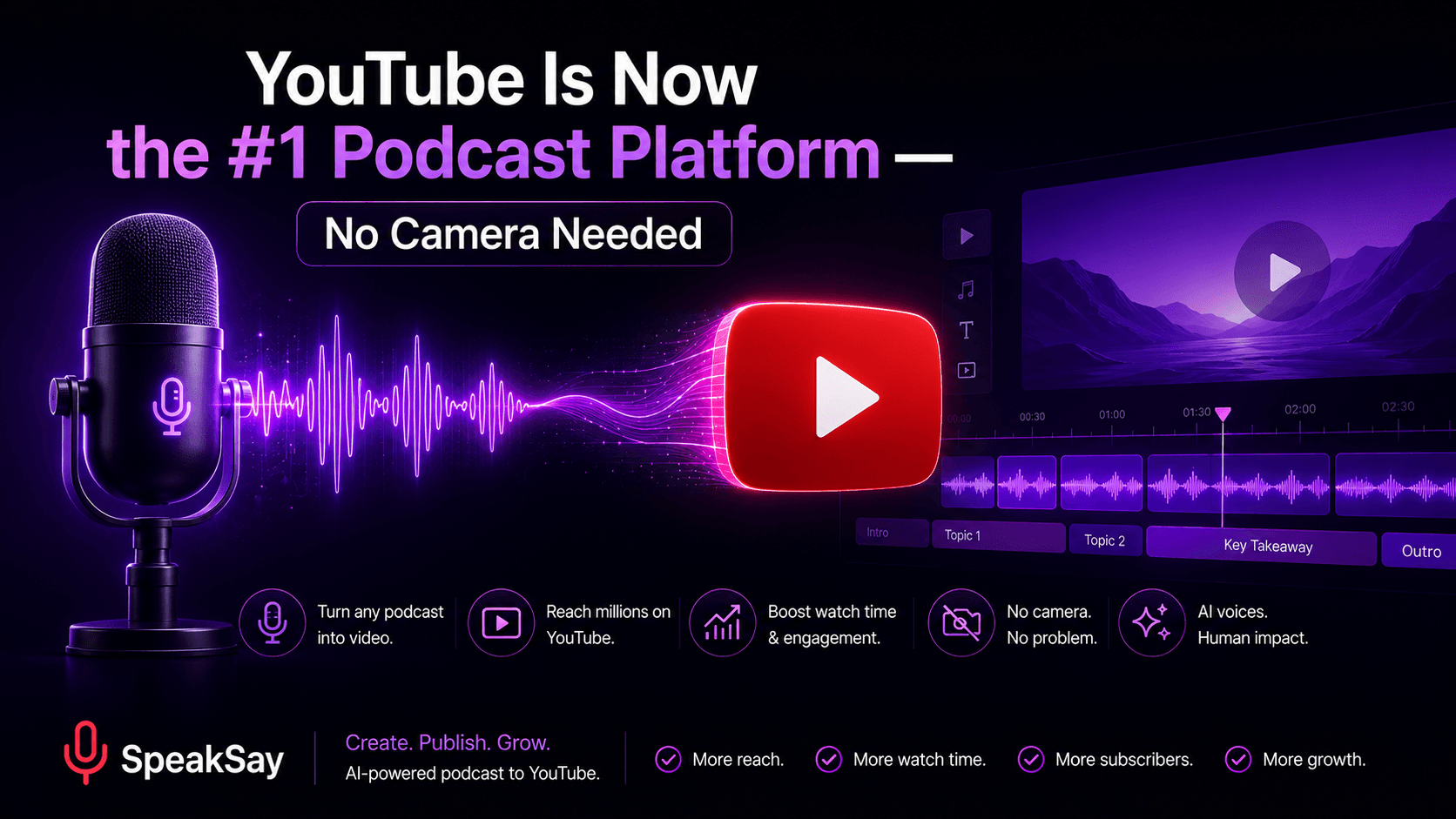
YouTube Is Now the #1 Podcast Platform: How to Turn Your AI Podcast Into a Video Podcast (No Camera, 2026)
YouTube now beats Spotify and Apple for podcast listening — and audio-only shows are paying the price. Here's how to turn your AI podcast into a real video podcast without ever turning on a camera.
1. The Numbers: YouTube Is Where Podcast Listeners Went
For a decade, "podcasting" meant an RSS feed pushed to Apple Podcasts and Spotify. That era is over. In 2026, YouTube is the single most-used podcast platform in the United States:
| Platform | Share of US weekly podcast listeners (13+) who use it most |
|---|---|
| YouTube | 33% |
| Spotify | 26% |
| Apple Podcasts | 14% |
YouTube now has more than a billion monthly users touching podcast content, and the share of top-ranked podcasts published in video format has more than doubled in just a few years. Industry analysts describe video-first production — video as the primary format, audio as the derivative — as the baseline expectation for new shows, not a bonus.
What started with Joe Rogan-style studio shows has trickled all the way down: even niche educational and commentary podcasts are expected to have something on the screen. If your show exists only as an MP3 in an RSS feed, you're absent from the largest podcast platform in the world.
2. Why Audio-Only Podcasts Feel Invisible in 2026
Creators aren't imagining it. Audio-only shows are structurally disadvantaged in three ways:
- Discovery lives on YouTube. YouTube recommends podcasts to people who never searched for them — through Shorts clips, homepage suggestions, and autoplay. RSS directories only serve people who already know what they want.
- Clips drive growth, and clips are video. The growth loop for podcasts in 2026 is: full episode → vertical clips → new viewers → subscribers. An audio file can't feed that loop.
- Sponsors buy cross-platform now. A single sponsorship is expected to deliver YouTube long-form, clips, and audio placements together. Audio-only shows have less inventory to sell.
The obvious objection: "I started a podcast precisely because I didn't want to be on camera." That objection is the whole reason this guide exists — because the camera is optional.
3. What Actually Counts as a Video Podcast (No Camera Required)
YouTube does not require a human face for podcast content. A video podcast simply needs a video track that holds attention while the audio plays. Some of the biggest podcast-style channels on YouTube use nothing but motion graphics, static art, or gameplay-style B-roll.
This is where AI podcasts have a structural advantage: if your episodes are generated with AI voices, you were never going to film them anyway — so you can design the visual layer deliberately instead of pointing a camera at two people in headphones.
Don't have a podcast yet?
SpeakSay's AI Podcast studio turns any document, blog post, or outline into a natural multi-voice podcast episode — with hosts you choose, in the style and depth you control.
4. Step 1: Generate the Podcast Itself With AI
Your video podcast is only as good as the audio underneath it. A repeatable weekly workflow looks like this:
- Pick a source. A blog post, a research doc, a news roundup, a chapter of your book — anything with substance. Thin sources make thin episodes.
- Choose your hosts. Use two contrasting voices from the SpeakSay voice library — one energetic questioner, one calm explainer. Contrast keeps listeners oriented.
- Control the script. Unlike one-click tools that hand you a random 10-minute chat, decide the angle, the segments, and the depth. Your episode structure is your brand.
- Generate and review. Listen at 1.5x, flag awkward transitions, and regenerate individual segments rather than whole episodes.
Consistency matters more than perfection: the same two voices, the same intro structure, and the same episode length train YouTube's algorithm — and your audience — to know what your show is.
5. Step 2: Add a Visual Layer — 5 Faceless Formats Ranked
Ranked from lowest to highest effort, here are the five visual formats that work for faceless video podcasts in 2026:
| Format | Effort | Best for |
|---|---|---|
| Static cover art + animated waveform | Minimal | Getting on YouTube this week; interview-style AI shows |
| Rotating text cards (key quotes, chapter titles) | Low | Educational and news shows; boosts retention at chapter changes |
| Stock B-roll matched to topics | Medium | Story-driven shows: history, true crime, business stories |
| Slide-style visuals (charts, screenshots, maps) | Medium | Tech, finance, and analysis shows where data is the star |
| Animated avatars or character scenes | High | Branded shows building a recognizable "cast" without faces |
Practical rule: start one level lower than you think you should. A clean waveform video published weekly beats an ambitious animated show that ships twice and dies. You can upgrade the visual layer later without changing the show.
One production note: export your audio in the highest quality your plan allows, and keep music and voice on separate tracks if you'll edit in a video tool. If your source audio has noise, run it through a free audio cleanup tool before pairing it with visuals — video viewers are less forgiving of muddy audio than podcast listeners.
6. Step 3: Publish to YouTube (and Keep Your RSS Feed)
Don't abandon audio platforms — add YouTube on top. The 2026 publishing stack:
- Publish the video version to YouTube as a normal upload, and add the episode to a playlist marked as a podcast in YouTube Studio. That gets your show into YouTube's podcast surfaces and YouTube Music.
- Keep your RSS feed alive for Apple Podcasts, Spotify, and podcast apps. The audio file is just the export of the same episode.
- Cut 2–3 vertical clips per episode — the strongest 30–60 second moments — and publish them as Shorts linking back to the full episode.
- Write episode descriptions like blog posts. YouTube search and Google both index them; include the question your episode answers in the first two lines.
Make every episode multi-format from day one
Generate the episode once with SpeakSay, then export audio for RSS and pair it with visuals for YouTube. One workflow, every platform.
7. Discovery & Monetization Tips for Faceless Video Podcasts
- Thumbnails matter more than cover art. Treat every episode like a YouTube video: a bold claim or question in the thumbnail, not just your logo.
- Chapters are retention insurance. Add timestamps; viewers who can skip to what they want stay subscribed.
- Watch your first 30 seconds. Open with the most interesting claim of the episode, not "welcome back to the show."
- Disclose AI voices where required. YouTube's 2026 disclosure rules ask creators to label realistic synthetic audio; a simple line in the description keeps you compliant and builds trust.
- Monetization stacks. YouTube ads on long-form, RSS ad insertion on audio, and sponsor reads generated in your show's own voices — three revenue layers from one episode.
8. FAQ
Does YouTube penalize AI-generated podcasts?No — YouTube's 2026 policies target mass-produced, low-effort content, not AI tools. A podcast with a clear angle, controlled script, and consistent format is treated like any other show. Disclose realistic synthetic voices where the rules require it.
Do I really need video if my podcast is growing on Spotify?Need is strong — but you're leaving the largest podcast platform untouched. Adding even a minimal video layer costs a few hours per month and opens YouTube discovery, clips, and a second monetization stream.
What's the minimum viable video podcast?Your existing episode audio, your cover art, and an animated waveform, exported as 1080p video. You can produce it with free tools in under an hour per episode.
Can I use my own cloned voice as the host?Yes — cloning your voice means your show sounds like you across unlimited episodes without recording sessions. See SpeakSay voice cloning.