Ten Minutes, Every Member, Every Month: A Monthly Audio Briefing for Your Chamber of Commerce or Local Business Association (AI Podcast, 2026)
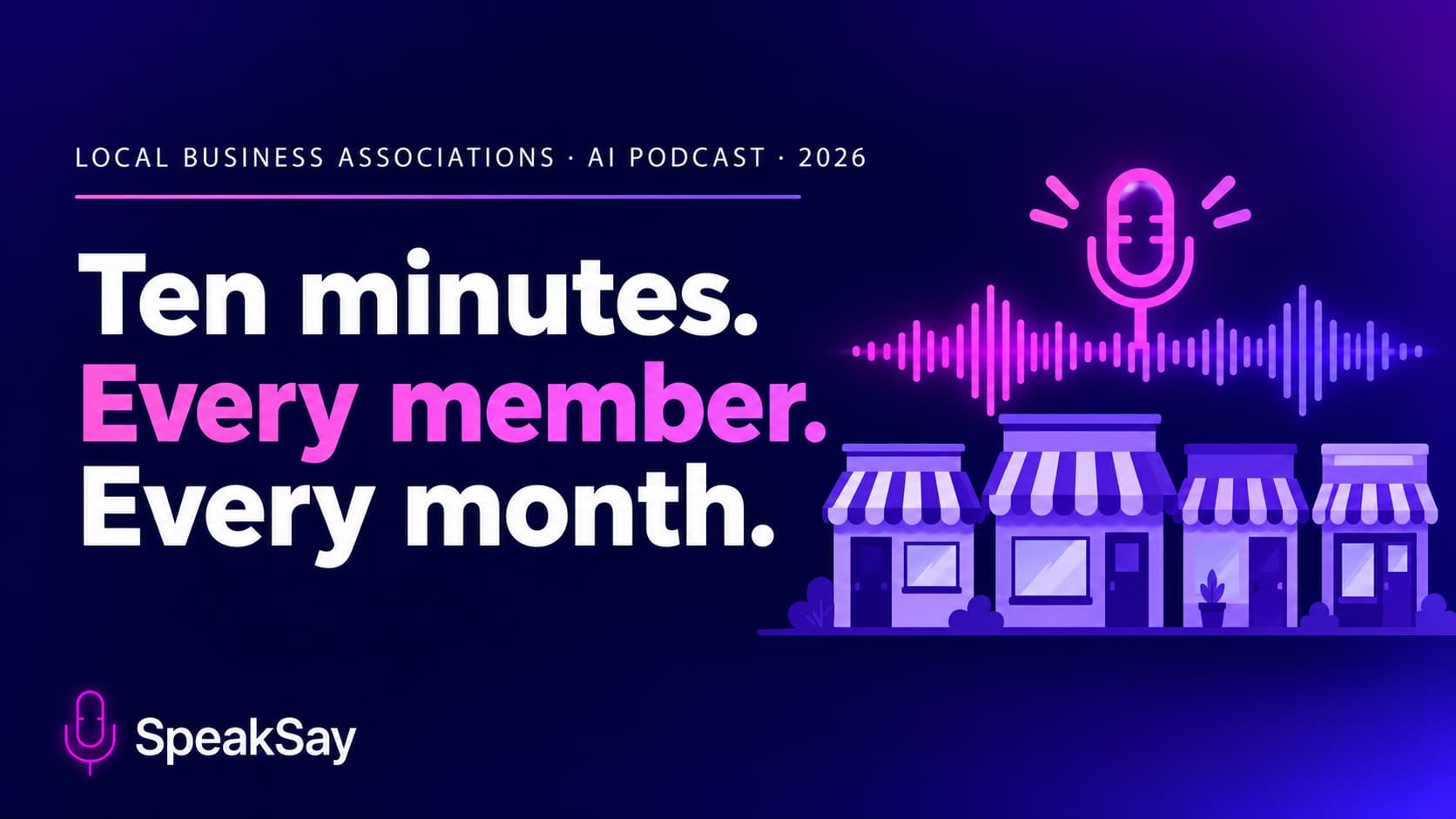
Members rarely read the monthly email from the chamber or business association. This guide shows staff and volunteers how to turn events, member news and policy updates into a ten-minute audio briefing with an AI podcast workflow, in a form members can hear while they work.
1) Why the monthly email gets skipped
A member who runs a bakery or a plumbing company reads on a phone between jobs, if at all. A long email with eight sections asks for focus that they do not have. Yet the content matters: a road closure, a licence deadline, a networking evening, a new member who could be a customer.
Audio fits that day. It works while hands are busy. We have no survey of association members and do not claim one. The idea is simple: give busy people a second way to get the same news.
2) A ten-minute format that fits the work
Keep the structure the same every month so members know what to expect.
- Cold open (30 seconds): the one thing every member needs to know this month.
- Dates and deadlines (2 minutes): events, filing dates, closures.
- Member spotlight (3 minutes): one or two members, with their agreement.
- Local policy note (2 minutes): plain-language update on a council or regulation item.
- Sponsor thanks and next month (1 minute).
The list above is a starting point. Shorten it if you have less news. A five-minute episode that is on time is better than a long one that slips.
3) Gather the sources once
You probably already have the material: the newsletter draft, the events calendar, a council agenda, member press releases. Collect them in one folder and let an AI podcast tool work from those, rather than from the open web.
- Use your own text as the source so the episode only says what you have approved.
- Add a short brief: audience (local business owners), tone (friendly and practical) and length (about ten minutes).
- Mark any dates and names you want said exactly.
The same workflow is described for a town paper in our guide to a local weekly audio edition, and for council coverage in the public meeting recap guide.
4) Script it for listening
An email reads in any order. Audio is linear, so the script needs signposts.
- Say the date and day together: "Thursday, November 12."
- Give a phone number or web address once, slowly, and put it in the show notes too.
- Replace "see below" and "click here" with "the link is in the show notes."
- Keep sentences short and put the point first.
Read the script aloud once. If you run out of breath, split the sentence.
Turn the newsletter into an episode
Start from your own text and produce a two-voice briefing.
5) Pick voices and keep them steady
Members should recognise the show in the first few seconds. Choose a host voice or a two-host pair and keep it every month. Preview several options in the voice library, and avoid any voice that sounds like a named local figure.
- Say in the first episode that the briefing is produced with AI voices from the chamber's own material.
- If your director wants to be heard, they can record the cold open themselves and let the AI voices carry the rest.
- Check how local business names and street names are pronounced before you publish.
6) Accuracy, sponsors and member news
- Accuracy: review the script against the source before generating audio. Read dates, fees and phone numbers once more.
- Sponsors: follow your sponsorship agreement for wording and placement. Do not add endorsements the sponsor has not approved.
- Member news: get permission to feature a member and share the draft with them first.
- Policy items: report what the document says, label opinion as opinion, and give a link to the original.
7) Distribute it and measure listens
Put the audio where members already look.
- Embed it at the top of the monthly email with a one-line summary.
- Post it on the members page of your site.
- Offer a private podcast feed if members want it on their phones.
Track simple signals: plays, email clicks and event sign-ups. Compare the months with and without audio, but do not expect a clean test. If you plan twelve episodes, compare the monthly plans with the lifetime plan, since a volunteer-run budget usually prefers a fixed cost.
8) FAQ
How long does a monthly episode take to produce?That depends on your sources and review process. Most of the time goes into checking the script, not generating the audio.
Do we need to disclose AI voices?We recommend saying so in the first episode and in the show notes. It builds trust with members.
Can we include sponsor messages?Yes, within the terms of your sponsorship agreement. Keep the wording approved and separate from news.
What if we have little news one month?Publish a shorter episode or a single-topic one rather than skipping. Consistency matters more than length.