Every Lot, Read Aloud: Audio Descriptions and QR Codes for Charity Silent Auction Bid Sheets (2026)
Guests at a silent auction rarely read the full lot description, and some cannot. A 30-second audio description behind a QR code on each bid sheet fixes both. Here is how a volunteer committee can script, generate and place them in an afternoon.
1. Why bid sheets get skimmed
A bid sheet has to carry a title, a value, a starting bid, a minimum raise and a row of lines for names. The description gets whatever space is left, usually in small print. Guests read the title and the value and decide in seconds.
Some guests cannot read the sheet at all: low vision, dyslexia, no reading glasses, or simply a dark room. Audio is a low-cost way to include them without changing the layout of the table.
2. What a lot description should say out loud
- What it is, in plain words. "A weekend cabin stay for up to six guests."
- Why someone would want it. One detail that sells it, not a list of every feature.
- What is included. Dates, extras, anything a winner would otherwise discover later.
- The donor, by name. Donors like being thanked, and guests like knowing who gave it.
- The practical bit. Where to bid, when bidding closes.
Leave out the long restrictions list. Say "see the sheet for dates and conditions" and keep the audio short.
3. A 30-second script template
- "Lot twelve: [name of the lot]."
- "[One sentence: what it is and who it is for.]"
- "[One sentence: the detail that makes it special.]"
- "Included: [two or three items]."
- "Generously donated by [donor]."
- "Bidding closes at [time]. Dates and conditions are on the sheet."
About 70 to 90 words fits in 30 seconds at a natural pace. Write numbers and dates the way you want them spoken ("November fourteenth", not "11/14") and read the script aloud once before generating anything.
4. Building the audio and the QR codes
For a committee with a few dozen lots, a spreadsheet is enough: one row per lot with the lot number, the script and a link column.
- Paste each script into SpeakSay text to speech, pick one warm, clear voice from the voice library and use it for every lot so the room sounds consistent.
- Listen to each file once. Fix names, brand names and anything that sounds off by adjusting spelling in the script.
- Host each file on a page or folder you control and copy its link into the spreadsheet.
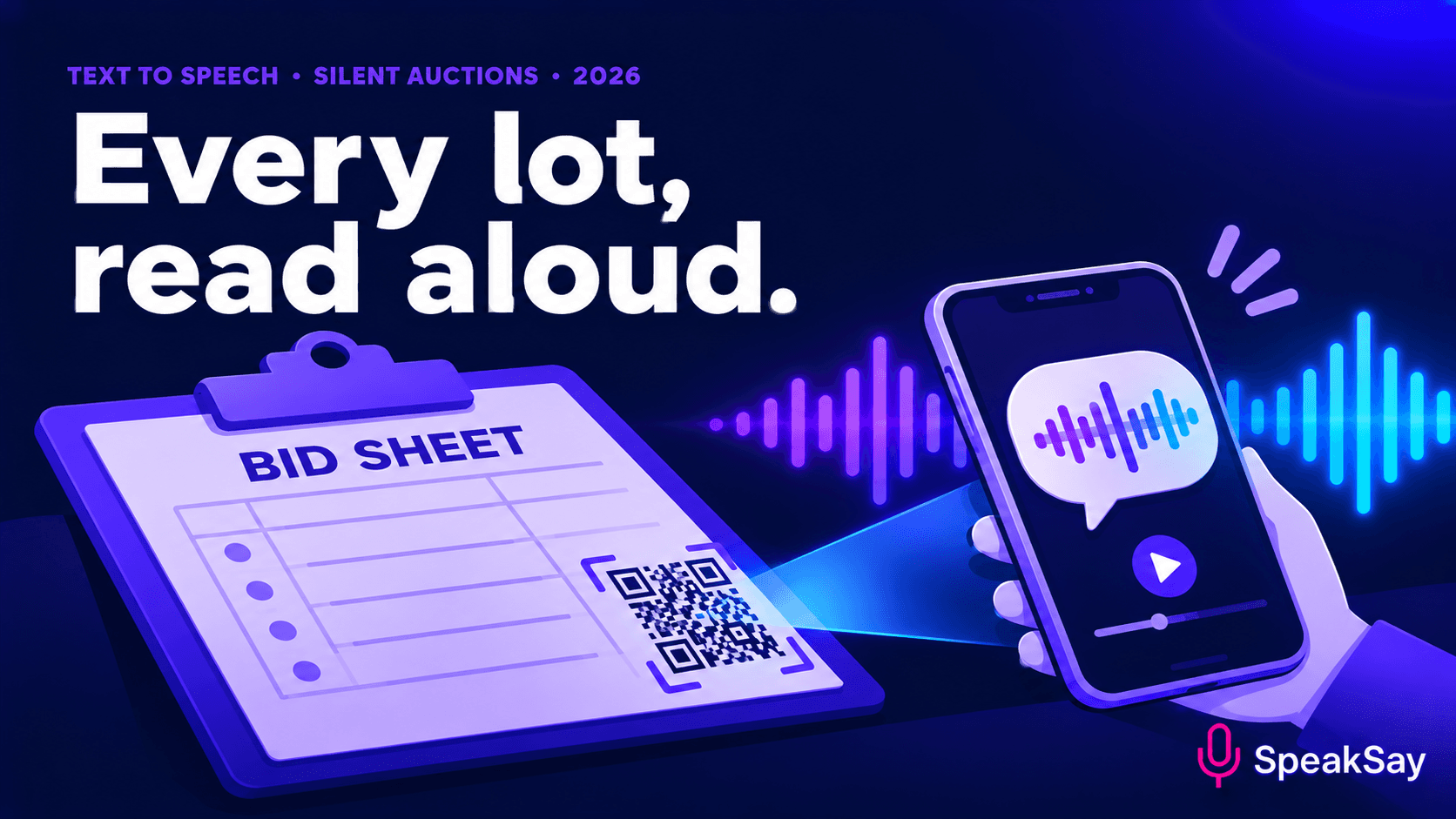
- Generate one QR code per link with any free QR generator and print it at a size a phone can scan from arm's length.
Test every code on two different phones before printing. A code that fails at the event is worse than no code.
Make the whole catalogue in one sitting
Generate every lot description in one consistent voice, then export the files for your QR codes.
5. Placement on the table and the sheet
- Put the code where a hand already goes. Top corner of the bid sheet, next to the lot number.
- Add a short label. "Scan to hear this lot" removes the guesswork.
- Offer headphones or a quiet corner. A loud room defeats audio; a few spare earbuds or a listening spot helps.
- Mention it in the programme. One line at check-in: "Every lot has an audio description."
- Keep the Wi-Fi in mind. If the venue has poor signal, print a QR code that opens an offline-friendly page or provide a small number of pre-loaded tablets.
6. What must stay written
Audio is for the pitch, not the paperwork. Keep these on the sheet and in the auction rules:
- Fair market value, starting bid and bid increments.
- Dates, blackout periods, expiry and transfer rules.
- Any tax or receipt wording your organisation uses. Ask your treasurer or adviser what applies to you; this guide does not give tax or legal advice.
- Safety or age restrictions on experiences.
If the audio and the sheet ever disagree, the sheet wins, and the audio should say so ("conditions are on the sheet").
7. Reusing the audio after the event
The same files can go on the auction's web page for online bidders, into the follow-up email for guests who did not bid, and into next year's template. Keep the spreadsheet; next year you only change the rows.
If you run several events a year, compare the Lifetime Plan with monthly options on the pricing page before you commit.
8. FAQ
Do guests need to install an app?No. A phone camera opens the link in the browser, and the audio plays on the page.
Should the audio sound human?It should sound clear and calm. Pick a natural voice, keep sentences short and listen for awkward pauses before printing.
How long should each description be?Aim for 20 to 40 seconds. Longer than that and guests stop listening.
Can volunteers do this without technical skills?Yes. The steps are copy, paste, listen and print. One person can handle a few dozen lots in an afternoon.