The Agenda Nobody Reads Twice: Turn a Conference or Event Schedule Into a 3-Minute Attendee Audio Briefing With Text to Speech (2026)
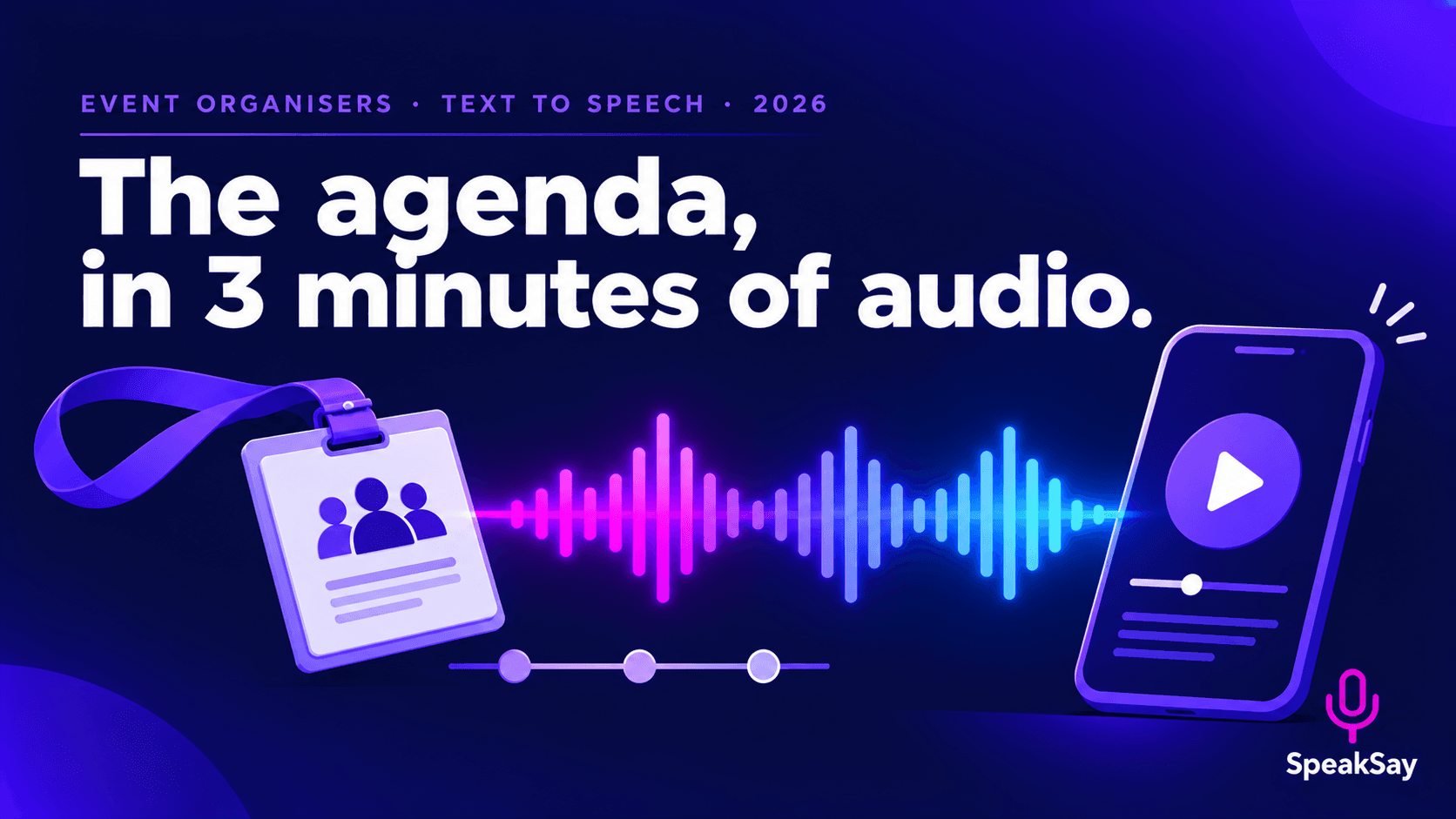
Attendees skim the pre-event email and then ask the same five questions at the door. This guide shows event organisers how to write a spoken-style script and turn it into a short audio briefing with text to speech, and how to update it when the schedule changes.
1) Why the pre-event email gets skimmed
A pre-event email has to do too many jobs. It is a schedule, a map, a rules page and a reminder, all in one scroll. Most people read the subject line, glance at the first lines and plan to come back to it. They rarely do.
Audio fits a different moment. People are in a car, on a train, walking to the venue or packing a bag. They cannot study a table, but they can listen for three minutes. We have not measured how many attendees will play a briefing; try it with one event and compare how many logistics questions you get at the door.
- The email stays. It is still the reference document.
- The audio is the briefing. It tells people the five things they need before they arrive.
2) What belongs in a 3-minute briefing
Three minutes is roughly 400 to 450 spoken words. That is not much, so be strict. A good order is:
- Welcome and one-line purpose. Event name, date, and what the day is for.
- Getting there. Entrance to use, where to park or which station, and when doors open.
- The shape of the day. Three or four anchor times, not the full schedule.
- The practical bits. Registration, Wi-Fi, food, quiet room, accessibility help.
- Where to find the rest. One sentence pointing to the full schedule online.
Leave out speaker bios, sponsor thanks and long housekeeping. Those can sit in the email or the programme.
3) Write for the ear, not the page
A schedule table does not read aloud well. Rewrite it as short sentences.
| On the page | For the ear |
|---|---|
| Reg. 08:00–09:00, Atrium | Registration opens at eight in the Atrium and runs until nine. |
| Keynote 09:15, Hall A | The opening talk starts at quarter past nine in Hall A. |
| Lunch 12:30–13:30 | Lunch is from half past twelve to half past one. |
Other habits that help:
- Say each important thing once, then once more at the end.
- Put the most important instruction first in each paragraph.
- Avoid acronyms unless attendees already use them.
- Use "you" and "we" so it sounds like a person.
4) Times, rooms and numbers
Text to speech can stumble on room codes, times and dates. Check each one by ear:
- Times: write "half past nine" or "9:30 a.m." and listen to how it is read.
- Room names: "Hall A" can be read as a word; spell it as "Hall A" and test.
- Dates: decide whether you say "the fourteenth of March" or "March fourteenth" and be consistent.
- Addresses and codes: read slowly and add commas for pauses.
Our numbers and dates normalisation guide covers the full pass, and our pronunciation fixes help with speaker and venue names.
Hear your schedule before attendees do
Paste your three-minute script into SpeakSay text to speech, pick a clear voice and check every time and room name by ear.
5) Make and share the audio
- Finish the script and read it aloud once yourself.
- Choose a voice from the voice library that is clear and warm rather than dramatic.
- Generate the audio and listen with headphones on a phone speaker, because that is how most people will hear it.
- Fix any mispronounced names or times and regenerate.
- Share it as a link in the confirmation email, in the event app and as a QR code on the registration page.
Add a short written line next to the link: "Three-minute audio briefing: everything you need before you arrive." People should know what they are about to play.
6) Keep it correct when the schedule changes
An audio briefing is only useful if it is right. Schedules shift, rooms change and speakers drop out.
- Keep the script in one document with a version date at the top.
- Re-generate the audio whenever a time, room or entrance changes. Re-doing a three-minute clip takes minutes, not a studio booking.
- Use the same link. If your hosting lets you replace the file, attendees do not need a new URL.
- Add a "last updated" line to the email and the audio's page so attendees know which version they have.
If a last-minute change happens on the day, announce it live and on signage as well. Audio is a pre-event briefing, not a loudspeaker.
Running events all year?
If you brief attendees for several events, a one-time plan can cost less than paying per minute for every clip.
7) What audio should not replace
- Emergency and safety information. Use venue-approved signage and announcements. Audio sent in advance is not a safety system.
- Accessibility information in text. Keep a written version for people who cannot or prefer not to listen, and for screen readers.
- Legal and registration terms. Keep these in writing.
- Language support. If attendees speak several languages, check translations with a native speaker before publishing.
Say in the briefing that the audio is generated from the organiser's script with text to speech. That is honest and it sets expectations.
8) FAQ
How long should an attendee audio briefing be?Aim for about three minutes, roughly 400 to 450 spoken words. Longer briefings tend to be skipped; put the detail in the written schedule.
Should I use my own voice or text to speech?Text to speech is quicker to update when details change. If you want your own voice, see our guide to voice cloning for your own recordings, and only clone a voice you have permission to use.
Where should I put the audio link?In the confirmation email, in the event app or page, and as a QR code at registration or on printed programmes.
Can the audio include sponsor messages?You can, but keep them short and clearly separate from logistics. Check sponsor agreements for any wording requirements.
Does this work for small events?Yes. Workshops, club meetings and community days all benefit from a short "what to expect" clip, often more than large conferences with event apps.