Your Back Catalogue Says "This Year" and It's Three Years Old: Re-Rendering Dated Lines Without Re-Recording (2026)
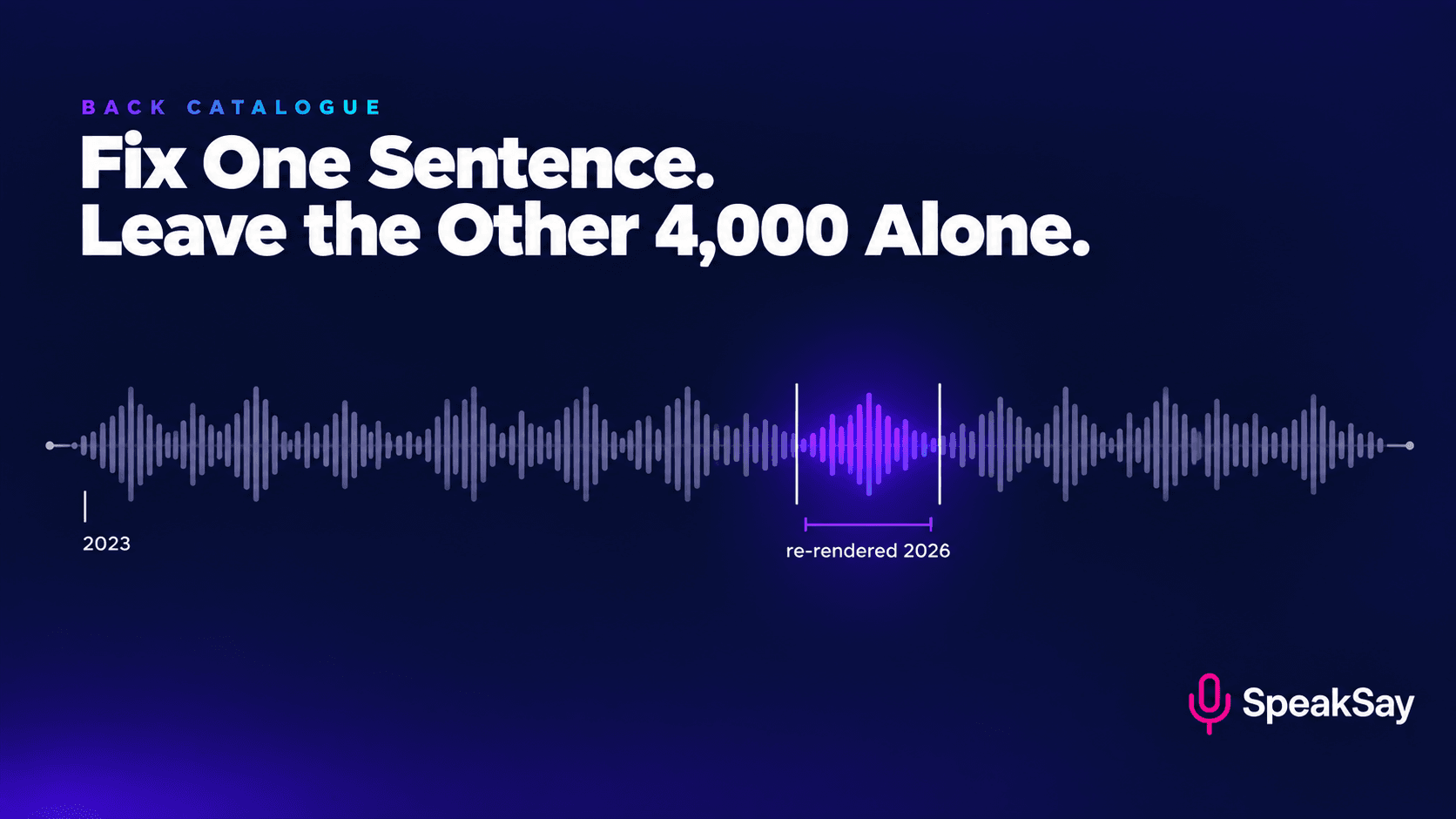
Your best-performing video still says "the current version is 4.2" and the current version is 9. You can't edit a published file, re-uploading loses the watch history, and a human narrator cannot re-record one sentence to match a session from three years ago. A stored voice can — if you wrote the script so it could be patched.
1. The back-catalogue rot problem
Evergreen content is the best asset a creator builds. A tutorial published in 2023 can still be the top result in 2026, still pulling traffic, still converting, still earning — and old videos routinely find second lives when a topic returns to relevance. This is the whole argument for building a library rather than chasing a feed.
It also decays, in a specific and predictable way. Roughly six categories of line go stale:
| Category | Example | Typical half-life |
|---|---|---|
| Prices and plan names | "the Pro tier is $19 a month" | 6–18 months |
| Version numbers and UI paths | "click Settings, then Advanced" | 6–24 months |
| Relative time references | "last year", "as of this year", "recently" | 12 months |
| Named products and companies | "use X for this" — X since acquired, renamed or shut down | 2–4 years |
| Statistics and figures | "about 40% of users" | 1–3 years |
| Policy and rule statements | "the threshold is 1,000 subscribers" | Unpredictable — can break overnight |
The damage is not evenly distributed. One wrong price in an otherwise excellent tutorial does more harm than its share of the runtime, because it is the sentence a viewer acts on — and when it turns out to be wrong, it retroactively puts every other claim in the video in doubt. The top comment becomes a correction, and the correction is the first thing the next viewer reads.
The available responses, and what each one actually costs:
- Edit the description. Free. Almost nobody reads it, and it does not reach the listener who is not looking at the screen.
- Add a correction card or a pinned comment. Cheap and legitimate; platforms increasingly support a structured correction. Still requires the viewer to be watching the screen at the right moment or to read comments first.
- Add an on-screen text overlay. Requires re-processing, and again misses the audio-only listener entirely.
- Re-upload the whole thing. Fixes the content and destroys the asset: the view count, the watch history, the comment thread, the backlinks and the ranking that made it worth fixing.
- Re-record the line. Historically the correct answer and historically impossible. A human narrator in 2026 cannot reproduce their own 2023 room, mic position, health, energy and speaking rate closely enough for a one-sentence patch to be invisible.
- Leave it. The default, chosen by attrition.
2. Why patching is newly possible — and what it requires
A stored synthetic voice does not age. It has no room, no microphone position, no allergies, no bad night's sleep and no drift in speaking rate. Render a sentence today with the same voice and the same settings you used in 2023 and you get audio that matches — not approximately, but exactly, in the sense that matters for a patch.
This is the single most under-exploited property of generated narration, and it flips a long-standing assumption: published audio has always been immutable in practice, and it no longer is.
Three conditions have to hold, and the whole rest of this article is about arranging them in advance:
- The voice still exists and is unchanged. You used a voice you own or control, and you can still generate from it with the same configuration. A pooled platform voice that may be revised or retired does not give you this; your own clone or a voice you have stored does.
- The settings were recorded. Not just "the narrator" — the rate, pitch, style controls and any model or version identifier. A voice at a different rate is a different voice for patching purposes.
- The script is separable. The dated fact lives in its own sentence, with clean boundaries, rather than embedded in the middle of a clause that also carries three things that are still true.
Condition three is the one that has to be designed in at writing time, and it costs nothing if you do it then and is often impossible to retrofit. It is section 3.
Keep a voice you can still use in three years
Patching only works if the voice, the settings and the file all still exist. Own the voice rather than renting it.
3. Write for re-rendering: the script convention
This is the new habit, and it is the whole article compressed into one idea: isolate every dated fact in its own sentence, with a clean pause on both sides.
Compare:
| Not patchable | Patchable |
|---|---|
| "You'll want the Pro plan, which is nineteen dollars a month and includes the export feature we're about to use." | "You'll want the Pro plan. It's nineteen dollars a month at the time of recording. That's the tier with the export feature we're about to use." |
| "As of this year, the threshold is a thousand subscribers and four thousand watch hours." | "There's a subscriber and watch-hour threshold. When this was recorded, it was a thousand subscribers and four thousand hours. Check the current numbers before you plan around them." |
| "Open Settings, then Advanced, then Export, and you'll see the option at the bottom." | "Open Settings. As of this recording, the option is under Advanced, then Export, at the bottom. Menus move; the feature is what matters." |
The right-hand column is slightly longer and slightly less elegant. It is also patchable in ninety seconds, three years from now, without touching a syllable of the surrounding narration.
The six rules
- One dated fact per sentence. If two facts with different half-lives share a sentence, you will have to re-render both to fix one.
- Never start or end a patchable sentence with a connective. "And it's nineteen dollars" cannot be swapped out cleanly; "It's nineteen dollars" can. This is the same rule that governs any modular audio.
- Anchor the claim in time, out loud. "At the time of recording" / "when this was made". Two things follow: the viewer forgives an out-of-date figure they were warned about, and you buy yourself the option of not patching at all.
- Put the durable version of the claim next to the perishable one. "Menus move; the feature is what matters" survives every future UI change. The specific path is the disposable part.
- Avoid relative time entirely. "Last year" is unfixable without a patch and meaningless on re-listen. Say the year: "in 2026". Absolute dates age honestly; relative ones age wrongly.
- Keep the patchable sentence out of the first fifteen seconds. Hooks get clipped, quoted and reused; a patched hook creates version mismatch across your Shorts and promos.
Adopt these six and your future self can maintain a catalogue. Ignore them and every fix is a re-upload.
4. The archive schema (five things, one folder)
Per published piece, one folder. Five items. This is boring and it is the entire enabling condition.
| Item | Why it matters in three years |
|---|---|
| 1. The final script, as generated — including your respellings, pause markers and any tags | You must re-render from the same text conventions or the patch will not match. The published transcript is not sufficient. |
| 2. The voice identifier — which voice, which clone, which version | Obvious until you have forty videos and six voices |
| 3. The settings — rate, pitch, style, stability/expressiveness controls, model or engine version | The most commonly missing item, and the one whose absence makes patching impossible. Write the numbers down. |
| 4. The un-mixed narration stem — voice only, before music, ducking or mastering | You patch the stem and re-mix, not the finished master. Without the stem you are trying to cut a clean line into a mix. |
| 5. A room-tone / silence sample — 10 seconds from the final mix with no speech | Used to bed the patch so the seam does not announce itself. See section 7. |
Name the folder after the slug or the video ID, not the title — titles change. Keep the folder wherever your finished files live, not in a separate "archive" location you will forget about. And add one line to the top of the script file: the publication date and the last-patched date.
5. Patch, re-upload, or leave it: the decision table
Not every stale line is worth fixing, and patching a video nobody watches is a waste of a good habit.
| Situation | Action |
|---|---|
| One or two dated lines; video still gets meaningful traffic; you have the archive | Patch — this is the case the method exists for |
| A wrong figure someone might act on (price, threshold, dosage, deadline) | Patch, and do it this week. Plus a correction card. This is the highest-priority category. |
| Line is merely dated but harmless, and you anchored it in time out loud | Leave it. The anchor is doing its job. |
| Five or more lines stale, or the structure of the advice has changed | Re-make as a new video and link the old one to it. Do not patch a video into a different video. |
| Low traffic and no conversion role | Leave it, or unlist if it is actively wrong |
| No archive — voice or settings lost | Correction card + description edit. Then fix the archive habit so this is the last time. |
| Podcast episode in an RSS feed | Patch and replace the file. Easier than video: no re-upload penalty, same GUID, same URL. Note the change in the episode notes. |
| Audiobook or course module | Patch and re-submit per the platform's revision process, with the change documented |
| The whole premise is now wrong | Unlist or remove, and say why in a new piece. A patch cannot rescue a false premise and should not be asked to. |
One structural note that makes podcasts and audiobooks much better candidates than video: replacing a file in a feed or a retail catalogue does not reset anything. Video platforms penalise re-uploads by design; feeds do not. If you publish both, patch the feed version first — it is free.
6. The patch procedure, step by step
- Locate the line in the archived script, not by ear in the audio. You want the exact text as generated, including any respellings.
- Rewrite only the dated sentence. Keep the word count within roughly ±20% of the original if you can — a patch that changes the segment's length by a lot will need the surrounding pauses re-timed.
- Re-render with the archived voice and settings. Exactly those settings. If your platform has updated its model since, render both the new line and a copy of an adjacent unchanged line, and compare the adjacent one to the original in the old file. If it matches, you are safe. If it does not, the model has moved and you need to re-render the whole surrounding paragraph rather than one sentence.
- Open the narration stem, not the finished mix.
- Cut at the silences either side of the old sentence, at the zero-crossing, in the middle of the existing pause rather than at the edge of speech.
- Drop the new sentence in and rebuild the pauses to match the original durations, measured — not eyeballed.
- Bed the seam with room tone (section 7).
- Re-mix and re-master the whole piece with your original settings. Do not patch a mastered file; the limiter behaves differently on the new segment.
- Listen to the 30 seconds around the patch three times — once at 1.0x, once at 1.5x (speed listening exaggerates seam artefacts), once on a phone speaker.
- Publish per the medium: replace the file in a feed, or re-upload only where the platform permits replacing a file without a new URL. For platforms that do not, the patched audio goes into the next full re-make — combined with a correction card now.
- Update the archive: new script, new last-patched date, keep the previous script version.
Steps 1–8 take about fifteen minutes once you have done it twice. That is the whole point: the reason back catalogues rot is not that fixing is hard, it is that fixing used to be impossible.
Re-render a line and hear whether it matches
Try it on an old script before you commit to the workflow — generate one sentence and compare it to the published file.
7. Making the seam inaudible
A patch is detected at its edges, not in its middle. Four things give it away, in order of how often they do:
| Tell | Cause | Fix |
|---|---|---|
| A hole in the background | The original mix has a noise floor, a music bed or a tone bed; your patch is digitally silent underneath | Lay the archived room-tone sample continuously under the patched region, matched in level. This is the single most important step and the reason item 5 is in the archive. |
| A level step | New render sits 1–2 dB off the surrounding speech | Match by measuring the adjacent sentences, not by ear. Nudge the patch, never the neighbours. |
| A pause that is the wrong length | You rebuilt the pauses by feel | Measure the original gaps before cutting and reproduce the durations exactly |
| A tonal shift | The engine or model version changed since the original render | Widen the patch to the whole paragraph so the shift happens at a section boundary rather than mid-thought — and record the new model version in the archive |
One counter-intuitive point: if you must choose between a perfect audio match and a slightly longer patch, take the longer patch. A one-sentence replacement with a tiny tonal mismatch is more noticeable than a whole-paragraph replacement that is internally consistent, because the ear detects change against its immediate neighbours.
8. The annual audit
Once a year, two hours. Do it in the same week every year so it happens.
- Pull your top 20 pieces by traffic over the last 12 months. Not by lifetime views — by recent traffic, because that is what is being watched now.
- Open the archived script for each and search for six things: currency symbols, digits, "this year" / "last year" / "recently" / "currently", version numbers, product names, and the word "free".
- Flag each hit as: still true / stale but anchored / wrong.
- Fix everything in the "wrong" column using the decision table. Ignore "stale but anchored" — that is the anchor working.
- Check the top comment on each of the 20. If the top comment is a correction, that item goes to the top of the queue regardless of what your script search found.
- Note anything that has drifted so far it needs re-making, and schedule it as new production rather than maintenance.
- Verify the archive is complete for anything published since the last audit. Missing settings are the failure that only shows up when you need them.
Two supporting moves worth pairing with the audit, neither of which involves audio: refresh titles and thumbnails on evergreen pieces at the same time, and — where the platform supports it — attach a structured correction rather than relying on a pinned comment. But do not use a "2026" title on content you have not actually updated. A freshness signal that the content does not honour is a bad trade: it wins one click and loses the credibility that made the piece evergreen.
9. Honesty rules: what a patch must not do
Seamless audio editing of published work is a capability, and capabilities need boundaries. Four rules:
- Fix facts, not positions. Correcting a price is maintenance. Quietly re-rendering an opinion you no longer hold, or a prediction that turned out wrong, is rewriting the record. If you were wrong, say so in a new piece.
- Never patch something you were criticised for without saying you did. Silently removing the line the comments are about, leaving a thread of comments that now reference nothing, reads exactly as badly as it sounds.
- Note substantive patches publicly. One line in the description or episode notes: "Updated September 2026: pricing figures corrected." It costs nothing, and it converts an invisible edit into a visible commitment to accuracy.
- Do not patch someone else's voice. If a video includes a guest, an interviewee or any real person's recorded audio, that audio is not patchable material. Generating new words in a real person's voice to fix an old file is a different act entirely, whatever the intention, and it requires their explicit consent at minimum.
Platform rules on modifying published content and on synthetic-audio disclosure vary and have moved quickly in 2026. This is general information about production practice rather than legal advice; check the current terms for the platforms you publish on.
Build a catalogue you can still maintain in 2029
Store the voice, store the settings, and keep every future fix to fifteen minutes instead of a re-shoot.
10. FAQ
Can I really re-render one sentence years later and have it match?If the voice, the settings and the engine version are unchanged, yes — that is the property that makes this possible at all, and it is the one thing synthetic narration does that a human narrator cannot. The usual failure is not the voice; it is that nobody wrote down the settings. If the platform's model has been updated since your original render, widen the patch to the whole paragraph so any tonal shift lands at a natural boundary.
Should I just re-upload the video instead?Almost never. A re-upload resets views, watch history, comments, backlinks and ranking — all the things that made the video worth fixing. Re-make it as a genuinely new piece if five or more lines are stale or the underlying advice has changed; patch if it is one or two facts.
How do I fix a line if I never kept the voice settings?You mostly cannot patch invisibly, so use a correction card plus a description note, and schedule a re-make if the piece matters. Then start the archive habit — five items in one folder per publication — so that this is the last time you are in this position.
Is patching easier for podcasts than for video?Considerably. Replacing the audio file behind an existing episode in your feed keeps the same GUID and URL and resets nothing, so there is no penalty at all. Video platforms treat a replaced file as a new upload. If you publish the same material in both formats, patch the feed version first.
Should I write "at the time of recording" into everything?Into anything with a figure, a price, a version or a menu path — yes. It costs four words, it earns the viewer's forgiveness when the figure ages, and it frequently means you do not need to patch at all. What you should stop writing entirely is relative time: say "in 2026", never "last year".
Do I have to disclose that I patched a line?For a factual correction, a one-line note in the description or episode notes is good practice and takes seconds. For anything more substantive than a corrected number — a changed recommendation, a removed claim, a line people commented on — disclose it clearly. Silent edits to the substance of published work are the thing that makes an audience stop trusting a catalogue.


