One Mic, Five Characters: How Animators and Indie Filmmakers Can Make Animatic Scratch Dialogue With Distinct Character Voices Using Voice Remix (2026)
An animatic needs dialogue to judge timing, but a team of two cannot record five distinct characters. Here is a workflow that keeps your own timing and gives each character a different voice, plus the rules for when scratch audio must be replaced.
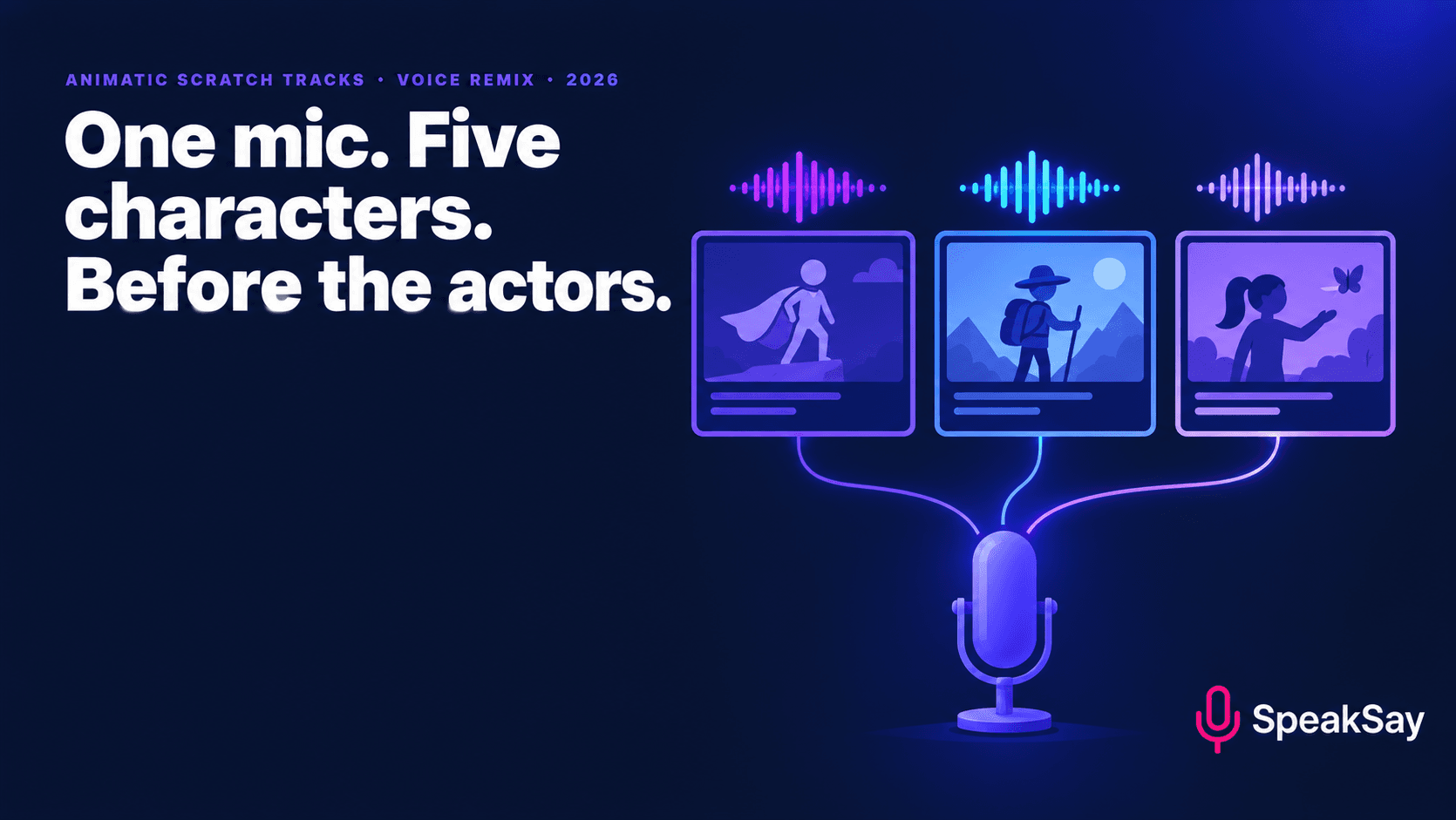
1) What Scratch Dialogue Is For
An animatic is a rough moving preview of a film: storyboard panels timed to sound, often with simple camera moves. Scratch dialogue is the temporary voice track that sits under it. Animation production guides describe it as a stand-in for the final performance that gives you a reference for pacing, character interaction and emotional beats, and for timing action to speech. The reason to do it early is cost: problems found while the film is still a set of drawings are cheaper to fix than problems found in finished animation.
- Pacing: does the scene breathe, or does it drag?
- Clarity: can a viewer tell who is speaking and what they want?
- Feedback: a director, producer or test audience can react to something they can hear.
- Planning: scene lengths give you a better estimate of the schedule and budget.
Scratch is not the final track. It is the thing you build the final track around, so the aim is clear and quick, not polished.
2) The Problem With Doing All the Voices Yourself
The usual shortcut is to read every role into a phone. It gets you timing, but it has costs that show up in the first screening:
- Everyone sounds like you, so test viewers cannot tell who is speaking and blame the story.
- Impressions drain energy. By the fourth character the "villain voice" is a sore throat.
- Gender and age mismatches distract from what the scene is trying to do.
- Re-reads are painful. Every script change means a new recording session.
Hiring actors for scratch is expensive and slow; text to speech alone usually gives you the right voices but the wrong timing, because a synthetic read has no sense of the beat you meant. The in-between method, which keeps your timing and changes the voice, is voice conversion.
3) The One-Mic Workflow
- Prepare a clean script. One line per row: scene, character, line, intended duration. Mark pauses and any non-verbal sounds.
- Record every part yourself, in order. Perform, do not read. Stay in one room and one microphone position so the files match. Say the character name before each take so you can find it later.
- Clean the audio. Remove background hiss with the free noise remover and level the files with the audio normalizer.
- Split by character. Cut the recording into one file per character, with the original timing intact.
- Convert each character. In SpeakSay Voice Remix, give each character file its own voice, so the performance and timing stay yours and the voice changes.
- Drop the files into the animatic. Check timing against the panels and adjust the cut, not the performance, where you can.
Try one character before you do the whole film
Record a ten-second line in your own voice and run it through Voice Remix with two or three different voices. You will know in five minutes whether the method fits your project.
4) Give Each Character a Voice You Can Tell Apart
Scratch casting is not about the perfect voice. It is about contrast. A viewer should be able to close their eyes and know who is speaking.
| Contrast to aim for | Example |
|---|---|
| Pitch | A high, quick sidekick and a low, slow mentor |
| Pace | A character who rushes and one who pauses |
| Age | A child, a parent and a grandparent in the same scene |
| Energy | One calm, one anxious, one aggressive |
Write a one-line voice note for each character ("warm, slightly tired, speaks in short sentences") and pick the voice from that note, not from a name or a fan memory. Keep to original characters of your own invention; do not aim a voice at an existing cartoon character or real person.
For a larger cast, our guide on character voices for puppet shows uses the same one-voice-in, many-voices-out idea.
5) Locking Timing Without Locking the Performance
- Record in context. Read the other character's line before yours so the rhythm of the exchange is real.
- Leave space. Add a beat of silence before and after each line; it is easier to trim than to add.
- Mark the keeper takes. A short tone or a spoken "keep" helps in a long file.
- Check overlaps. Where characters interrupt, record the overlap separately so each voice can be moved independently.
- Version your audio. Save v1, v2 and so on, so the cut can be rolled back.
6) When Scratch Must Be Replaced
Treat converted scratch as temporary unless you have decided otherwise. Replace it when:
- You are screening outside the team, entering a festival or pitching for funding.
- The film depends on subtle acting, comic timing or emotional nuance.
- You plan to release the audio publicly, where you should check platform rules on AI voices and label them.
- A performer's contract or union agreement applies; check before you use any recorded voice.
Many teams keep scratch for the early cuts, then replace the key scenes with actors once the story is locked. The scratch track still earns its keep: the actors can match the timing you tested.
7) File Naming and Hand-Off
- Name files
scene-character-line-take, for example03-mira-04-t2. - Keep an untouched "raw" folder with your original recordings.
- Keep a "converted" folder per character.
- Store a short text file listing the voice used for each character, so a collaborator can recreate it.
- When actors are cast, give them your scratch audio and the script together, so they hear the intended timing.
Keep the toolkit for the next project
Animatics come in batches: a pilot, a pitch, a series. See the plans, or the lifetime option if you expect to use character voices across projects.
8) Frequently Asked Questions
What is the difference between scratch dialogue and a final voice track?Scratch is temporary audio used to time and test the story. The final track is the performance that ships with the film. Scratch can be rough; the final track must be clean, cast and cleared.
Why not just use text to speech?Text to speech gives clean voices but its timing comes from the model, not from you. Recording the lines yourself and changing the voice keeps the beats you meant. Use text to speech for quick placeholders where timing does not matter.
Can I use converted voices in the finished film?That depends on your platform, distributor, contracts and the voices' licence terms. Check them before release, label AI voices clearly and do not imitate real people or existing characters.
How many voices do I need?As many as there are speakers a viewer must tell apart in one scene. Background characters who never talk to each other can share a voice in scratch.
Does this work for a storyboard pitch deck?Yes. A short animatic with distinct voices is easier to follow than a silent deck, and it takes an afternoon to make.
One-Page Checklist
- One script, one line per row, with scene, character and target duration.
- Record every part in one room, one mic position; say the character name before each take.
- Remove noise and level the files; split by character.
- Convert each character with Voice Remix; aim for contrast in pitch, pace, age and energy.
- Keep your timing; trim the cut, not the performance.
- Keep raw and converted folders separate; note the voice used per character.
- Treat scratch as temporary; replace it before any outside screening.
- Use original characters only; label AI voices if you release the audio.


