One Puppeteer, Five Puppet Voices: Pre-Record Your Puppet Show Tracks With Voice Remix (2026)
Many puppet teams already perform to pre-recorded tracks, so puppeteers can focus on movement instead of microphones and lines. The hard part is the recording: two good voices, five characters, and everyone sounding like everyone. Here's how to record every part yourself, remix each character into a distinct voice, and build a track your puppeteers can sync to.
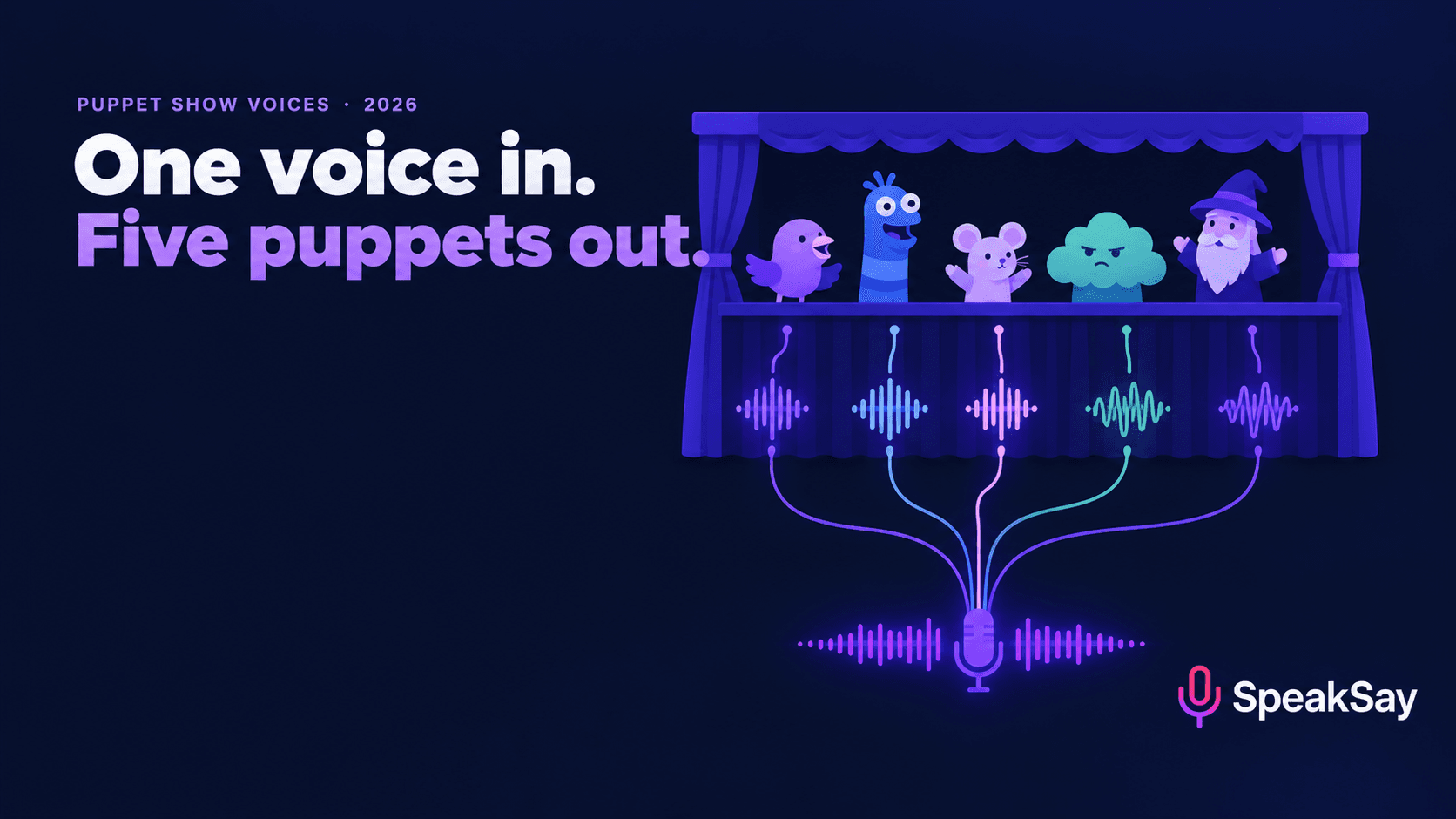
1. Why puppet teams pre-record
A Pathfinder club's published puppet skit describes the approach plainly: the audio "was pre-recorded ahead of time so that all the puppeteers had to do during the performance was concentrate on moving their puppets", which "eliminates all the hassles of microphone placement, as well as the fear of flubbed lines" (Pathfinder Wiki). They recorded several takes of each line, edited together the best ones, and pinned the script inside the puppet stage so puppeteers could follow along. They also noted that a larger group can separate voice roles from puppeteer roles.
The benefits stack up:
- Puppeteers focus on movement. Lip-sync, entrances, reactions and eye focus all improve when nobody is also trying to project a voice through fabric.
- No mic problems. Live puppetry behind a stage is a hard place to mic well, especially in a church hall or school gym.
- Consistent shows. The tenth performance sounds like the first, which matters for touring teams and repeat programmes.
- Nervous performers relax. People record better with no audience watching.
- Anyone can puppeteer. Someone who's a natural with a puppet but shy about speaking can still take a lead role.
2. The real bottleneck: too few voices
Pre-recording moves the problem rather than solving it. Now it's a recording session, and the question becomes who voices what.
| Problem | What it sounds like |
|---|---|
| Same few voices for every character | The audience, especially children, can't tell who's talking without watching mouths closely |
| Volunteers who can't "do voices" | Flat or self-conscious delivery, or a strained, cartoonish pitch that's hard to sustain |
| Vocal strain | The one person who can do the gravelly giant can't keep it up across a full script and several retakes |
| Scheduling | Getting five volunteers in the same room for a recording session is harder than the show itself |
| Recurring characters drift | Your team's signature puppet sounds different every season because a different person voiced it |
The fifth row matters more than it looks. Recurring puppet characters are a big part of why kids remember a programme. If the character's voice changes each year, you're losing something you built. We made the same argument for online creators in our guide to recurring character hosts.
3. Why remix, not text-to-speech
You could type the script into a text-to-speech tool and pick five voices. For puppet shows that usually disappoints, and the reason is timing. Puppet comedy and children's storytelling live on reactions, interruptions, sudden shouts, long dramatic pauses and silly sound effects made with the mouth. Text-to-speech generates delivery from the words and punctuation, so it can't know that the puppet should gasp, wait two beats, and then whisper.
Voice remix works the other way. A person performs the line with all of that timing, and the remix changes the voice while keeping the performance: the pauses, the emphasis, the speed-up when the character panics. That's exactly what puppeteers need to sync to.
| Text-to-speech | Voice remix | |
|---|---|---|
| Who controls timing | The tool | Your performer |
| Reactions, gasps, laughs | Limited and generic | Whatever your performer does |
| Needs a confident voice actor | No | Needs someone willing to perform, but not someone who can do voices |
| Best for | A neutral narrator, announcements | Characters |
A good combination: text-to-speech for a calm narrator who links the scenes, remix for every character. The difference between a performed line and a generated one is the same issue our comedy timing guide covers.
Clean the recording first, free
Church halls and classrooms echo. Run your raw takes through SpeakSay's free audio tools to remove noise and level the volume before you remix.
4. Casting your puppet company
- Cast for contrast. Children recognise characters by voice. Make each puppet's voice clearly different in pitch, texture and pace from every other puppet that shares its scenes.
- Match voice to puppet, not to the performer. A tiny mouse puppet with a deep voice is a joke; make sure it's one you meant.
- Keep a voice sheet. For each recurring puppet, write down which remix voice and settings you used. That's how the character sounds the same next year, whoever performs it.
- Don't imitate famous characters. Give your puppets original voices. Sounding like a well-known TV puppet or a celebrity causes rights problems and makes your character forgettable.
- Test with the puppet in front of you. Play the remixed voice while someone holds the puppet up. If it doesn't feel right with the physical puppet, it won't on stage.
Our guide to giving every character a distinct voice was written for tabletop game masters, but the contrast principles carry straight over. If you need cross-gender character voices that don't sound like chipmunks, see our character voice changer guide.
5. Recording for lip-sync
Puppeteers sync mouth movements to syllables. The recording has to make that possible.
- Articulate clearly. Mumbled or swallowed syllables give the puppeteer nothing to sync to. Hit consonants and finish word endings.
- Slightly slower than natural. Live puppet lip-sync can't follow very fast speech. Deliver a touch slower than you'd speak, especially for long lines.
- Leave cue gaps. Allow a beat before a character's first line so the puppeteer can bring it up, and a beat after an exit line. Add longer gaps for entrances, scene changes and physical comedy.
- Record in scene order, playing every part. If one person performs all the characters, record the scene straight through so reactions and timing land naturally. Then split the recording by character, remix each character's lines, and put them back in place. This keeps the rhythm of a real exchange, which recording each character separately often loses.
- Several takes of key lines. As the Pathfinder team did, record a few versions and keep the best.
- A quiet room beats a good microphone. Record somewhere with soft furnishings. Remix works best on clean input.
6. Building the show track
- Assemble the remixed lines in scene order, keeping the original timing.
- Add music and sound effects where the script calls for them, at a level well under the voices.
- Insert the cue gaps you planned, and a short count-in or musical sting at the start of each scene so the team knows it's coming.
- Normalise the loudness so the quiet grandmother and the shouting dragon both carry in the room. SpeakSay's free audio normalizer handles this.
- Export one file per scene as well as the full show. Separate scene files make rehearsing and recovering from a mistake much easier.
- Make a puppeteer script with each line's start time, pinned inside the stage as the Pathfinder team did.
- Keep a backup copy on a second device. A failed laptop is the most common way a pre-recorded show goes wrong.
For seasonal programmes, our Christmas program guide covers playback in halls and sanctuaries in more detail, including which parts should stay live.
Give every puppet its own voice
Perform the whole scene yourself, then remix each character into a distinct voice with SpeakSay Voice Remix. Your timing, their voices.
7. Digital puppets and puppet channels
The same workflow works online. Puppet channels for children, story accounts and animated-puppet creators all face the same one-performer, many-characters problem.
- Physical puppets on camera. Record the remixed track first and film the puppets performing to playback, exactly as on stage. You can redo a shot without redoing the voice.
- Digital puppets. Animation tools such as Adobe Character Animator can compute lip-sync from a pre-recorded audio file: import the audio, select the puppet and generate the lip-sync take from the scene audio (Adobe Community). Remixed character tracks work as input, one track per puppet.
- Consistency across episodes. Use your voice sheet so the character sounds the same in episode forty as in episode one.
8. Rules: children's voices, real characters and disclosure
Many puppet teams include children, and many audiences are children. Be strict.
- Children recording their own parts: fine with a parent's or guardian's consent, as many teams already do.
- Remixing a child's recording: get the parent's or guardian's consent for that specifically, and tell them how the audio will be used and whether it will be posted publicly.
- Never clone a child's voice. Remix converts a performance into a different voice; it shouldn't be used to build a reusable model of a child.
- Don't post children's raw recordings online without consent, and don't keep them longer than you need.
- No real people. Don't make a puppet sound like a real person (a pastor, a teacher, a celebrity) without their permission. Even affectionate impressions can land badly.
- No famous characters. Original puppets get original voices.
- Disclose online. If you publish videos with remixed voices, follow the platform's AI-content disclosure rules. A short line in the description is good practice anyway.
9. FAQ
Should puppet shows use pre-recorded voices or live voices?Pre-recorded tracks let puppeteers focus on movement and remove microphone problems and forgotten lines, which is why many puppet ministries and school teams use them. Live voices allow ad-libbing and audience interaction. Some teams pre-record the characters and keep a host or narrator live.
How can one person voice every puppet in a show?Record the scene straight through performing every part, split the recording by character, and convert each character's lines into a distinct voice with voice remix. The timing and energy stay; each puppet gets its own voice.
Is voice remix better than text-to-speech for puppets?For characters, usually yes. Puppet shows depend on timing, reactions and physical comedy, which a performer provides and text-to-speech can't infer from the script. Text-to-speech works well for a neutral narrator.
How do I make a recording easy for puppeteers to lip-sync?Articulate clearly, speak slightly slower than normal, leave a beat before first lines and after exits, and give puppeteers a script with line times.
Can children in our puppet team record their voices?Yes, with parental or guardian consent. Get specific consent before remixing a child's recording or posting it publicly, and never build a voice clone of a child.
Does this work for digital puppets?Yes. Tools such as Adobe Character Animator can generate lip-sync from pre-recorded audio, so remixed character tracks can drive digital puppets directly.


