Audible Just Built a Screen to Show Who's Talking. Your AI-Narrated Audiobook Has to Do It With Sound Alone (2026)
Audible's new Character Guide shows listeners who is speaking in real time, because following a cast by ear is hard. Your indie audiobook won't get that screen. Here is the "ear edit" that makes dialogue followable by sound alone: tagging rules, how to voice thoughts, scene-break pauses, character contrast, and a ten-minute test.
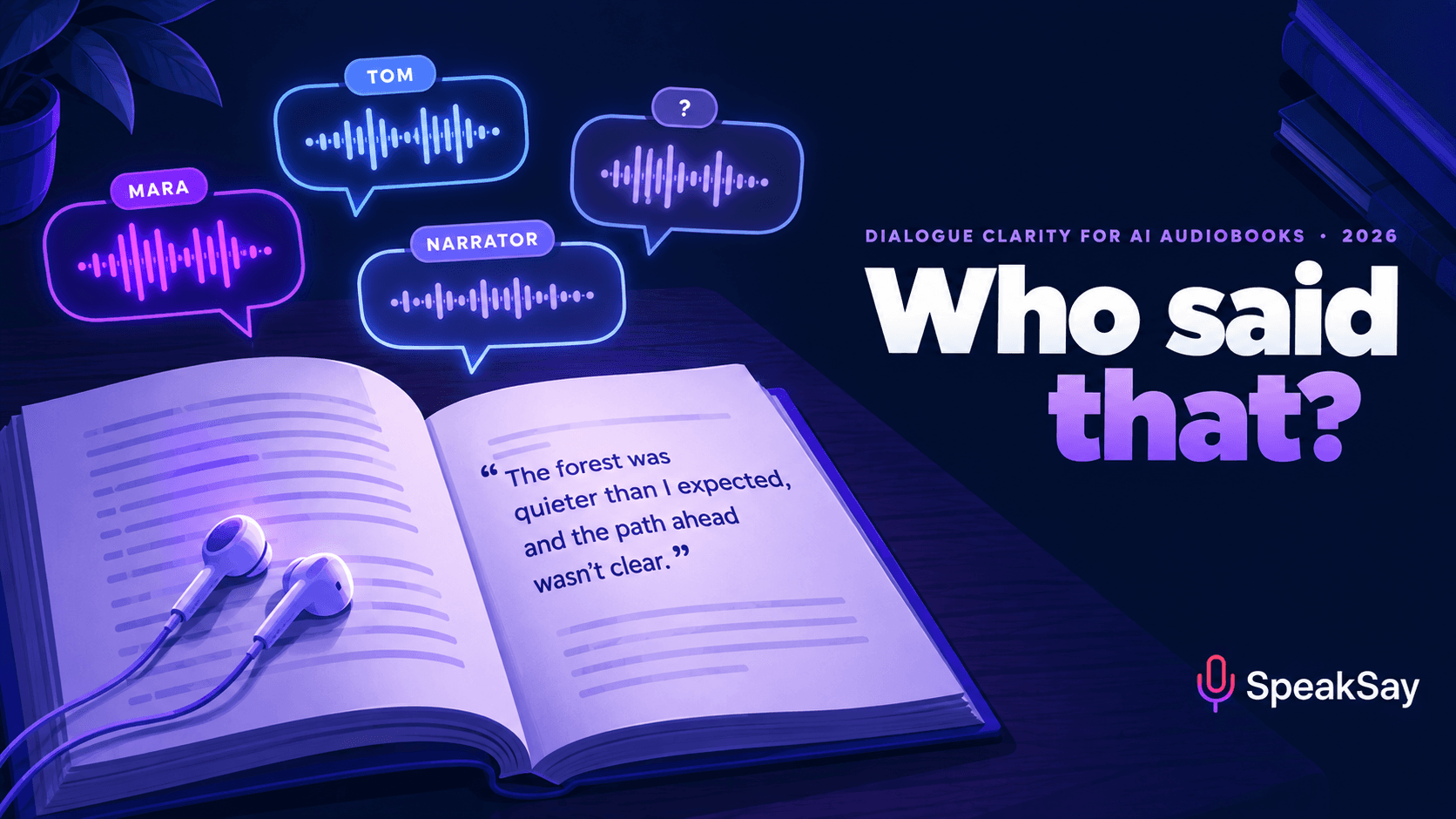
1. Why listeners lose track (and readers don't)
On the page, a reader gets five cues about who is speaking without thinking about them. In audio, most of those cues disappear:
| Cue on the page | What it tells a reader | What survives in audio |
|---|---|---|
| Quotation marks | This is speech, not narration | Only a change in voice or delivery, if the narration provides one |
| New paragraph per speaker | The speaker has changed | Nothing, unless there's a pause or a voice change |
| Italics for thoughts | This is inside someone's head | Nothing. Italics are silent |
| Scene-break symbols (* * *) | Time, place or viewpoint has jumped | Nothing, unless there's a long pause |
| Glancing back up the page | Re-check who started the exchange | Nothing. Listeners can't glance back |
Modern fiction style makes this worse. Writers are taught to drop "he said" and "she said" wherever a reader can work out the speaker, so a sharp ten-line exchange may carry two tags. That's fine on the page, where a reader counts paragraphs. A listener can't, especially at speed. Many audiobook listeners play at 1.25× or faster, which we covered in our guide to speed listening, and faster playback shortens exactly the pauses and voice shifts that mark a change of speaker.
A skilled human narrator covers some of this with character voices. An AI narrator reading every line in one consistent voice covers less of it. So the fix starts in the manuscript.
2. The ear edit: what to change in the text
An "ear edit" is a light pass over the manuscript that adds audio cues where the page relied on visual ones. It isn't a rewrite. Most chapters need a handful of changes, and dialogue-heavy chapters need more. Make a copy of the text for narration so the ebook stays untouched.
| Pattern in the text | Problem in audio | Ear-edit fix |
|---|---|---|
| Long untagged exchange (5+ lines) | Listener loses count by line four | Add a tag or a name in direct address every 3–4 lines: "You don't get it, Tom." |
| Tag placed after a long line | Listener assigns the line to the wrong person, then has to correct | Move the tag or an action beat to the front or after the first clause: "Mara set the cup down. 'If you'd told me…'" |
| Two characters of similar age and speech style in one scene | Voice contrast alone won't separate them | Tag more heavily in their scenes and give one of them a recurring verbal habit already present in the text |
| A third character joins mid-scene | Listener assumes it's still a two-person conversation | Tag the newcomer's first two lines explicitly |
| Pronoun-only tags with two same-gender characters ("she said") | Ambiguous by ear | Use names for the first tag after each pronoun switch |
| Viewpoint change at a chapter or section start | Listener doesn't know whose head they're in | Make sure the first sentence names the viewpoint character, or add the name to the chapter heading |
| Dialogue inside a flashback | Listener thinks it's happening now | Anchor the flashback's first and last lines in time ("That summer…", "Now, …") |
Keep the ear edit light. A tag every three or four lines is enough. Tag every line and the dialogue sounds like a court transcript. When in doubt, use action beats and names in direct address, which sound natural, rather than piling up "he said".
A practical note on retail rules: some distributors and text-and-audio sync features expect the narration to match the published text closely. Small additions such as a tag or a name are standard practice among human narrators, but check your distributor's terms before making larger changes.
3. Thoughts, text messages and letters
These are the cases that most often confuse listeners, because the page relies entirely on formatting.
- Italic thoughts. Pick one treatment and use it every time. Option one: add a light tag ("she thought") to the first thought in each scene, then let later ones run untagged. Option two: render thoughts with a distinctly softer, closer delivery. If your text-to-speech tool supports a separate voice setting or style for these lines, keep it identical for the whole book. Don't mix the two treatments.
- Text messages and chat. Frame them once ("Her phone buzzed. A message from Leo:") and read the message itself plainly. For long exchanges, name the sender at each switch. Don't try to voice emojis. Describe them only if they matter to the plot.
- Letters, emails and documents. Introduce with the sender and a clear boundary ("The letter read:"), and close with a short return line ("She folded it away."), so listeners know when the document ends and the scene resumes.
- Inner monologue in first-person books. One Goodreads listener described struggling to separate a narrator's constant inner monologue from actual dialogue. In first person, make spoken lines the ones that sound different, and keep the narrating voice as the "home" sound.
4. Character contrast: three levels
Once the text gives listeners enough cues, the voice can add contrast. There are three levels, and most indie fiction does well at level two.
| Level | What it is | Best for | Watch out for |
|---|---|---|---|
| 1. Single narrator + ear edit | One AI voice reads everything, and the text carries the speaker cues | Literary fiction, first-person books, small casts, nonfiction with quotes | Needs the heaviest ear edit |
| 2. Narrator + dialogue cast | One narrator for prose, plus 2–4 distinct voices for the principal speaking characters only | Most genre fiction: romance, thrillers, fantasy with a core cast | Minor characters stay in the narrator's voice. Keep each assignment fixed for the whole book |
| 3. Full cast | Every speaking character gets a voice | Ensemble casts, dialogue-driven stories, audio-drama style editions | More work and more chance of inconsistency. Listener demand varies by genre |
We've written about level three in more detail, including where listener demand for full-cast AI audiobooks is strongest and the multi-voice workflow for romance and fiction. The point here is that level two gets most of the clarity benefit for a fraction of the work.
Two casting rules apply at every level:
- Cast for contrast, not beauty. The two characters who share the most dialogue should get the most different voices: different pitch range, pace and texture. Two lovely, similar voices are worse than one lovely voice and one plain one.
- Write down every assignment. Keep a cast sheet with the voice name and any settings for each character. A character who changes voice in chapter 19 is a bigger problem than a character with no voice of their own.
Cast your dialogue in an afternoon
Pick a narrator and one contrasting voice for each principal character from SpeakSay's library of 1,900+ voices. Render your busiest dialogue scene first to hear whether the contrast works.
5. Pauses that carry structure
Pauses do the job that paragraph breaks and scene-break symbols do on the page. Inconsistent pauses are one of the main reasons AI-narrated chapters feel hard to follow. Set them deliberately and keep them the same throughout:
| Boundary | Suggested pause | Why |
|---|---|---|
| Between sentences | Natural (engine default) | Don't override, or the read sounds mechanical |
| Change of speaker | A slightly longer gap than a sentence break, about 0.3–0.5 s extra | Gives the ear a "new paragraph" cue |
| Paragraph of narration | About 0.6–1 s | Separates beats of action |
| Scene break | About 2–3 s | The audio version of "* * *". It must be clearly longer than anything else inside a chapter |
| Chapter end | Follow your distributor's spec for room tone at the head and tail of files | Retail technical requirements apply here |
These are starting points, not standards. Test them at 1.5× playback, because that's how a lot of your audience will hear them. A 0.4-second speaker gap becomes about 0.27 seconds at 1.5×, which is why the speaker-change gap needs to be clearly longer than an ordinary sentence break.
6. Build your own character guide
You can't add a real-time screen to retail players. You can give listeners the same information in places you control:
- Cast list in the product description. For books with large casts, a short "Main characters" line in the description helps listeners before they press play.
- A companion PDF. Several audiobook distributors accept a PDF supplement. A one-page cast list with names and relationships, and a map if your world needs one, is cheap to produce and easy to refer back to.
- A "previously" paragraph for series. At the start of book two or three, a short spoken recap that names the main characters and where they stand helps returning listeners and anyone who hasn't listened in months.
- Your website. A spoiler-free character page per book, linked from your newsletter and socials, works like Audible's character cards for your own readers.
7. The ten-minute "who said that" test
You can't judge dialogue clarity yourself, because you know who says every line. Use a listener who doesn't:
- Pick the most dialogue-heavy chapter, ideally one with three or more speakers.
- Choose ten lines of dialogue spread across it and note who says each one.
- Give the chapter to someone who hasn't read the book. Ask them to listen at 1.25× or 1.5×, the way many real listeners will.
- Afterwards, read them the ten lines and ask who said each one.
- Aim for 9 out of 10. Every miss points to a specific place where you need a tag, a beat, more contrast or a longer pause.
Fix the misses, re-render only those passages, and run the test once more with a different listener. It fits naturally into the broader QC listening pass for AI-narrated audiobooks.
Narrate the whole series without counting credits
Dialogue fixes mean re-rendering passages, sometimes several times. If you're producing a series, SpeakSay's lifetime plan removes the per-render worry.
8. FAQ
Why is it hard to tell who is speaking in some audiobooks?On the page, quotation marks, paragraph breaks, italics and scene-break symbols tell you who is speaking. In audio those cues are silent, so a sparsely tagged exchange that reads clearly can be confusing by ear, especially at faster playback speeds.
What is Audible's Character Guide?It's a beta feature Audible launched on October 1, 2026 for a few of its own productions, starting with an Audible Original of Dracula. It shows who is speaking in real time and offers spoiler-free character cards. It isn't available for indie titles.
Should I add dialogue tags for the audiobook version?Add them sparingly where listeners would lose track: roughly every three or four lines in long exchanges, when a new character joins, and when pronouns are ambiguous. Prefer names in direct address and action beats over repeated "he said".
Do I need a full cast to make dialogue clear?No. A single narrator with a good ear edit works for many books. For most genre fiction, a narrator plus distinct voices for two to four principal characters gets most of the clarity benefit with much less work than a full cast.
How should italic thoughts be narrated?Pick one approach and use it consistently: a light "she thought" tag on the first thought in each scene, or a distinctly softer delivery for all thoughts. Mixing approaches is more confusing than either one.
How long should a scene-break pause be?About two to three seconds, and clearly longer than any other pause inside the chapter. Test it at 1.5× playback to make sure it still reads as a break.
How do I test whether my dialogue is clear?Have someone who hasn't read the book listen to your most dialogue-heavy chapter at 1.25–1.5×, then ask them who said ten selected lines. Aim for nine out of ten and fix each miss.


