75% of People on Medicare Find Choosing a Plan Confusing: Plain-Language Audio Explainers for Brokers and Community Organizations (2026 Enrollment Playbook)
Medicare's Annual Enrollment Period runs October 15 to December 7, and a large 2025 eHealth survey found three in four beneficiaries call plan choice confusing. Here is how brokers, SHIP-style counselling teams and community health organizations can turn approved plan-change explainers into short audio people can replay, in more than one language, without replacing a counsellor.
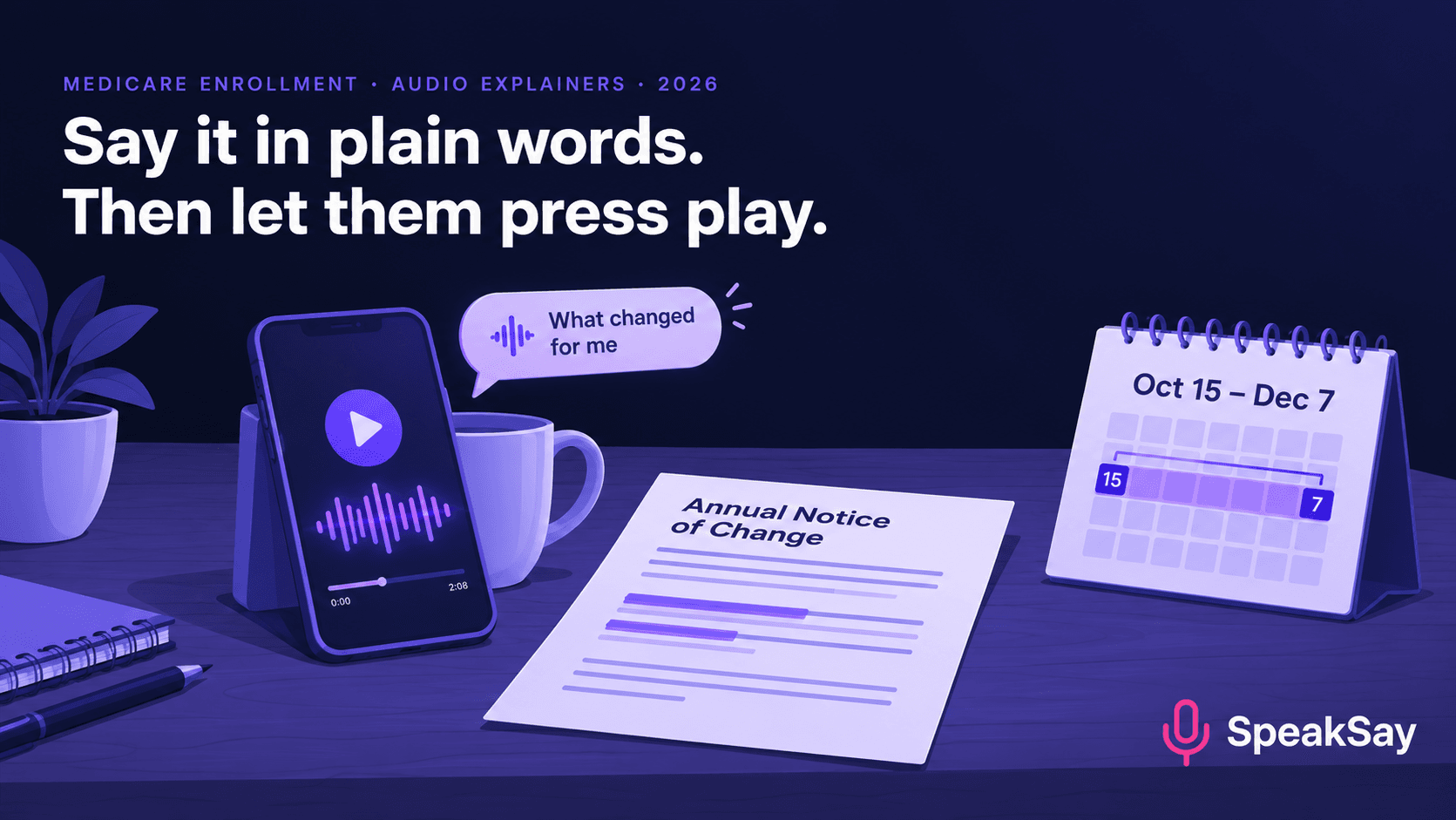
1. What the survey says people don't understand
The eHealth survey was run ahead of the 2026 plan year, so treat it as last year's snapshot, not a 2026 measurement. It is still the most useful single picture of where the confusion sits:
- 75% said choosing a Medicare plan is confusing.
- 36% of Medicare Advantage and Part D enrollees were unaware of expected cost and benefit changes for the next year.
- About one third did not fully understand how Medicare Advantage, Medicare Supplement and Part D differ.
- 33% wrongly believed Medicare covers GLP-1 drugs for weight loss, and 29% didn't know recommended vaccines are covered at no cost.
- 47% recalled getting an Annual Notice of Change; 24% didn't recall getting one.
Notice what that list contains: it is not "I can't find a plan". It is "I don't know what changed" and "I believe something that isn't true". Those are explanation problems, and explanation is what short audio does well.
2. Why audio fits this audience
A written plan comparison asks for a calm half hour, reading glasses and a clear head. An audio clip can be played while someone makes dinner, in the car on the way to the pharmacy, or with a spouse next to them. It can also be replayed, which matters because most people will hear "deductible" three times before it lands. You are not replacing the counselling conversation. You are making sure the person arrives at it knowing what to ask.
For community organizations, audio also solves a distribution problem. A text message with a link to a one-minute clip is easier to send than a newsletter and easier to open than a PDF.
3. Seven short clips worth making
Keep each clip under two minutes and make it answer one question. This list maps directly to the misunderstandings above.
| Clip | The one question it answers | Length |
|---|---|---|
| 1. "What is the Annual Notice of Change?" | What is the letter in my mailbox and what do I do with it? | 1:30 |
| 2. "Three kinds of plans in one minute" | How do Advantage, Supplement and Part D differ? | 1:45 |
| 3. "What changed in my plan" | Which three numbers should I compare this year? | 1:30 |
| 4. "Myth check: weight-loss drugs" | Does Medicare cover GLP-1 drugs for weight loss? | 1:00 |
| 5. "Vaccines you may not have to pay for" | Which recommended vaccines are covered at no cost? | 1:00 |
| 6. "Bring these to your appointment" | What should I have in my hand when I meet a counsellor or broker? | 1:15 |
| 7. "Important dates" | When does enrolment open and close? | 0:45 |
Clips 4 and 5 are the cheapest wins because they correct a belief rather than explain a system. Check the current coverage rules yourself before you script them, since coverage details change from year to year.
4. How to write for the ear
- One idea per clip, one number per sentence. "Your monthly premium goes from 28 dollars to 41 dollars" is easy to hear. A sentence with a premium, a deductible and a copay is not.
- Say money in words. Write "twenty-eight dollars", not "$28.00", and spell out percentages. Our guide to normalising numbers, dates and prices for text to speech covers the cases that go wrong.
- Define a term the first time, then keep using the same word. If you call it a "premium" once and "monthly cost" the next, listeners think there are two things.
- Put the action first. "Open your Annual Notice of Change and find the page called 'Summary of Changes'" beats a paragraph about why the notice exists.
- End with the date. The last sentence of every clip is the next step and the deadline.
5. The production workflow
- Start from approved text. Use scripts your compliance contact or program lead has already signed off. Audio should never be the first place a claim appears.
- Convert with text to speech. Paste each script into SpeakSay Text to Speech, pick a calm, mid-paced voice from the voice library and generate.
- Fix the names. Plan names, insurer names and drug names are where text to speech slips. Use the pronunciation steps in our pronunciation guide and listen to every clip once, end to end.
- Normalise the volume. Run the files through the free audio normalizer so every clip plays at the same level on a phone speaker.
- Label it. Start each clip with one line: "This is an automated voice reading a script written by [organization]." People deserve to know who is speaking.
- Publish simply. Host the files on your website or send them in text messages. One page with seven play buttons is enough.
Seven explainers, one afternoon
Turn your approved scripts into clear, replayable audio with SpeakSay Text to Speech, and regenerate any clip in minutes when a number changes.
6. Languages, pace and voice choice
If your community speaks more than one language, record the same seven clips in each. Have a fluent reader check the translated script before you generate audio; our multilingual family audio playbook shows a review process that works for volunteers. Choose a slightly slower pace and a warm voice. Fast, bright voices sound like advertising, and people are more cautious with advertising about insurance.
7. What audio must not do
- It must not recommend a specific plan. Plan recommendations are for licensed agents and counsellors who can look at a person's drugs, doctors and budget. Explainers educate; they do not advise.
- It must follow your marketing rules. Medicare marketing is regulated. Check with your carrier, field marketing organization or compliance lead before you distribute anything that mentions specific plans, and keep a record of the approved script that matches each file.
- It must not replace the official notice. Say at the end of each clip where to find the official document.
- It must not go stale. Put the plan year in the file name and retire the clips on December 8.
This is general information, not legal or compliance advice.
8. A calendar for Oct 15 to Dec 7
- Before Oct 15: approve scripts for clips 1, 2, 6 and 7. Generate and label them.
- Oct 15 to Oct 31: add clips 3, 4 and 5. Send clip 1 to everyone who is likely to have received a notice.
- November: send clip 6 a week before each appointment. Add a second language if you have volunteers to check it.
- Late November: send clip 7 as the deadline approaches.
- December 8: retire the clips. Save the scripts for next year.
Keep it running all enrollment season
See plans for the volume of audio you need, from seven clips to a full library in several languages.
9. FAQ
When is Medicare's Annual Enrollment Period?It runs from October 15 to December 7 each year, with new coverage starting January 1. Confirm the current dates on Medicare.gov.
Can a broker use AI-voiced audio in marketing?That depends on your carrier and the Medicare marketing rules that apply to you. Get your scripts approved first and ask your compliance contact whether recordings need a specific disclaimer or filing.
Should the audio tell people which plan to choose?No. Keep it educational. Plan recommendations belong in a conversation with a licensed professional who can see a person's medications, doctors and budget.
How long should each explainer be?Under two minutes. A clip that answers one question is more likely to be played to the end and shared with a family member.
Do I need to disclose that the voice is AI?It is good practice and builds trust. Open each clip with a short line saying an automated voice is reading a script written by your organization.
What about people who don't use smartphones?Put the same clips on a phone line or play them at in-person events. Audio doesn't depend on a screen, which is one of its advantages for this audience.


