Your Emergency Texts Can Be Translated. Your Voice Calls Usually Aren't: Pre-Record Multilingual Emergency Messages With Text-to-Speech (2026)
Phone alerts are getting translation links and, by 2028, FCC-mandated templates in 13 languages. The recorded voice call, the info hotline and the radio spot are still mostly English. Here's how a county, city, school district or utility can build a reviewed, pre-recorded library of emergency voice messages in every language its residents speak, before the next storm.
1. Where the language gap actually is
Three recent changes show how far written alerts have come, and how far voice has not.
- Wireless Emergency Alerts (WEA). The FCC has adopted 18 pre-scripted alert templates for the most common and time-sensitive emergencies, in English, the 13 most commonly spoken other languages in the US and American Sign Language. The languages are Spanish, Chinese, Tagalog, Vietnamese, Arabic, French, Korean, Russian, Haitian Creole, German, Hindi, Portuguese and Italian. Carriers don't have to support them until June 12, 2028, under a Public Notice released in December 2025.
- County alert systems. On September 4, 2026, Montgomery County, Maryland, launched a translation service for Alert Montgomery, which has more than 266,000 subscribers. Residents click a link in a text or email alert and read the alert in one of 11 languages. That works well for text and email. A voice call has no link to click.
- Broadcast. TV and radio Emergency Alert System messages are still mostly English. Vendors are piloting automatic translation. One broadcast alert module is being tested with Hmong, Somali and Spanish.
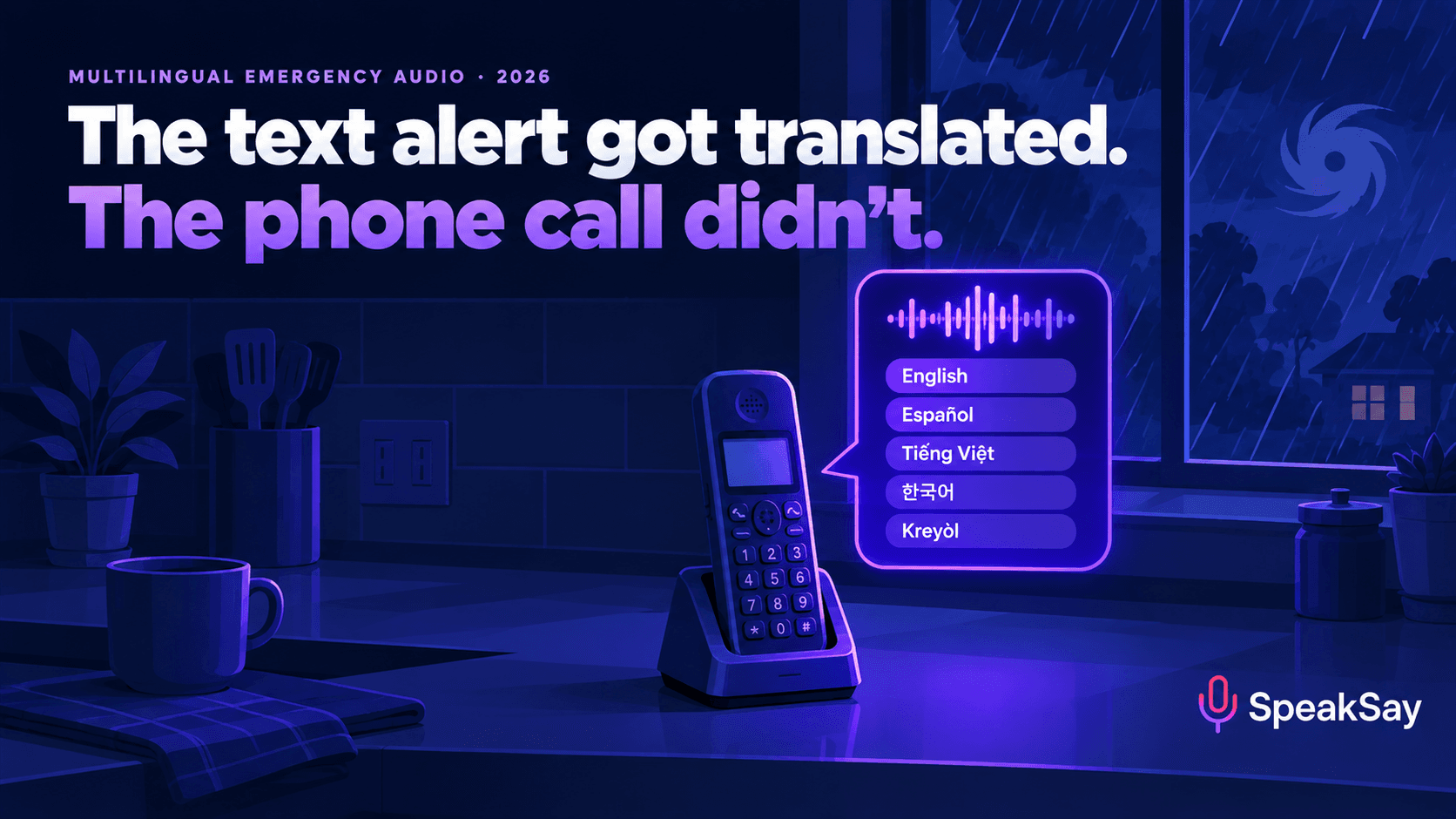
So the written alert is gradually being solved. Recorded voice is the channel left behind: the automated call to a landline, the "press 2 for Spanish" hotline, the radio PSA and the message playing in the shelter lobby. Some residents rely on exactly those channels.
2. Who gets emergency information by voice
If your mass-notification system offers voice calls, someone chose that option for a reason. In practice, voice reaches people text does not:
- Older residents with landlines, or with phones they never use for texting.
- People who speak a language well but read it poorly. Plenty of fluent speakers had little schooling in their first language.
- Blind and low-vision residents, who get a recorded call more easily than a link to a web page.
- Drivers and workers who can't look at a screen.
- Callers to a county information line or 311 recording during an event.
- Families who get a school district's automated call about a closure.
Many of these residents are the same people your language-access plan is meant to protect. A translated web page doesn't help someone who never opens the link.
3. Why live machine translation is the wrong fix
The tempting shortcut is to pipe each new English alert through machine translation and a synthetic voice at the moment it goes out. For anything more than a test, don't. Emergency messages are full of the things machine translation and TTS get wrong:
- Proper nouns. Zone names, road names, shelter names and the county itself. An engine may translate "Bay Road" literally, or mispronounce a shelter name past recognition.
- Numbers and times. "Zones A–C by 6 p.m. Tuesday" needs a format each language reads naturally. Our numbers and dates normalization guide explains why this is the most common failure in any TTS script.
- Instructions with consequences. "Shelter in place" and "evacuate" can't be ambiguous. A clumsy translation of either can send people the wrong way.
- Nobody to check it. At 2 a.m., in the middle of an event, nobody on duty can confirm that the Amharic version says what the English one says.
The FCC's own approach shows the alternative. It doesn't translate alerts live. It pre-writes templates for the common events and has them translated in advance. Use the same logic for voice.
4. Build a pre-scripted message library
Start with the events your jurisdiction actually issues. Pull a year of alerts from your notification system and sort them by type. Most local libraries end up with 10 to 20 templates. Each template has fixed sentences, which get translated and reviewed once, and a small number of slots for details that change.
| Template | Fixed message (example structure) | Slots |
|---|---|---|
| Hurricane or tropical storm warning | Who is calling. What is coming. When. The one action to take now. Where to get updates. | Storm name, arrival window |
| Evacuation order | Who is calling. Which zones must leave. By when. Where to go. Repeat the zones. | Zone letters, deadline, shelter |
| Shelter open | Shelter name and address. Pets yes/no. What to bring. | Shelter name, address, pet policy |
| Shelter in place | Go inside now. Close windows. Wait for the all-clear. | Area, hazard |
| Boil-water notice | Affected area. Boil for one minute. Until further notice. | Area |
| Flash flood warning | Move to higher ground. Never drive through water. | Area, time |
| Cooling or warming centre | Location. Hours. Transport available. | Location, hours |
| All clear | The danger has passed. What's still closed. | Area, closures |
Write the English first, for the ear. Keep sentences under 15 words. Put the action in the first 10 seconds. End by repeating the single most important instruction. Aim for 30 to 45 seconds per message. People hang up on long recordings, and a long call ties up the line.
Slots are where things go wrong, so keep them few and predictable. You can render the common values in advance, such as each zone letter, each shelter name and each weekday, as short clips in each language. Your system can then join pre-checked pieces instead of generating anything new under pressure.
5. Translate and review before the season
This is the step that makes the library trustworthy, so it's where to spend the money.
- Choose the languages from your data. Use your language-access plan, census language data and requests to your call centre. Montgomery County translates into 11 languages and built its list around the county's target languages: Amharic, Chinese, French, Korean, Spanish and Vietnamese. The FCC's 13 languages are a starting point, not a ceiling.
- Use qualified human translators for the fixed sentences. Machine drafts are fine as a starting point if a qualified reviewer signs off.
- Do a community read-back. Play the rendered audio to two or three native speakers from community partners, such as faith groups, mutual-aid groups and nonprofits your residents already trust. Ask them to repeat back what they would do. If they get it wrong, rewrite the message.
- Agree how to say place names. Many teams keep local place names in English, pronounced the way locals say them, so the message matches road signs. Note the decision for each language.
- Keep a sign-off sheet. Record who reviewed each template, when and which version. That helps with audits, and it means the next person can update the library safely.
If nobody on your team speaks a language, our QA protocol for languages you don't speak describes how to check audio you can't understand yourself.
6. Render for a phone line, not a podcast
Most emergency audio is heard through a phone, often a landline or a cheap handset on speaker. Phone lines cut out much of the low and high range of a voice. A voice that sounds rich on studio headphones can turn muddy on a call.
- Pick one voice per language that native speakers rate as clear rather than warm or dramatic. Have your read-back panel choose between two or three options from the voice library.
- Slow down. A pace of about 130 to 145 words per minute, or the equivalent in each language, with clear pauses between instructions. Urgent content is not a reason to rush.
- Fix pronunciations of zone, road and shelter names with phonetic respellings. Our pronunciation fixes guide covers the technique.
- Test on the real channel. Call your own notification line and play each file through a landline and a phone speaker. Our guide to voices that survive a phone speaker explains what to listen for.
- Even out the volume across the whole library so no language is quieter than another. The free audio normalizer handles this.
- Name files predictably, for example
evac-order_es_v3_2026-10.mp3, so a duty officer can find the right file in seconds.
Render your whole template library in one place
SpeakSay text-to-speech covers the languages your residents speak, with voices you can audition with your community partners and pronunciation control for local place names.
7. Where the recordings go
One reviewed library can feed every voice channel you run:
| Channel | How the library is used | Watch out for |
|---|---|---|
| Mass-notification voice call | Send each resident the recording in their preferred language, if your platform stores a language preference | Many sign-up forms never ask. Add the question. |
| Information hotline / 311 | Language menu at the top, then the current recording | Keep the menu in each language, not only English |
| Community radio and ethnic media | Hand stations ready-made PSA versions | Agree a refresh schedule during the event |
| Website and social media | Audio player next to the text alert | Label the language in that language |
| Shelters and cooling centres | Loop rules and announcements on the PA | Test in the actual room. Echo hurts clarity. |
| School district calls | Closure and pickup messages | Coordinate with the district's own language list |
Schools have a parallel problem: translated newsletters that families never read. Our school district audio language-access playbook covers that side.
8. Ground rules
- Only official content. Each template must reproduce the wording your agency has approved. Don't let a script writer add advice.
- Identify the caller first. Start with "This is a recorded message from [agency]" in each language, so people know it is real.
- Don't clone an official's voice unless that person has given written consent and your counsel has approved it. A stock voice, used consistently, is easier to defend and can't be confused with a live statement.
- Keep the text available too. Audio supplements written alerts and accessible formats. It doesn't replace them. Public entities should check their obligations under the ADA Title II web and app rule. Our ADA Title II audio accessibility guide is a starting point.
- Review every year. Before each hurricane, wildfire or winter season, check zone names, shelters and phone numbers, re-render anything that changed, and re-run the read-back.
- Drill it. Include at least one non-English voice message in your next exercise.
This guide is about communication practice, not legal advice. Your language-access obligations depend on your jurisdiction and funding.
9. A 30-day plan
- Days 1–5: Pull last year's alerts, list your 10 to 20 event types, and confirm your priority languages.
- Days 6–12: Write the English templates for the ear and get approval.
- Days 13–20: Translate, then hold community read-backs with partner organizations.
- Days 21–25: Render, test on the phone line, normalize volume and name the files.
- Days 26–30: Load the files into your notification system, add a language question to the sign-up form, brief duty officers and add one message to your next drill.
Plan for every language and every season
A full template library in several languages, plus a re-render each season, adds up to a lot of audio. Pick a SpeakSay plan that covers it without per-message surprises.
10. FAQ
Are emergency alerts available in languages other than English?Partly. Wireless Emergency Alerts support Spanish, and the FCC has adopted templates for 18 common alerts in 13 more languages plus ASL, with carriers required to support them by June 12, 2028. Some counties add translation links to text and email alerts. Recorded voice calls and radio alerts are still mostly English.
Can text-to-speech be used for emergency voice messages?Yes, if the messages are written and reviewed in advance. Use pre-approved templates translated by qualified people, render them with a clear voice per language, test them on a real phone line and keep a sign-off record.
Should we machine-translate alerts live during an event?Not for voice. Place names, numbers and instructions are where machine translation and TTS fail most often, and nobody can check the result in the moment. Pre-translate templates and keep live changes to small, pre-rendered slots.
How long should an emergency voice message be?Aim for 30 to 45 seconds. Identify the caller, give the main action in the first 10 seconds, add essential details and repeat the action at the end.
Which languages should a county record?Start with your language-access plan and census data on languages spoken at home, then add languages your call centre hears most. Montgomery County, Maryland, translates into 11 languages.
Is it okay to use a cloned voice of our emergency manager?Only with that person's written consent and legal approval. Many agencies prefer a consistent stock voice so recorded messages can't be mistaken for a live statement.


