The Santa Message That Gets Your Child's Name Right: Record It Yourself, Remix It Into Santa's Voice (2026)
Template Santa apps mispronounce names, guess at details, and sound like every other kid's message. Recording the message yourself and remixing it into a warm, deep Santa-style voice fixes all three — and keeps your child's details off yet another app. A step-by-step guide with scripts.
1. Why template Santa messages fall flat
Santa voice apps have become a seasonal category of their own, from dedicated iOS apps to text-to-speech "Santa voice" generators (example roundup). Most follow the same pattern: you fill in a form, an AI writes a message, and a stock voice reads it. That's fast, and for many families it's enough. Three things go wrong often enough to be worth avoiding:
- Names. Text-to-speech guesses pronunciation from spelling. "Siobhan", "Nguyen", "Xavier", "Aoife" and plenty of ordinary names come out wrong — and a child notices instantly when Santa can't say their name.
- Details. A form can't capture the thing that makes a child gasp: the name of the dog, the lost tooth, the brave thing they did at swimming.
- Delivery. AI-written messages tend toward the same rhythm and phrases. When siblings or cousins compare, the magic leaks.
2. Why "record, then remix" works better
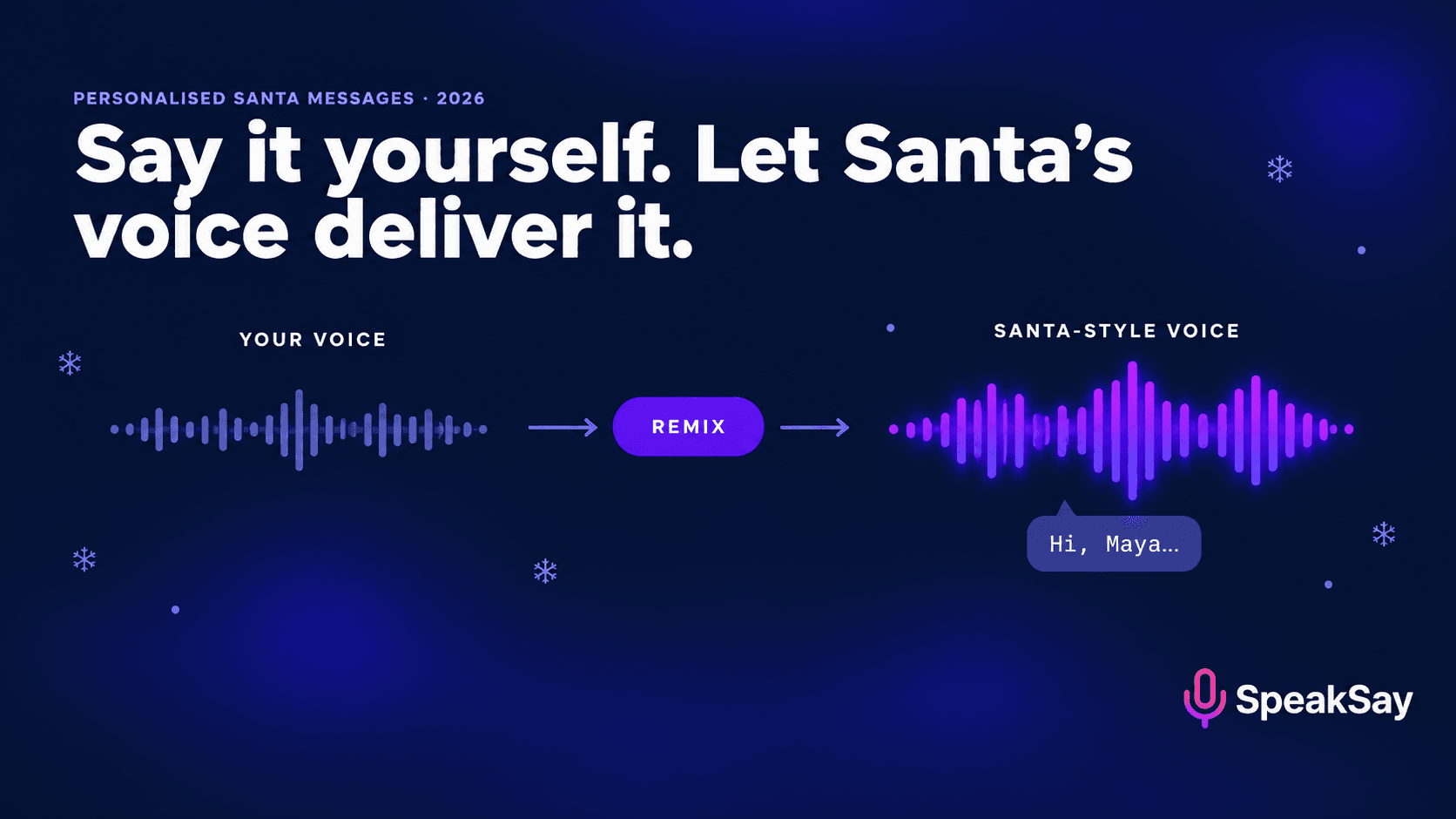
Voice remixing — sometimes called voice conversion — keeps your performance and changes the voice. Your timing, your pauses, the way you say your child's name, the little laugh before "ho ho ho": all of that carries through. What changes is the character of the voice: deeper, warmer, older, rounder.
| Typed Santa message (TTS) | Recorded + remixed | |
|---|---|---|
| Child's name | Guessed from spelling | Said exactly as you say it |
| Personal details | Limited to form fields | Anything you know |
| Delivery | Generic rhythm | Your timing, pauses and warmth |
| Time to make | ~2 minutes | ~20 minutes |
| Where your child's details go | Into the app's form | Only into a recording you control |
The one thing to watch: your child knows your voice. A good remix shifts pitch and tone enough that it doesn't sound like you, but your speech habits can still give you away. Section 4 covers how to disguise them.
3. Write the script: the five details that make it real
Keep it to 45–75 seconds. Kids lose the thread after that. Include these five things:
- Their name, early and twice. Once at the start, once near the end.
- One specific thing they did this year. "I heard you learned to ride your bike without the stabilisers in July."
- One thing only someone watching would know. The dog's name, a best friend, a funny moment.
- A gentle nudge. "Keep being kind to your little brother" works better than a list of rules.
- A North Pole detail. The elves, the weather, the reindeer being restless — something that makes the world feel real.
A sample script you can adapt:
"Ho ho ho! Hello, Maya! It's Santa, calling all the way from the North Pole. It's very snowy here today, and the reindeer are getting excited — they know it's nearly time. Now, Maya, I've been hearing wonderful things about you. Mrs. Clark told me you were the bravest one at the swimming lesson when you put your face in the water. And I heard Biscuit has learned a new trick — sitting on command! Very impressive. I know you've been asking for a telescope. The elves and I will see what we can do. Keep being kind to your brother Leo, keep helping at home, and get lots of sleep on Christmas Eve. Merry Christmas, Maya. Ho ho ho!"
4. Record it: performance tips for parents
- Find a quiet, soft room. A bedroom with curtains and a duvet is better than a kitchen. Hard rooms add echo that remixing can exaggerate.
- Use your phone, close up. About a hand's width from your mouth, slightly to the side to avoid pops.
- Slow down. Speak about 20% slower than normal. Santa is unhurried, and slower speech remixes more cleanly.
- Change your habits, not just your pitch. If you always say "okay so", don't. Use phrases you never use. This is what stops older kids recognising you.
- Smile while you talk. It's audible, and it survives the remix.
- Do three takes. Pick the warmest one, not the most perfect one.
If your recording has hiss or room noise, run it through a noise remover before remixing; clean input gives a much better result.
5. Remix it into a Santa-style voice
Upload your best take to a voice remix tool and choose a deep, warm, older male voice. On SpeakSay's Voice Remix, browse the voice library for a mature, resonant voice and audition two or three on the first ten seconds of your recording before converting the whole thing.
What to listen for:
- The name. Does it still sound exactly like you said it? It should; if it doesn't, the source recording was probably too quiet or noisy.
- The laugh. "Ho ho ho" is the hardest part to convert. If it sounds odd, re-record it on its own with more breath and a lower, rounder delivery.
- Your tells. Play it to another adult without context. If they say "that's you", change the phrasing or pick a voice further from your own.
Important: use a generic Santa-style voice, not a recognisable voice of a real actor or a famous film character. That keeps you clear of likeness and copyright problems (more in our voice remix copyright guide).
Turn your recording into a Santa-style voice
Upload your message, pick a deep, warm voice, and hear it back in minutes. Your timing and your child's name stay exactly as you said them.
6. Finish and deliver it
A few small touches make it feel like a call from far away:
- Add a soft background. Gentle wind, a crackling fire or very faint sleigh bells under the voice, kept quiet. Speech should be clearly louder.
- Level the volume. An audio normaliser keeps it from being too quiet on a phone speaker.
- Choose a delivery moment. A "voicemail from Santa" played on your phone at breakfast, an audio file on a smart speaker on Christmas Eve, or a message added to a photo slideshow.
- Make one for each child. Separate messages with separate details avoid the "why did they get a longer one?" problem.
Grandparents, teachers and school fundraisers can use the same method: one adult records, everyone gets a personal message. For a class, keep each message to 20–30 seconds and stick to first names only.
7. Keep your child's details private
Template apps ask for your child's name, age, siblings and wishes. Many are fine, but each one is another place that data lives. Recording yourself keeps those details inside a file you control. A few simple rules:
- Don't post the finished message publicly with your child's full name, school or location in it.
- If you share it with family, use a private message or link rather than social media.
- Delete the raw recording when you're done if you don't want it kept.
- Read the privacy terms of any app you do use, especially what it does with uploaded audio.
8. FAQ
How do I make a personalized Santa voice message?Write a 45–75 second script with your child's name and specific details, record it yourself in a quiet room, then use a voice remix tool to convert your recording into a deep, warm Santa-style voice. Add soft background sound and share it privately.
Will my child recognise my voice?A good remix changes pitch and tone enough to disguise you, but speech habits can give you away. Speak slower than usual, avoid your usual phrases, and test it on another adult first.
Why not just use a Santa text-to-speech app?You can, and it's quicker. The main drawbacks are mispronounced names, generic messages and sharing your child's details with another app. Recording and remixing fixes all three.
Can I use a famous actor's Santa voice?Avoid it. Recreating a real actor's voice or a film character raises likeness and copyright issues. Use a generic deep, warm voice instead.
How long should a Santa message be?About 45–75 seconds for young children; 20–30 seconds for group or classroom messages.


