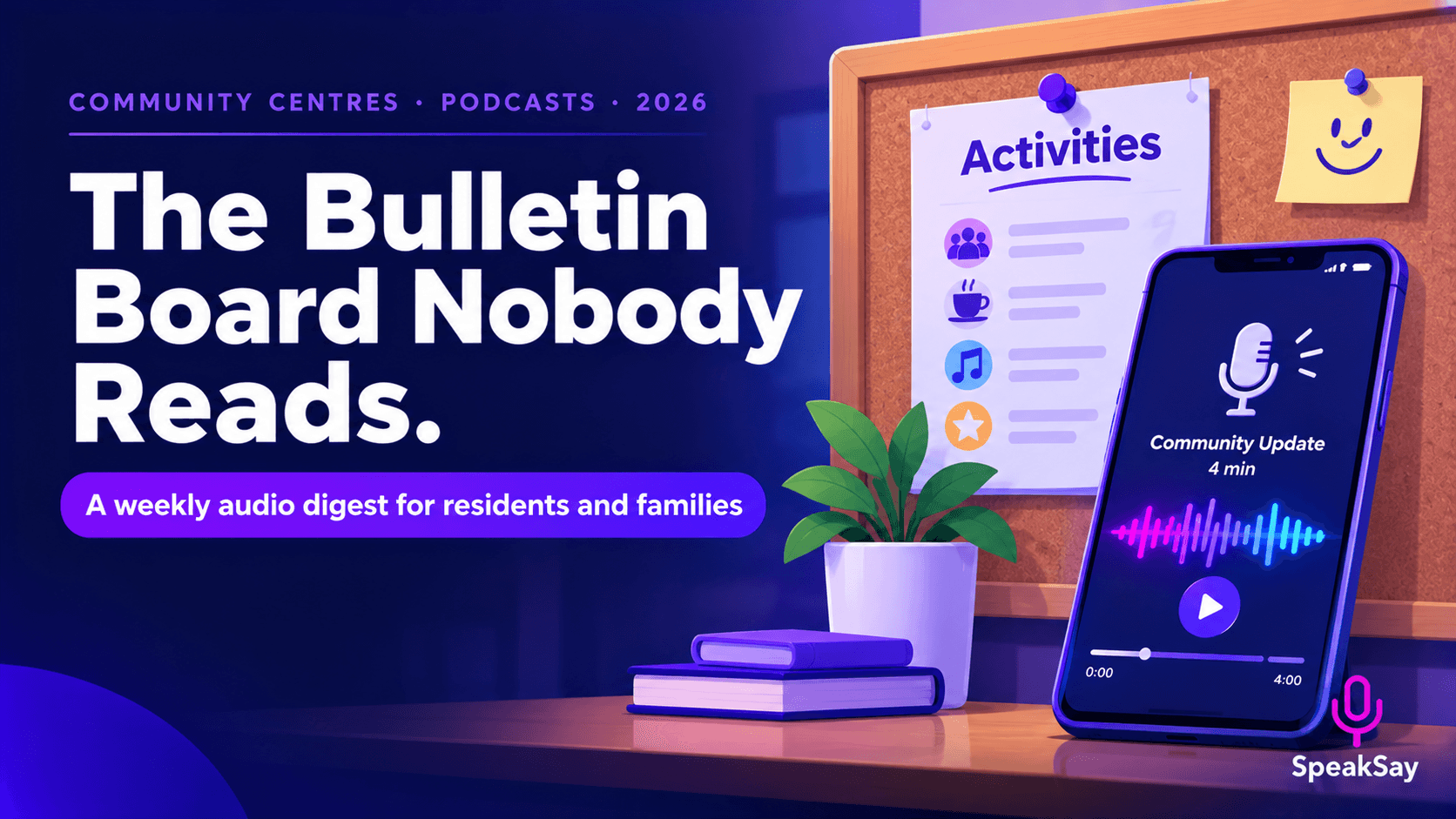
The Bulletin Board Nobody Reads: A Weekly Audio Digest of Activities and Menus for Residents and Families at Small Senior Communities (AI Podcast, 2026)
Turn the weekly activity calendar and menu into a four-minute two-host audio episode that residents and far-away family members will actually listen to.
1) Why the printed calendar gets missed
Weekly calendars are packed: bingo times, a visiting musician, menu changes, a trip sign-up deadline. On paper they are dense. In email they are an attachment. The people who most want to know (a resident’s adult children living far away) are the least likely to open it.
- Small print: hard to read on a wall and on a phone.
- One-way format: there is no sense of the week’s mood or highlights.
- Distance: family members want to feel connected to what happens, not just see a table.
- Staff time: an activity director already spends hours on the calendar. Anything new has to reuse that work.
An audio digest reuses the calendar you already make and gives it a human, listenable form.
2) What belongs in the episode (and what does not)
Keep the episode about community life. It is not a place for medical, care, or private information.
| Include | Leave out |
|---|---|
| Weekly activity highlights and times | Anything about an individual resident’s health or care |
| Menu highlights and special meals | Medication, treatment or clinical guidance |
| Visiting performers, volunteers, outings | Names or photos without written consent |
| Birthdays and milestones (with consent) | Staffing problems, incident reports |
| Holiday schedule and visiting-hour changes | Claims about outcomes or quality of care |
3) A four-minute episode shape
- Welcome (15 seconds): community name, week of the month.
- Top three this week (60 seconds): the events most worth attending.
- Menu spotlight (30 seconds): one or two meals to look forward to.
- Day by day, quickly (90 seconds): one line per day.
- Community moment (30 seconds): a thank-you, a welcome, a birthday (with consent).
- Reminders and sign-offs (15 seconds): how to reach the activity office.
Two hosts work well. One reads highlights, the other adds menu and reminders, which keeps the pace lively without hours of editing.
4) A script template you can reuse every week
Keep a fixed template and change only the details. Example opening:
“Welcome to the Oak Hill Weekly, for the week of the ninth. I’m your host. This week we have a visiting guitarist on Tuesday, the craft table on Wednesday, and a special soup lunch on Friday.”
Then slot in the day-by-day lines and close with: “For questions or to sign up, call the activity office, or stop by the front desk. See you next week.”
Reuse the same phrases every week so listeners recognise the show. Only the details change, which keeps weekly prep short.
Turn this week’s calendar into an episode
Paste your weekly calendar and menu into the AI podcast tool, choose two hosts, and listen to a four-minute draft.
5) A weekly workflow that takes 30 minutes
- Finish the weekly calendar as usual (the work you already do).
- Copy the highlights, menu and reminders into a short script using the template.
- Generate the episode with two hosts and listen once, checking names, times and pronunciations.
- Fix any wrong detail in the script and regenerate; do not edit the audio by hand.
- Play it once in the common room before sharing, so residents hear it too.
- Share the link with families through the channel you already use.
Check every date, time and room number against the calendar before you share. Audio makes mistakes feel more official than text.
6) Consent, privacy and names
Follow your community’s privacy policy and local rules. A few simple habits help:
- Use first names or titles only where a resident (or their representative) has agreed in writing.
- Never include health, care or incident information in the episode.
- Do not clone or imitate any resident’s or staff member’s voice without clear written permission. Stock hosts avoid this question altogether.
- Let families opt out of being named or mentioned.
- Say clearly that the episode is an AI-voiced summary of the calendar, so listeners are not misled about who is speaking.
Make it a weekly habit
If you will publish every week, compare plans or look at the lifetime option so the cost stays predictable.
8) Frequently Asked Questions
How long should a weekly community episode be?About three to five minutes. That is long enough for highlights and a day-by-day run, and short enough to finish on a commute or in the common room.
Can I include resident birthdays?Only with consent from the resident or their representative, and following your community’s privacy policy. When in doubt, leave names out.
Should the hosts sound like staff members?Not unless the staff member has agreed in writing. Stock AI voices are simpler, and you can state clearly that the episode is AI-voiced.
What if a detail is wrong after sharing?Correct the script, regenerate the audio and send the updated file with a short note. Keep a simple version label in the file name, such as “week-09-v2”.
Does this replace the printed calendar?No. Keep the printed calendar for people who prefer it. The episode adds a listenable layer for residents and families.