A Shop Window That Talks: A 45-Second Original Character Audio Loop for Holiday Storefronts With Voice Remix (2026)
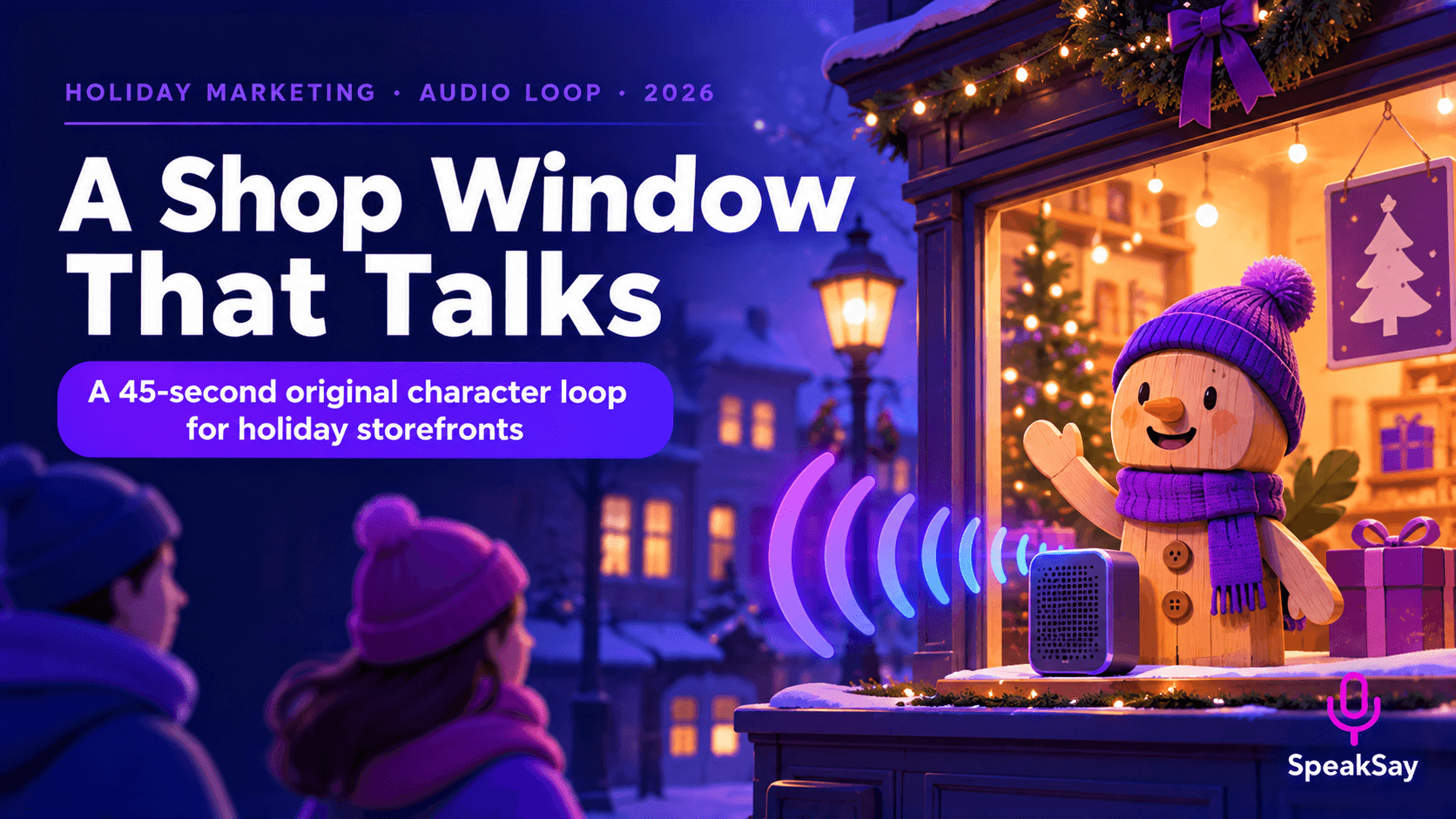
A static window display is easy to walk past. Give it an original character voice, a 45-second loop and a quiet speaker, and stop more shoppers during the busiest weeks of the year.
1) Why add audio to a window
A window display is silent by default. Shoppers glance for two seconds and keep walking. Sound gives a passer-by a second sense to notice and a reason to look back.
- Attention: a voice from the window turns a display into a small moment.
- Story: a character can explain the display, point to a product or invite people in.
- Shareability: a talking window is the kind of thing people film for social media.
- Low cost: a small speaker and a short audio file are cheaper than a hired voice actor for a six-week loop.
This is a testable idea, not a guaranteed sales lift. Track visits and mentions to see whether it works for you.
2) Original character only
Holiday season invites the temptation to imitate famous characters or voices. Do not. Use an invented character, such as a shop-window snow owl, a brass-bell elf of your own design or a talking gingerbread baker with a personality you created.
- No known characters, no celebrity or public-figure sound-alikes, and no brand mascots.
- No cloning anyone’s voice without their clear written permission.
- Make the character yours: a name, a one-line backstory, and a speaking style (slow and cosy, quick and cheeky).
- Reuse it on shopping bags, social posts and next year’s display for brand recall.
3) The 45-second loop
Passers-by spend seconds, not minutes. Plan for people who catch a random 10 seconds of the loop.
| Section | Length | Purpose |
|---|---|---|
| Hook | 6 seconds | A greeting or a question that makes people look |
| Character moment | 15 seconds | A tiny story or joke about the display |
| Product nudge | 12 seconds | One or two items from the window, described warmly |
| Invitation | 8 seconds | Opening hours, a small offer or “come inside” |
| Reset pause | 4 seconds | Silence before the loop restarts |
Make every section understandable on its own, so a listener who joins mid-loop still gets the point.
4) Script ideas that work in a window
- The curious character: “Psst. Yes, you. The one with the scarf. Wondering what is in the little red box?”
- The shop guide: a character who “runs the window” and introduces three items.
- The countdown: “Only a few weeks to the big day. Come in and let me help you choose.”
- The helper: a character who invites people in out of the cold.
Keep claims honest. Do not promise stock, discounts or deadlines that you cannot meet.
Create your shop’s original character voice
Start from a base voice, remix it into a character no one else has, and audition lines in minutes.
5) Building it with Voice Remix
- Pick a base voice from the voice library that suits the personality you described.
- Remix it to shift tone, age or energy until it is clearly a character, not a stock narrator.
- Write the lines, with commas and short sentences for natural pauses.
- Generate each section separately, then assemble the 45-second loop with a short pause at the end.
- Test at street volume. Play it outside the window with some background noise, and adjust the pace if words blur.
- Save a spare version without the product nudge, in case stock runs out.
If you need extra lines later, generate them with the same remixed voice so the character stays consistent.
6) Speaker, volume and placement
- Small speaker inside the glass pointing outward, or just outside under cover if rules allow.
- Low volume: audible within a couple of metres, not across the street.
- Motion or timer option: a simple timer that plays during opening hours avoids all-night noise.
- Clear glass check: glass can dull sound; test from the pavement.
- QR code on the glass that links to a holiday offer or your online shop.
7) Rules and checks before you switch it on
- Local noise rules: check your town’s rules, shopping-centre or landlord policies, and neighbours’ tolerance.
- Music licensing: if you add music, make sure it is licensed for public playback. A spoken loop avoids the issue.
- Accessibility: keep language clear and avoid sudden loud sounds. Offer printed text for anyone who cannot hear it.
- Neighbours: tell neighbouring shops and agree on volume and hours.
- Disclosure: if asked, be open that the voice is AI-generated.
Rules differ by location, so confirm with your local authority or landlord. This article is not legal advice.
Turn one display into a seasonal tradition
Compare plans, or look at the lifetime option if you will reuse the character every holiday season.
8) Frequently Asked Questions
How long should a window audio loop be?About 45 seconds, with each part understandable on its own so that someone who joins mid-loop still gets the point.
Can I use a famous character or a celebrity-style voice?No. Use an original character you invent, and do not imitate known characters, brand mascots or real people.
Do I need a licence for background music?Public playback of music usually needs a licence. A spoken loop with no music avoids that. Check local rules if you add music.
How loud should it be?Audible within a couple of metres of the glass. Test from the pavement with typical street noise, and check local noise rules.
When should I switch it on?By around November 20 to catch the main shopping weeks. Set a timer so it plays only during opening hours.