Snow Day Calls Without the Scramble: Pre-Recorded Audio Alerts for Small Schools and Childcare Centres in Several Languages (2026)
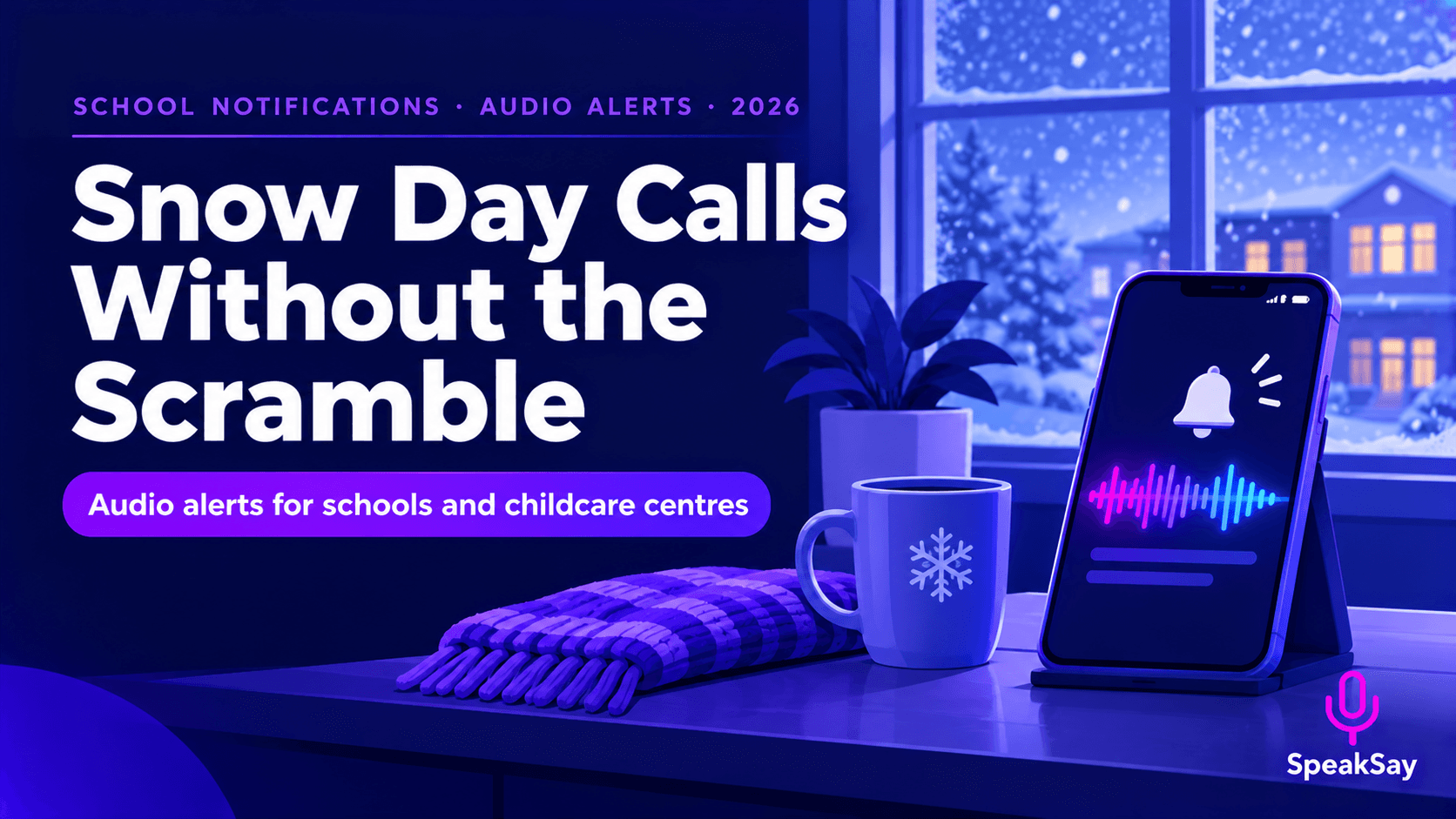
Build a ready bank of snow-day, delay and early-dismissal audio messages once, in the languages your families speak, so the 5:30 a.m. decision reaches everyone in minutes.
1) Why snow-day messages go wrong
Closure messages fail in three predictable ways. They are written in a hurry, so the key fact (open or closed) is buried. They are sent in one language, so some families learn about the closure when they arrive. And they are text-only, so a parent driving or getting a toddler dressed never reads them.
- Time pressure: the decision is often made in the dark, minutes before families wake.
- Wording drift: “delayed,” “late start” and “modified schedule” all mean different things to different families.
- Language gaps: a closure notice in only one language leaves some parents guessing.
- Voice fatigue: recording a fresh live message every time is stressful and sounds different each time.
The fix is not a smarter alert. It is pre-written wording that is already recorded and tested before the weather arrives.
2) The six-message bank to write before the first frost
Most weather situations fit six messages. Write each one as a short script with blanks for the variable details, and render the final audio only for the version you send.
| Message | Fact that must come first | Variable blanks |
|---|---|---|
| Full closure | “We are closed today.” | Date, reopening day |
| One-hour delay | “We open one hour late.” | New drop-off time |
| Two-hour delay | “We open two hours late.” | New drop-off time, breakfast info |
| Early dismissal | “We are closing early today.” | Pickup time, who to call |
| Remote or at-home day | “Today is an at-home day.” | Where to find materials |
| Reopening | “We are open tomorrow.” | Time, any parking change |
Keep the same sentence order in every message. Families learn the pattern, so they recognise the key fact within the first two seconds.
3) Script rules for messages people hear once
- Lead with the decision. The first sentence is open, closed, delayed or early dismissal. Nothing before it.
- Say the date and time in words. Write “Tuesday, the twelfth” rather than a numeric date, so the text to speech engine reads it naturally.
- Repeat the key fact at the end. People catch the ending even if they missed the start.
- Keep it under 30 seconds. Put extra detail in a text follow-up or a web page, and say so.
- Spell out numbers and phone numbers with pauses between groups of digits.
Example: “Good morning. Maple Tree Preschool is closed today, Tuesday. We plan to reopen Wednesday and will confirm by six that evening. Again: we are closed today. Thank you for your patience.”
4) Recording in the languages your families speak
If your enrolment form lists home languages, you already know which ones you need. Translate the six scripts once, with a fluent speaker (a staff member, a parent volunteer or a professional translator) reviewing the wording. Machine translation is a draft, not a final.
- Review names and place words. Check how the school name, street names and staff names are pronounced in each language.
- Pick one consistent voice per language, so families recognise the sender over the winter.
- Test on a phone speaker. Most families will hear the message through a phone, not headphones.
Browse the SpeakSay voice library to audition natural voices in the languages you need, and use the text to speech tools to render each script.
Try your first closure script free
Paste the full-closure script into a free tool, listen on your phone speaker, and adjust pacing before the first storm.
5) A 45-minute setup workflow
- Write the six scripts in your main language (20 minutes).
- Have a fluent reviewer translate and check each one (use a day or two of calendar time, but only a few minutes of yours).
- Render each script in your chosen voice and listen on a phone speaker (15 minutes).
- Name the files clearly, for example “closed-es”, “delay-1h-en”, so a half-awake teammate can find them.
- Store them in a shared folder and print a one-page cheat sheet that says which file goes with which decision.
- Do a dry run in November with two staff members, so the first real use is not the first test.
If your delay times vary, record the message without the specific time, and add the time as a short text line that goes out with the audio. Or render a new version when you know the time; with pre-written scripts it takes a minute.
6) Getting the audio to families
Audio only works if families can open it easily. Most small schools already have a channel: a messaging app, a parent app, an email list, a phone tree or a closed social group. Use whichever your families actually read.
- Send a link or file with a one-line text. “Closure today. Tap to listen.”
- Add the audio to your website banner or voicemail greeting if your phone system allows it.
- Keep the same sender name so the message is recognised.
- Check data and consent rules for contacting families through each channel, and follow your own policy.
7) What audio alerts should not replace
Audio alerts are a communication aid. They are not a safety system. Follow your licensing rules, district policy or insurer requirements for closure decisions and emergency procedures. For anything involving an emergency, use the official channels your authority requires. Do not rely on a recorded message as the only way to reach families about safety-critical information.
Build your message bank once, use it all winter
See plans for text to speech across multiple languages, or look at the lifetime option if you will use it every season.
8) Frequently Asked Questions
How long should a closure audio message be?Aim for 20 to 30 seconds. State the decision first, give one or two essential details, repeat the decision, and stop. Send longer information in text or on a web page.
Can I make the messages in more than one language?Yes. Translate the scripts with a fluent reviewer, then render each in a voice for that language. Keep file names consistent so any staff member can find the right one quickly.
Do I need to re-record each time the time changes?No. Pre-write scripts with a blank for the time and render a new version when the time is known, or send the time as a short text with the audio.
Is a recorded message enough for emergencies?No. Use the official emergency channels required by your authority. Audio alerts help with routine communication such as closures and delays.
Which voice should I use?Pick a clear, calm voice that suits your school and use it consistently. Test it on a phone speaker before the first real alert.