No Actors for a Table Read? Hear Your Screenplay in Distinct AI Voices Before Anyone Else Does (2026)
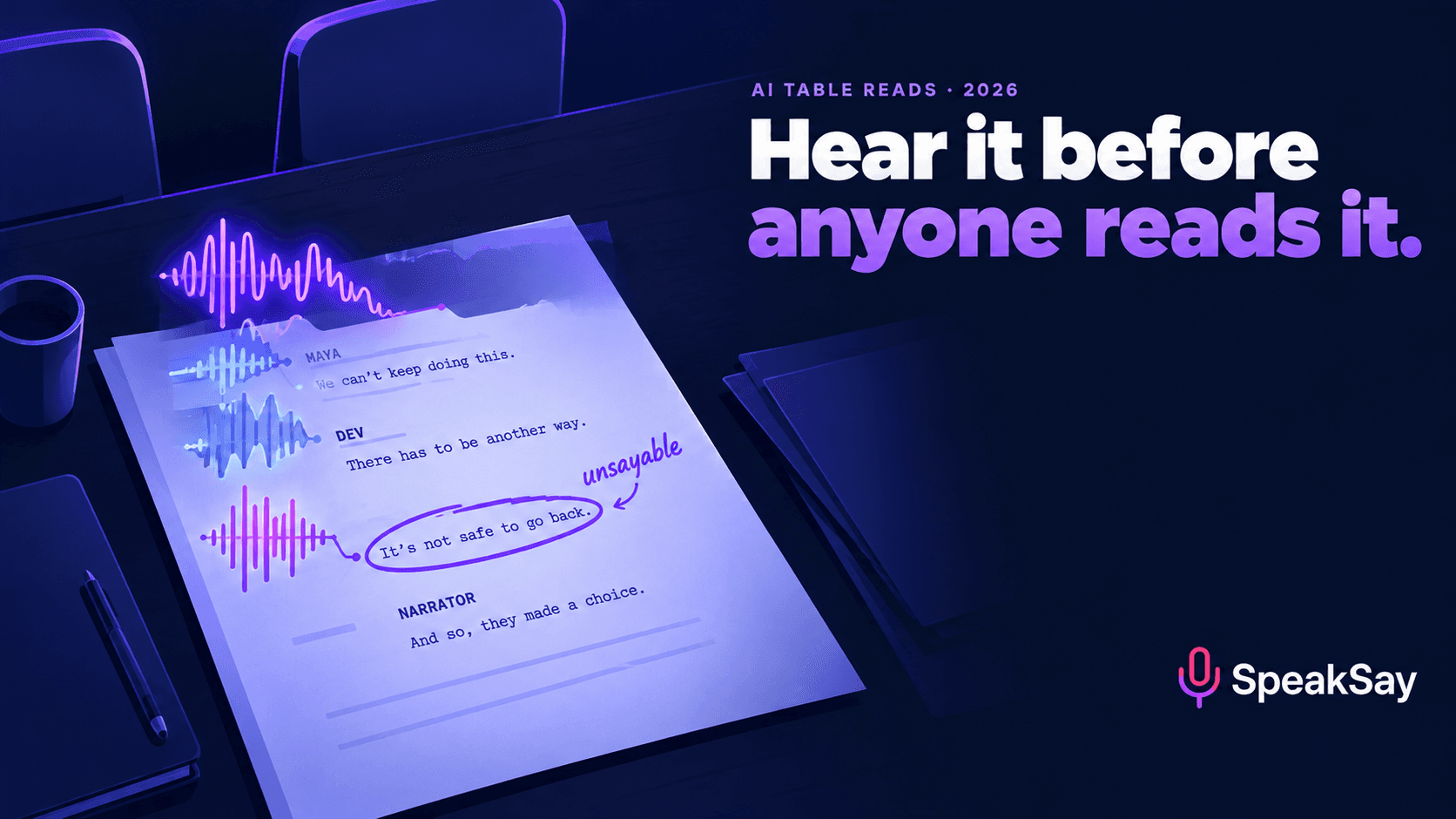
A table read is the cheapest way to find out your dialogue doesn't work, and most writers can't get one. An AI table read won't give you a performance, but it will tell you which characters all sound like you, which lines can't be said aloud and which scenes run long. Here is how to cast it, what to listen for and where it misleads you
1. What an AI table read is (and isn't)
An AI table read takes your screenplay or stage play, assigns a synthetic voice to each character, and reads the whole thing back to you, usually with a separate narrator voice for scene headings and action. A small tool category now exists for this, including apps that parse a screenplay PDF into a full-cast read (FinalBit's overview of the options is a fair survey). You can also build one yourself from any multi-voice text-to-speech tool, which gives you more control over casting.
Writers are split on it. In one long-running r/Screenwriting thread, some professionals said they already listen to their pages through generic text-to-speech while others said they couldn't stand it (r/Screenwriting). Both camps are right, about different things. If you expect the read to tell you whether a scene is moving, you'll hate it. If you use it to find mechanical problems, it's one of the fastest revision tools you have.
The useful mental model: a human table read tests the script and the actors' interpretation. An AI table read removes interpretation almost entirely. What's left is the text itself, said aloud at a steady pace by voices that are clearly different from each other. That's narrower, but it's exactly the part a writer controls.
2. What it catches that a page read misses
| Problem | Why the page hides it | How it sounds in an AI read |
|---|---|---|
| Every character sounds like the writer | You "hear" each character in your head with their voice already attached, so shared vocabulary and rhythm go unnoticed | Different voices saying the same sentence shapes and the same pet words. You notice it within a page |
| Unsayable lines | Reading silently, the eye skips the tongue-twister, the triple clause, the line with no breath point | The voice stumbles, runs the clauses together, or lands the stress in the wrong place |
| On-the-nose exposition | On the page it reads as information | Out loud it sounds like two people telling each other things they both already know |
| Scene length | Short blocks of dialogue look fast | You feel the actual minutes. A scene that "should" take a page and a half drags past two minutes |
| Repeated words and sounds | The eye forgives "really" three times in a speech | The ear doesn't |
| Unclear speaker in rapid exchanges | Character names do the work on the page | If two characters are cast with clearly different voices and you still can't follow who's winning, the exchange itself is unclear |
The first row is the big one. A voice-cloning company writing for screenwriters puts it plainly: the ear test catches rhythm issues, on-the-nose exposition and "characters who all sound like the writer" (VoxBooster). Distinct voices remove the cover your own imagination was giving the dialogue. This is the same principle as proofreading by ear, which we covered for novelists in The Editing Trick Your Eyes Can't Do, applied to dialogue instead of typos.
3. What it can't tell you
Be strict about this, because the failure mode of AI table reads is rewriting good lines because a synthetic voice read them badly.
- Subtext. A line that means the opposite of what it says depends on an actor choosing that. AI voices read the surface meaning. If a line only works with subtext, a flat read is expected, not a sign the line is broken.
- Comedy timing. Punchlines depend on the beat before them, and AI voices don't reliably hold it. Our comedy timing guide explains why. A joke that dies in the AI read may still be fine. A joke that confuses the listener probably isn't.
- Overlaps and interruptions. Most tools read lines one after another. Crosstalk, a line cut off with a dash, and characters talking over each other will sound wrong.
- Emotional peaks. A breakdown, a confession, a fight at full volume: AI will under-play these. Judge whether the words are right, not whether the scene "lands".
- Casting chemistry. You're hearing voices you chose for contrast, not the actors who will play the roles.
A simple rule: trust the AI read on mechanics, ignore it on feeling. If a line is hard to say, too long, or indistinguishable from another character, fix it. If a line is merely flat, leave it for the humans.
4. Casting for contrast, not quality
Most writers cast their AI table read the way a producer would: the "best" voice for each role. That's backwards. The point of the read is to make it obvious when two characters talk the same way, so you want voices that are as different from each other as possible.
- Separate the leads first. If your two leads share most scenes, give them the two most contrasting voices you can find: different pitch range, different pace, different accent if the script allows it.
- Don't match voice to stereotype. You're testing the writing. If the gruff sheriff only sounds gruff because you cast a gruff voice, you've learned nothing about the dialogue.
- Use a neutral narrator for action. Choose a calm, mid-paced voice that's clearly unlike any character, so you always know when you've left dialogue.
- Keep casting fixed across drafts. If you re-cast between drafts, you can't tell whether a scene improved or the new voice is just better. Write the cast list down.
- Minor characters can share voices, as long as they're never in the same scene.
A library with real range in age, accent and pace matters more than any single voice. Browse SpeakSay's voice library and filter by contrast, not by which voice you like best.
Cast your table read in ten minutes
Pick a narrator and one contrasting voice per speaking role from the SpeakSay voice library, then render a scene to hear the difference before you commit to the whole script.
5. What to do with action lines
Action lines are where AI table reads get tedious. A human table read usually has someone reading "stage directions" sparingly. An AI read will read everything, including "CONTINUED" and "INT. KITCHEN - NIGHT", unless you stop it.
| Approach | Use it when | Downside |
|---|---|---|
| Read all action lines | You're testing how a reader will experience the full script, including pace on the page | Slow. Heavy action blocks drown the dialogue |
| Read only scene headings plus the first sentence of each action block | Most revision passes | You lose some staging context, which you usually already know |
| Dialogue only | Pure dialogue polish on a single scene | Exchanges that depend on a visual beat will seem to skip |
The middle option is the default for most writers. A useful side effect: if you trim an action block to its first sentence and the scene still makes sense aloud, the rest of that block may be over-written on the page too.
Strip transitions, "(CONT'D)", "(MORE)" and page numbers before rendering. For stage plays, keep short parenthetical directions that change how a line is meant ("(beat)", "(to the audience)") as a separate narrator line, or a listener won't understand why the next line lands differently.
6. The workflow, step by step
- Export a clean text version of the scene or act. Most screenwriting software can export plain text or Fountain, where character cues are easy to find.
- Split by speaker. Each block of dialogue becomes one line with its speaker tag. Action lines go to the narrator, trimmed using the approach you chose above.
- Fix pronunciations once. Invented names, place names and slang are where AI reads trip. Set them up before rendering. Our pronunciation fixes guide covers respelling and lexicon tricks.
- Render one scene first. Check the casting works before rendering ninety pages. If two voices are too close, swap one now.
- Render the act with a short pause between speakers and a slightly longer one at each scene heading.
- Listen once, with the script closed. Take notes by timestamp. Then open the script and fix.
- Re-render only changed scenes. Keep the cast fixed so before-and-after comparisons mean something.
On length: the old "a page is about a minute" rule assumes a performed read with pauses and action. An AI read at a steady pace usually comes in shorter, especially with trimmed action lines, so don't use the AI runtime as your film's runtime. Use it to compare scenes with each other. If one dialogue scene runs twice as long as its neighbours aloud, that's worth knowing. Our words-per-minute guide has the speaking-rate maths if you want to estimate.
7. The one-pass listening checklist
Listen at 1×. Speeding up hides rhythm problems, which are half of what you're listening for. Keep the script closed and mark timestamps when:
- You lose track of who is speaking, even though the voices are different.
- A voice stumbles or rushes a line. Check whether the line has a breath point.
- You hear the same word or phrase from two different characters.
- A character says something both people in the scene already know.
- Your attention drifts. Note the time. Drift is the most honest note you'll get.
- A scene ends and you can't say what changed in it.
Then do a second, shorter pass on only the flagged scenes after revising. Don't re-listen to the whole script for every draft; that's how a diagnostic becomes a time sink.
When the draft is close, get humans. An AI table read is the step before the human one, so that the actors you finally get in a room are spending their time on interpretation rather than on lines you could have fixed alone.
Render a scene, not a subscription
Start with one scene on SpeakSay's text-to-speech. If the table read becomes part of every draft, the plans are priced for volume.
8. Your unproduced script and the tool's terms
Your spec script is unpublished work and may be the most valuable thing you own as a writer. Before uploading a full screenplay to any AI tool, check three things in its terms: whether uploaded text is used to train models, who can access it, and whether you can delete it. If the answer to the first is unclear, render scene by scene rather than uploading the whole PDF.
If you're a working writer under a guild agreement, note that the rules most people have heard about concern AI writing or rewriting material. Listening to your own pages read aloud is a different activity, but your contract and the project's owner may have their own policies on uploading material to third-party tools. Check before uploading a script you've been hired to write. This isn't legal advice.
9. FAQ
Can AI do a table read of my screenplay?Yes. Dedicated apps parse a screenplay PDF into a full-cast read, and any multi-voice text-to-speech tool can do the same if you split the script by speaker. Use it to find mechanical problems (indistinct characters, unsayable lines, long scenes), not to judge performance.
Is an AI table read as good as a real one?No, and it shouldn't try to be. A human table read tests interpretation, chemistry and subtext. An AI read removes interpretation so you hear the text alone. It's a cheaper step before the human read, not a replacement for it.
How should I cast voices for an AI table read?For contrast. Give the characters who share the most scenes the most different voices, use a neutral narrator for action, and keep the cast fixed across drafts so comparisons are fair.
Should the AI read the action lines?Usually only scene headings and the first sentence of each action block. Reading everything is slow, and dialogue-only reads lose visual beats that exchanges depend on.
Is the AI read's running time accurate for my film?No. A steady synthetic read with trimmed action usually runs shorter than a performed scene. Use it to compare scenes against each other rather than to predict screen time.
Does this work for stage plays?Yes. Keep short parentheticals that change a line's meaning, such as "(beat)" or "(to the audience)", as narrator lines so the listener understands the shift.


