Your Novel Has Text Messages, Emails and Documents: How to Narrate Them in an AI-Narrated Audiobook Without Losing the Reader (2026)
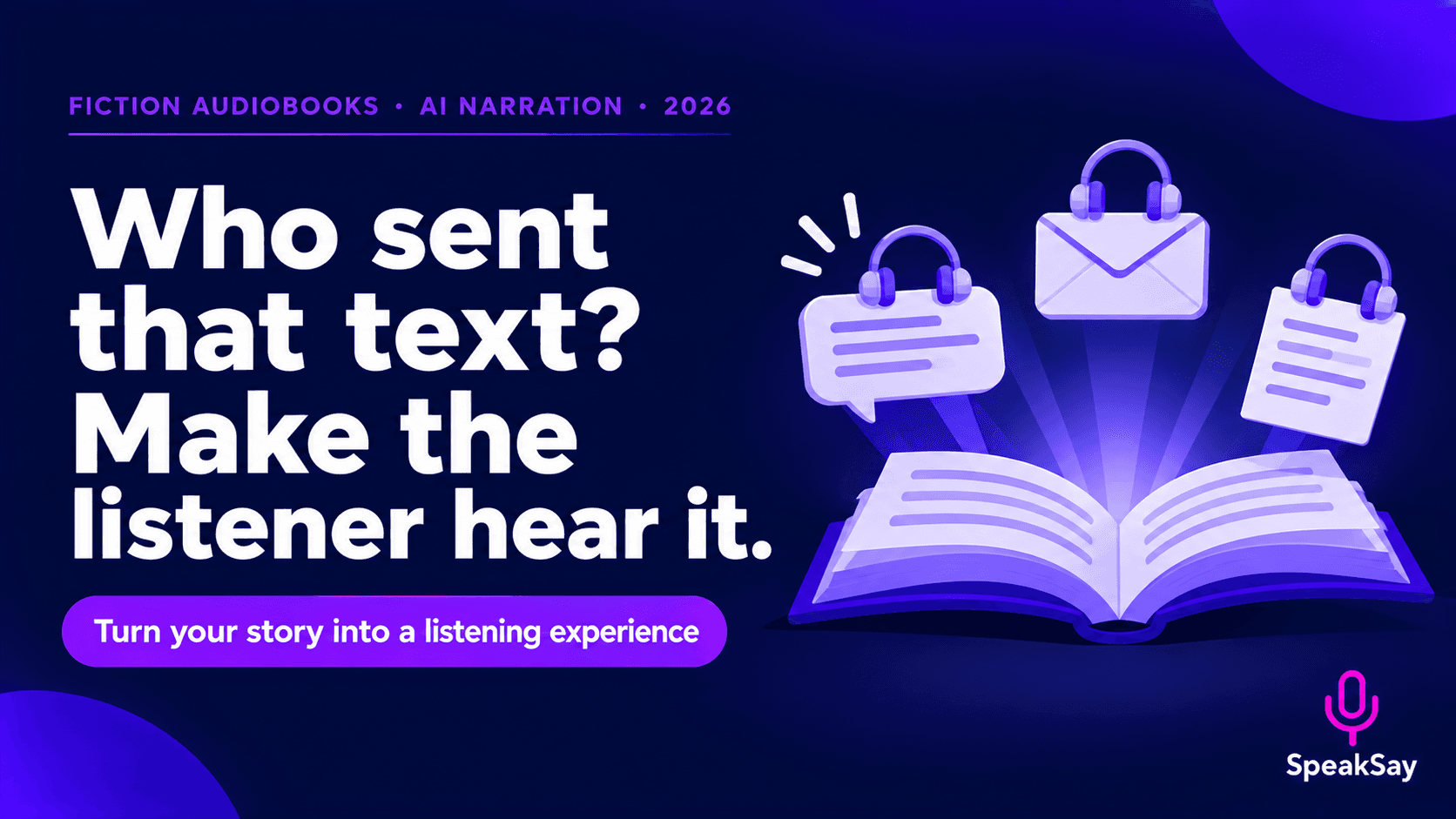
Texts, emails, chat logs and documents look fine on the page and fall apart when read aloud. This guide shows fiction authors how to rewrite in-book messages for the ear, decide whether each sender gets a distinct voice, and avoid the "who is speaking?" problem in an AI-narrated audiobook.
1) Why visual devices break in audio
Prose has tags that survive reading aloud: "she said", "he replied". A text thread does not. The format carries the information in the layout, not in the words.
- Sender identity is visual. Bubble colour, side of the screen and contact names tell the reader who is speaking. Audio has none of that.
- Timestamps and metadata are clutter. Read aloud, "Delivered, 11:42 p.m." repeated twenty times stops the story.
- Typography is meaning. ALL CAPS, emoji, typos and strikethrough carry tone that a flat voice may ignore.
- Documents are long. A pasted contract, news article or police report can run to a page of text the listener cannot skim.
This is a craft problem, not a technology problem, and it is worth solving before you generate anything.
2) Inventory every in-book message
Search the manuscript for the formatted blocks and list them in a simple table: where they appear, who sends them, how long they are, and what each one does for the story.
| Type | Typical problem | Common fix |
|---|---|---|
| Two-person text thread | No speaker tags | Add a short lead-in once, then alternate voices or add light tags |
| Group chat | Many senders, fast lines | Cut to the lines that matter and tag each sender |
| Headers, signatures, "Re:" chains | Say sender and subject once, drop the rest | |
| News clipping or report | Length and dry register | Summarise or trim, keep the key lines |
| Letter or diary entry | Voice shifts between author and character | Treat as monologue with a clear opening and closing beat |
Mark each item "keep as is", "trim" or "rewrite" before you touch the audio.
3) Rewrite rules for the ear
Your print edition stays untouched. The audio script is a separate version of the manuscript, and it is allowed to differ in format as long as the story is the same.
- Introduce the sender once. "A text from Dana: ..." is enough for the first line of a thread. After that, alternate voices or add occasional tags like "Dana wrote" and "Mark answered".
- Remove metadata. Cut timestamps, delivery receipts and contact headers unless the story depends on them, such as a message sent at 3 a.m.
- Spell out the typography that matters. If the capitals show anger, write "she shouted in all caps" once, or use a stronger voice for that line. If an emoji carries meaning, describe it in a few words.
- Shorten documents. Keep the first and last lines and the details the plot needs. A good test: would a listener ask "wait, what did that say?"
- Keep a short, consistent pattern. If every email opens with "An email from...", listeners learn the cue and relax.
Our guide to text-to-speech covers how numbers, abbreviations and punctuation are spoken, which matters for addresses, times and URLs inside messages.
4) One narrator or a voice per sender?
There is no single right answer. It depends on how many senders you have and how fast the exchange moves.
- One narrator throughout. Simplest and cleanest. Works well if you add sender tags and keep threads short. The narrator reads the messages in a slightly more neutral tone so they sound like "read" text.
- A second voice for messages. A single alternate voice for all in-book messages tells the listener at once that this is a text or email, without needing a voice per character. This is often the best value for a small production.
- A voice per recurring sender. Use this only for two or three principal characters who exchange many messages. More than that and listeners lose track.
Pick voices from the SpeakSay voice library that are clearly different in pitch and pace. Listen to a few lines of each back to back; if you cannot tell them apart in two seconds, a listener will not either.
Audition your narrator and message voice
Paste one text thread from your book and compare a narrator voice against a separate message voice, line by line.
5) Sound cues, pauses and what to skip
- A short pause before and after a message. About a second of silence signals the switch without any extra words.
- A subtle notification sound, used sparingly. A single soft tone at the start of a thread can orient the listener. Use a sound you have the right to use, and skip it if it distracts.
- Do not narrate the screen. Avoid "the screen lit up with three dots". Let the lead-in do the work.
- Keep pace in rapid exchanges. Fast back-and-forth works best with brief pauses, not long ones.
6) Test with a listener who has not read the book
You know the story, so you will always follow the audio. Play a chapter with a text thread to someone who has not read the book and ask them three questions:
- Who sent each message?
- What did the last message say?
- Did anything make you want to rewind?
Any wrong answer points to a sender tag or a trim you need to add.
7) Disclosure and retailer notes
Retailers have their own rules about AI-narrated audiobooks and about how narration is labelled. Check the current terms of the store where you plan to publish before you upload, and include a clear line in your front matter that the audiobook uses AI narration. Your print edition and ebook stay as they are; only the audio script changes.
Turn your manuscript into audio
See plans for long-form narration, or the one-time option for authors who plan to produce several books.
8) FAQ
Do I have to change my manuscript?You only change the audio script. The print and ebook editions stay as they are.
Should I read the timestamps?Only if the time matters to the plot. Otherwise cut them.
What about emoji?Describe the ones that carry meaning in a few words, and drop decorative ones.
Can the AI voice do different accents for different senders?Voices differ in accent and tone, but keep the contrast simple. Distinct pitch and pace is easier for listeners to follow than a range of accents.
How long should a narrated text thread be?If it runs longer than about a minute of audio, trim it to the lines that move the story.