The Handout Patients Lose in the Car: How Dental Practices Can Send a 90-Second Audio Version of Post-Procedure Instructions With Text-to-Speech (2026)
Patients leave with a paper sheet and forget it by evening. This guide shows small dental practices how to turn their own approved aftercare wording into a short, clear audio message patients can replay, without adding staff time or changing clinical content.
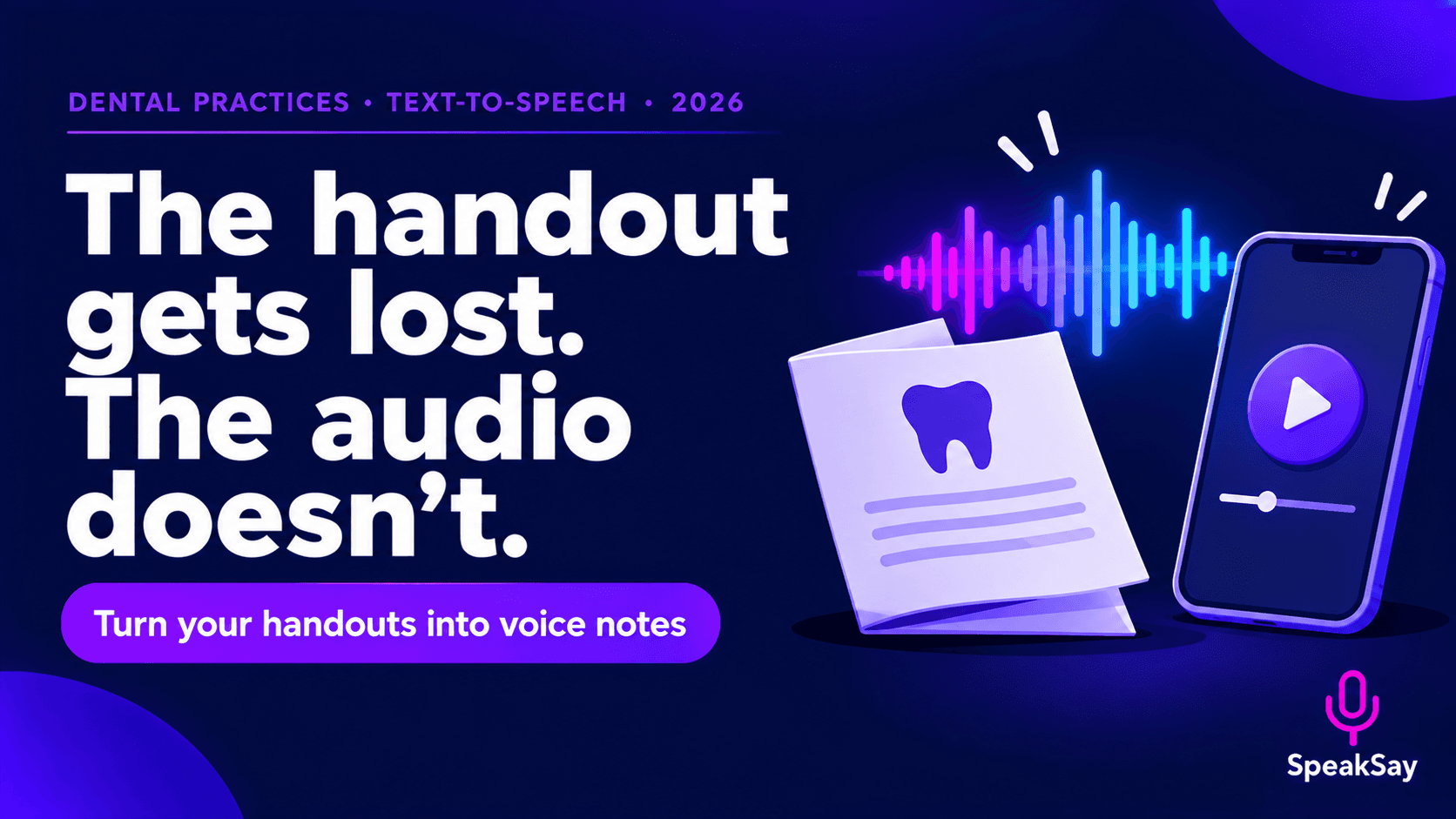
1) Why a paper handout fails after the visit
Instructions are given at the worst possible moment: right after a procedure, when the patient is tired, numb, possibly anxious, and focused on getting out of the building. The sheet then has to survive the trip home and be found again when a question comes up.
- The sheet is dense. Handouts are written to be complete, so the one thing the patient needs at 8 p.m. is buried in a paragraph.
- The patient is not reading. Someone who has just had a procedure may not want to read small print, and some patients read less comfortably in a second language or with weaker eyesight.
- The questions repeat. "When can I eat?" "Is a little bleeding normal?" "Who do I call?" Each repeated call is a minute of front-desk time that a clear message could save.
This is a pattern many small practices describe, not a measured statistic, so test it in your own office: count how many after-hours or next-morning calls ask for information that was already on the handout.
2) What audio can and cannot do
Be clear about the job. An audio message is a second copy of wording your clinicians already approved. It is not a way to give new clinical advice, and it should never replace a conversation about a specific patient's situation.
- Do: repeat the approved steps, the timing and the practice's contact details in a calm, plain voice.
- Do not: add dosage, diagnose a symptom or promise an outcome. Keep every medical statement identical to the printed sheet.
- Always include: the practice's number for questions, and a line telling the patient to follow the emergency instructions on their sheet or call the practice or local emergency services if something feels wrong.
SpeakSay generates the voice from text you supply. It does not supply medical content, and nothing in this guide is medical advice. Your dentist or practice manager should sign off on every script before it goes to a patient.
3) Write the script for the ear
A handout is scanned; audio is heard once, in order. Rewrite the sheet so it works when it cannot be skimmed.
- Start with what to do first. Open with the single most time-sensitive step, then the rest in the order the patient will need them: the first hour, tonight, tomorrow, the next few days.
- One idea per sentence. Short sentences, plain words. Say "wait until the numbness has gone before you eat" instead of a clause-heavy line.
- Say numbers and times in a speakable form. Write "two hours" rather than "2 hrs" and spell out any phone number in groups, for example "five five five, zero one two three".
- End with contact details and a repeat. Say the practice name and number twice, once in the middle and once at the end.
- Keep it to about 90 seconds. That is roughly 200 to 230 spoken words. If it runs longer, split by procedure type rather than adding to one long message.
Create one short script per common procedure type your practice already hands out sheets for, and keep the file names obvious so the front desk can find the right one.
4) Build it with text-to-speech
With text-to-speech you paste the approved script, choose a voice and generate the audio. There is no recording session and no studio.
- Pick a calm, clear voice. Browse the voice library and choose one that sounds steady rather than energetic. Use the same voice for every message so it feels like one practice.
- Listen on a phone speaker. Patients will play it on a phone in a car or kitchen, so test it there, not only on headphones.
- Fix pronunciation once. Dental terms, drug names and your practice name can trip a voice. Respell them phonetically in the script and re-listen; our pronunciation fixes guide covers the method.
- Version your scripts. When a clinician updates the sheet, update the script and regenerate the audio the same day so the two never disagree.
Try your first aftercare message
Paste one approved handout, choose a calm voice and hear it in a minute with the free text-to-speech tool.
5) Deliver it: QR, text link and the front desk
The best audio is useless if nobody can find it. Pick one or two delivery routes and make them effortless.
| Route | How it works | Watch out for |
|---|---|---|
| QR code on the printed sheet | Patient scans the code at the chair or at home and plays the message. | Use a private, unlisted link, and do not put patient names in the file name. |
| Text message after the visit | The front desk sends a link to the right message. | Follow your practice's own rules for patient messaging and consent. |
| Link in a reminder email | Add the link to the post-visit email you already send. | Keep the email short; the audio carries the detail. |
Keep the audio generic to the procedure type. It should not contain any individual patient's details, so it can be shared safely.
6) Patients who prefer another language
If your practice serves patients who are more comfortable in another language, have a qualified person translate the approved wording first, then generate audio from the reviewed translation. Do not machine-translate clinical instructions and publish them unreviewed. Our guide on multilingual voice messages explains the review step for pre-recorded notices.
7) Review, consent and record-keeping
- Clinician sign-off: a dentist or practice manager approves every script and every update.
- Privacy: audio contains instructions only, never patient names or details. Check local privacy requirements for how you send links.
- Keep a log: record the script version and date so you can show what was current on any given day.
- Measure honestly: for a month, count repeat "what do I do now" calls before and after. Keep the audio only if the numbers justify it.
Build a small library for the whole practice
One short message per procedure type adds up. See plans for regular use, or the one-time option if you would rather not pay monthly.
8) FAQ
Is this medical advice?No. The audio repeats wording your own clinicians approved. SpeakSay only turns the text you provide into speech.
Can the audio replace the printed handout?Treat it as a companion. Keep the printed sheet, because some patients prefer to read and because it is your reference record.
How long should the message be?About 90 seconds, or 200 to 230 spoken words. If you need more, make a second message for the next stage of recovery.
Should I clone the dentist's voice?You can, with the dentist's written consent, using SpeakSay's voice cloning. A stock voice is simpler and needs no consent step. See our consent recording template if you go that route.
What if a patient has hearing difficulties?Audio is an addition, not a replacement. Keep the printed sheet and offer a conversation or a phone call for anyone who needs it.