The Estimate, Explained in Your Own Voice: How Independent Auto Repair Shops Can Send Customers Short Audio Explainers for Common Repairs With a Clone of the Owner's Voice (2026)
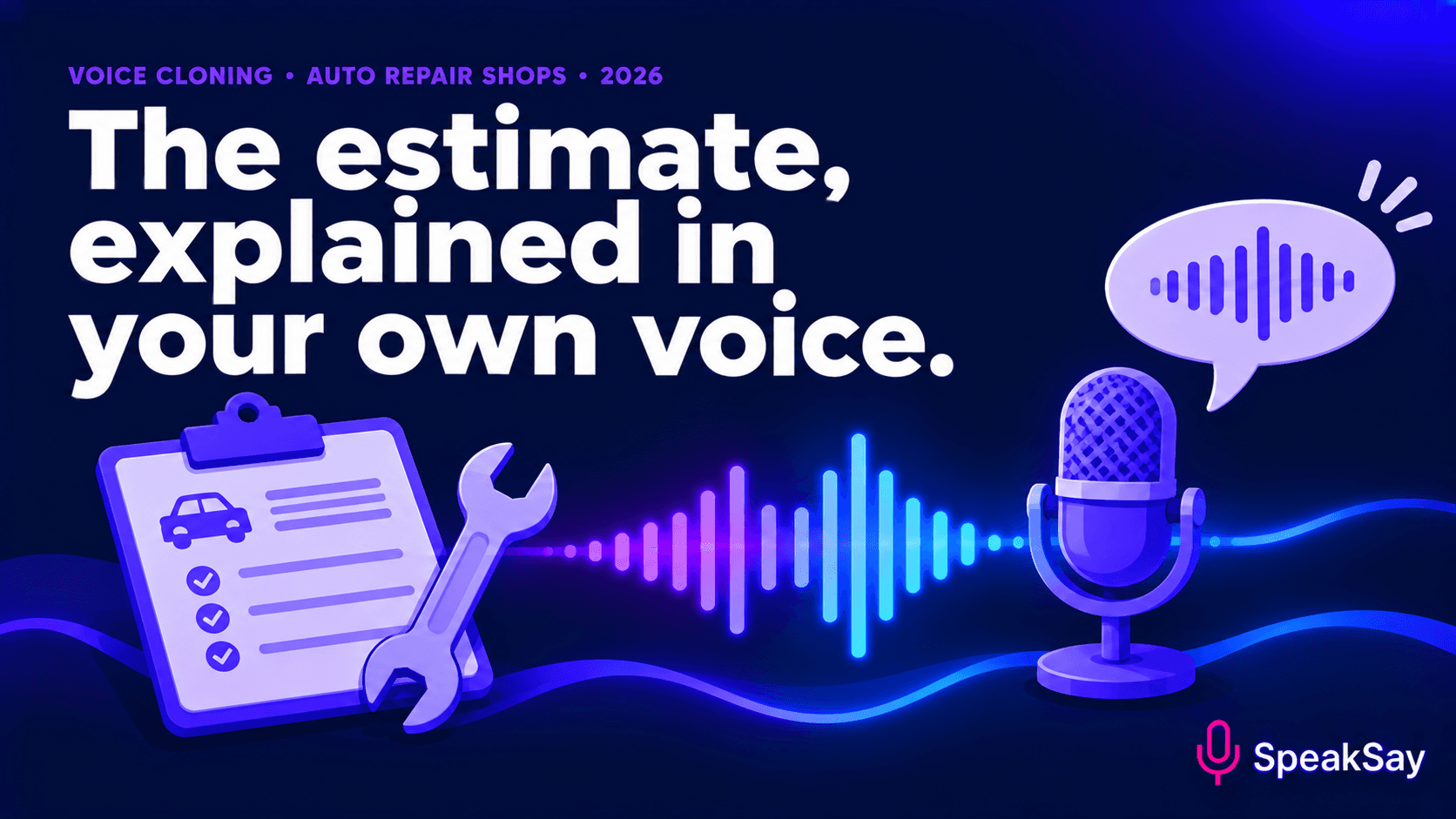
Customers rarely understand a repair estimate, and service advisors repeat the same explanations all day. This guide shows how a shop owner can record consent, clone their own voice and produce a small library of short, plain-language audio explainers for common repairs, without making promises about safety, price or diagnosis.
1) Why estimates confuse customers
Estimates are written for the shop's records and parts systems. They use part names, abbreviations and line items that mean little to someone who just wants the car to work. The result is a phone call, a pause, and sometimes a "let me think about it."
Trade publications for service advisors regularly advise explaining repairs in plain language and, where possible, with visuals. Audio is a lighter version of that advice: one short message per repair type that customers can play when it suits them.
We cannot say it will raise approvals. It can reduce repeat explanations and make the customer feel informed. Track your own numbers.
2) Ground rules: whose voice and what it may say
- Your own voice only. The owner clones their own voice, with their own recorded consent. Do not clone a technician, an advisor or a former employee without their written agreement, and do not clone anyone who has left.
- General explanations, not diagnoses. The audio explains what a repair is and why it is usually done. It never says what is wrong with this customer's vehicle, and it never says a vehicle is safe or unsafe.
- No prices in the audio. Prices live in the estimate.
- Say it is a recording. A short disclosure at the start, such as "This is a recorded explanation from the shop owner," keeps things honest.
- A person is always available. Every message ends with how to reach a human.
Rules about repair estimates and customer authorisation vary by state and country. Check with your trade association or adviser before changing your process.
3) Start with a small library
Do not try to explain every repair. Start with the five or six that generate the most questions. For most shops that may include:
- Brake pads and rotors.
- Oil and filter service.
- Tyre rotation and alignment.
- Battery and charging checks.
- Coolant and fluid services.
- Check-engine light diagnostics, explained as a process, not a result.
Ask your advisors which questions they answer most often. Their answers are your scripts.
4) Script each explainer
Each explainer should be 45 to 75 seconds and follow the same four steps:
- What it is, in one plain sentence, with no parts jargon.
- Why shops usually recommend it, in general terms.
- What to ask, two questions the customer can put to the advisor.
- How to reach a person, with the shop's phone number spoken slowly.
Write the script the way you would say it across the counter. Short sentences. No acronyms the customer has not met. If you must use a term such as "rotor," explain it once. See our guide to writing numbers and units for audio for phone numbers and measurements.
5) Record consent, clone and produce
- The owner records a clear consent statement and a clean sample using our consent recording script template.
- Create the clone in the SpeakSay voice clone tool.
- Generate a short test and compare it with the real voice. Our guide to what a short sample captures and misses sets expectations.
- Generate each explainer and listen to the whole thing. Fix any odd pronunciation of part names.
- Name the files by repair type and date, and keep a list of who approved each script.
Make the first explainer in an afternoon
Record consent, clone the owner's voice and produce one brake-service explainer to test.
6) How to send it with the estimate
- Add a link under the matching line of a text or email estimate: "Hear a quick explanation of this repair."
- Use a short web page with a play button and the text of the script beneath it.
- Add a QR code on the waiting-room card for customers who are on site.
- Do not attach audio to messages about safety-critical findings. Those need a conversation.
Keep the written estimate as the record of what was approved. Audio is an explanation, not an authorisation.
7) What to leave out
- Any statement that a vehicle is safe, unsafe, urgent or can wait.
- Any promise of a result, a time or a price.
- Brand comparisons and claims about parts.
- Anything that sounds like a warranty term, unless your written warranty says exactly the same.
When in doubt, the audio says "ask your advisor." If you later change a policy, retire the affected explainer and record a new one.
8) FAQ
Can I clone my service advisor's voice instead?Only with their clear written consent, and with a plan for what happens if they leave. The owner's own voice is simpler.
Does this replace talking to the customer?No. It handles the standard explanation so the conversation can be about the customer's car.
Should the customer be told it is a recording?Yes. A short line at the start is enough.
What does it cost to run?That depends on your plan and volume. See SpeakSay pricing and the lifetime plan.