How to Clone Your Own Voice for YouTube Narration (and Keep It Consistent Across 100 Videos)
Re-recording narration for every video is the silent killer of faceless channels. Here's how to clone your own voice once, keep it perfectly consistent across a hundred uploads, and stay on the right side of consent and disclosure.
1) Why Consistency Beats Re-Recording
Audiences bond with a voice, not a script. When your narration sounds different every video — because you were tired, in a different room, or using a new mic — you erode the familiarity that builds subscribers. A cloned voice removes those variables. Every line is the same tone, pace, and timbre, whether you record it today or eight months from now.
2) Is Cloning Your Own Voice Legal?
Cloning your own voice is the cleanest case in all of voice AI: it's legal and ethical because you're the rights-holder. The rules get strict only when you clone someone else — that requires explicit, ideally written, consent.
- Your voice: clone freely for any purpose.
- Someone else's voice: only with explicit consent, and keep a record of it.
- Public figures / celebrities: don't — it's the fastest route to legal and platform trouble.
See our voice cloning knowledge base for the full walkthrough.
3) Recording the Perfect Voice Sample
The quality of your clone is decided here. A clean 2–3 minute sample is enough if you get these right:
| Do | Avoid |
|---|---|
| Quiet, soft-furnished room | Echoey, hard-surface spaces |
| Consistent mic distance (a hand-span) | Leaning in and out |
| Natural, varied sentences | Monotone word lists |
| Your normal narrating energy | Over-performing or whispering |
| Light cleanup before upload | Background hum, fans, traffic |
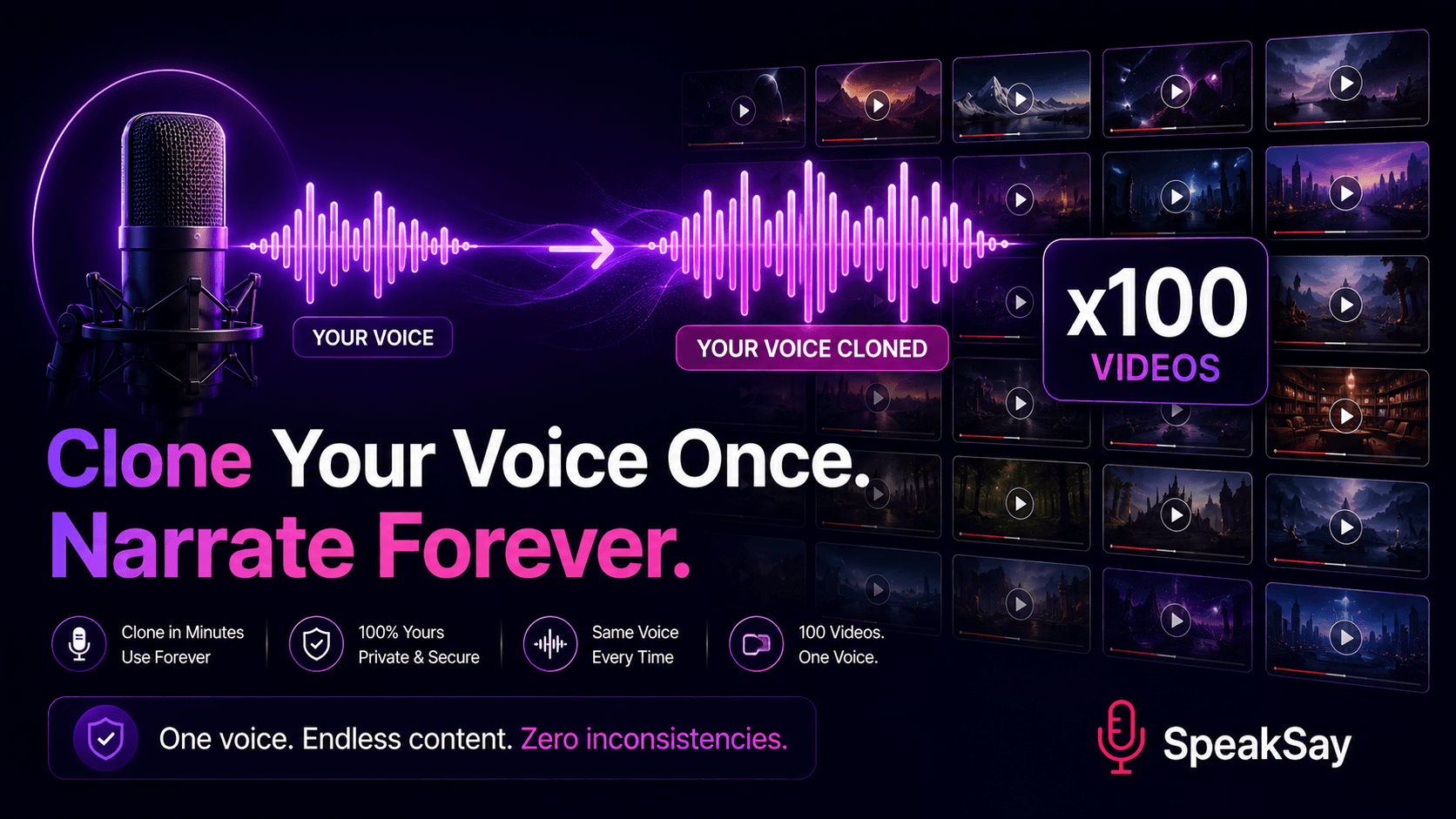
4) The Clone-Once, Narrate-Forever Workflow
- Record a clean 2–3 minute sample of natural speech.
- Clean it (denoise, normalize) so the model captures your true tone.
- Create your clone on SpeakSay — start with English voice cloning here.
- Generate narration by pasting any script; your voice reads it instantly.
- Reuse forever across every future video — no re-recording.
Clone your voice once, narrate every video
Create a reusable model of your own voice with SpeakSay and keep a consistent sound across your entire channel. Try it free, then upgrade when you're ready to scale.
Clone your voice →5) Keeping It Consistent Across 100 Videos
- Lock one master voice as your channel narrator and don't swap it mid-series.
- Keep a "hook" variant — slightly punchier — for cold opens using Voice Remix.
- Standardize your script formatting (periods over comma-chains) so pacing stays even.
- Reuse the same output settings every time for uniform loudness and tone.
6) Disclosure & Audience Trust
Even when it's your own voice, a light touch of transparency builds trust. A simple line like "narration generated with my AI voice" in the description is enough in most contexts, and some jurisdictions increasingly expect AI labeling. It costs you nothing and protects your credibility.
7) Five Mistakes That Ruin a Voice Clone
- Recording in an echoey room (the model learns the echo).
- Inconsistent mic distance across the sample.
- Reading a flat word list instead of natural sentences.
- Skipping cleanup and feeding in background noise.
- Switching voices mid-channel and confusing your audience.
Give your channel one unmistakable voice
Start free with SpeakSay voice cloning, then upgrade for unlimited, consistent narration across every upload.
See plans →8) Frequently Asked Questions
How long a sample do I need to clone my voice?A clean 2–3 minutes of natural speech is typically enough. Quality of the sample matters more than length.
Is it legal to clone my own voice for YouTube?Yes. You own the rights to your own voice, so you can clone and use it freely. Cloning others requires explicit consent.
Will a cloned voice sound robotic?Not if your sample is clean and you format scripts naturally. See our guide on making AI voices sound human for pacing tips.
Do I have to disclose that the narration is AI?A short disclosure is good practice and increasingly expected. For your own cloned voice, a simple note in the description is usually sufficient.