Your Lesson, Between Lessons: How Private Tutors Can Send Practice Recaps in Their Own Cloned Voice (2026)
Students forget most of a lesson by midweek. A two-minute recap in the tutor's own voice keeps practice on track without extra teaching hours. Workflow, consent and privacy rules included.
1) The gap between lessons
Students, and the parents who supervise younger ones, leave a lesson with good intentions and a vague memory. By Thursday the tempo marking, the verb ending or the bowing instruction is blurred. Tutors who record voice memos after each lesson fix this, but it eats evening time and the recordings vary in quality.
A cloned version of your own voice lets you type the recap and have it read in your voice, with consistent audio quality, in a few minutes.
2) Privacy and consent rules first
- Clone only your own voice, and only after you have recorded the required consent sample yourself.
- Keep student details out of the text. Use a first name or no name. Do not include surnames, school, health or family details.
- Tell families how the audio is made. One sentence in your studio policy is enough: "Practice recaps are generated from my notes using a voice model of my own voice."
- Send privately. Use the same channel you already use with parents, not a public link.
- Check any contract or platform rules if you teach through a tutoring marketplace or school.
3) A two-minute recap script
- One-line opener: "Here is your recap for this week."
- Three focus points in the order to practise them.
- One thing that went well, so the student keeps going.
- One concrete target for the next lesson.
- A sign-off: "See you next week."
Read it aloud once yourself. If it takes more than two minutes, cut a focus point.
Record your voice once, reuse it every week
Clone your own voice with a short consent recording and turn typed recaps into audio.
4) A ten-minute weekly workflow
- After each lesson, jot three bullet points in your notes app.
- Expand them into the script above in a text template.
- Generate the audio in your cloned voice and listen to the first few seconds.
- Send to the student or parent with the written bullets underneath.
The written bullets stay useful as a reference, and the audio is the version students actually play.
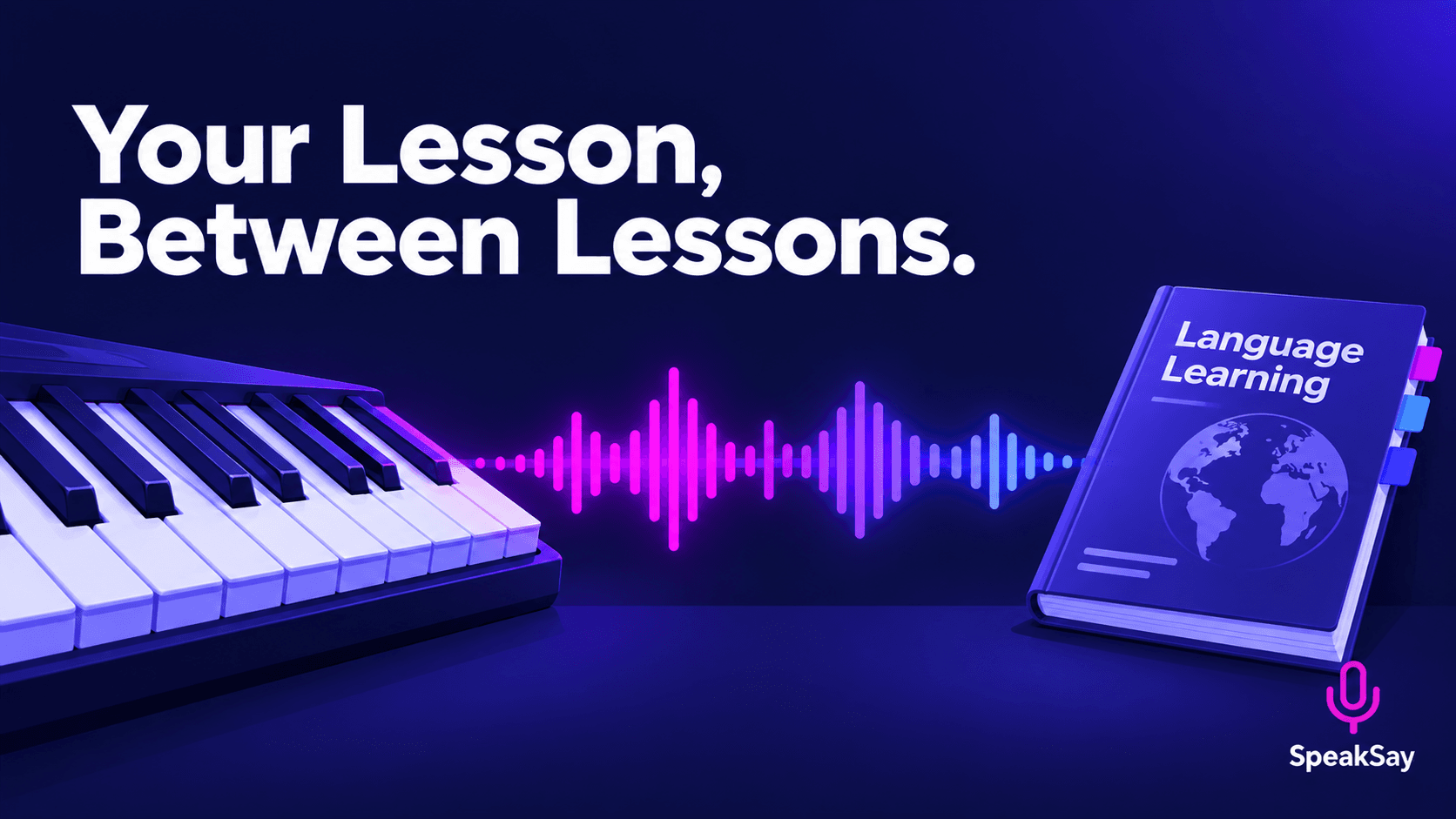
5) Examples for music and language tutors
| Subject | Recap line | Student action |
|---|---|---|
| Piano | "Play bars nine to twelve at half speed, hands separately, four times." | Practise and report back |
| Violin | "Check your bow stays parallel to the bridge in the long notes." | Film a 30-second clip |
| Spanish | "Repeat after me: tengo, tienes, tiene." | Shadow the audio |
| Test prep | "Redo the three algebra questions you missed, then explain each aloud." | Send photo of workings |
For pronunciation work, remember that a cloned voice reads text the way it is spelled. Check difficult words and, for a language you teach natively, compare against your own recording before you send it.
Build a bank of recaps without a bank of credits
If you teach a full roster, plan for volume. See the plans that fit weekly use.
6) Pricing it into your lessons
Many tutors include the recap in the lesson fee, because it improves progress and retention. Others offer it as a small add-on. Either way, it should cost you minutes, not hours. If you plan to produce recaps for years, the Lifetime plan keeps the tool cost fixed.
7) Frequently Asked Questions
Can I clone a colleague's voice for a shared studio?Only with that colleague's explicit consent. Each teacher should provide their own recording.
Will students think it is a real recording?Be transparent in your studio policy. A line at the start such as "this recap is generated from my notes" avoids confusion.
Does this replace feedback in the lesson?No. It supports practice between lessons and does not replace live feedback.
What about younger students?Send recaps to the parent or guardian, keep the content generic, and avoid personal details.