Give Your DIY Smart Home Its Own Voice: Original Announcement Voices for Home Automation Projects With Voice Remix (2026)
Home automations announce doorbells, laundry and timers in a default voice. Here is how makers can design an original voice, generate a reusable library of short clips, and avoid soundalike pitfalls.
1) Why the default voice gets ignored
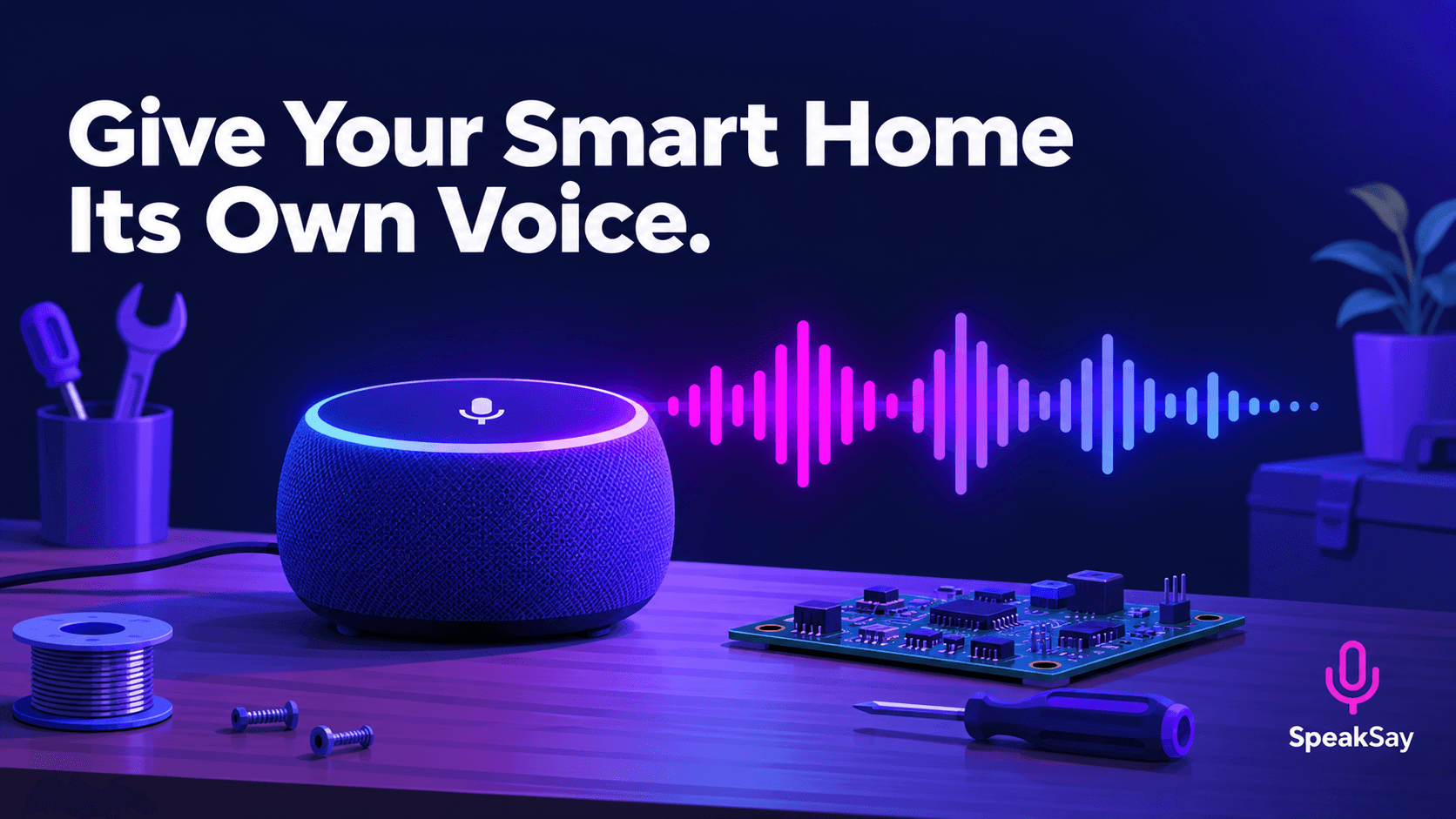
People tune out sounds that are the same every time. A single flat voice reading every alert makes the dryer, the doorbell and the smoke-detector test feel equally unimportant. A distinct voice for each kind of message gives household members a cue before the words finish.
2) Design one original voice
Use Voice Remix to shape a voice from scratch rather than copying a known one. Decide on three traits: pitch, pace and warmth. A slightly lower, unhurried voice suits routine notices; a brighter, quicker variant suits reminders.
- Be original. Do not try to imitate a commercial voice assistant, a celebrity or a film character. A soundalike can raise legal and trademark problems if you ever share the clips.
- Make a calm variant for urgent notices. Alerts that matter, such as a leak sensor, should be slow, clear and short.
- Test in the room. Play samples on the actual speaker. Small speakers lose low frequencies.
Design a voice for your home
Shape an original voice, preview it and generate your first clips.
3) Build a clip library, not a live voice
Pre-generating clips is simpler and more reliable than calling a service every time. The announcement plays instantly and still works if your internet connection drops.
| Event | Example line | File name idea |
|---|---|---|
| Doorbell | "Someone is at the front door." | door-front.mp3 |
| Laundry | "The dryer has finished." | laundry-dryer-done.mp3 |
| School morning | "Ten minutes until we leave." | school-10min.mp3 |
| Evening | "Time to wind down." | evening-winddown.mp3 |
| Leak sensor | "Water detected in the kitchen." | alert-leak-kitchen.mp3 |
Name files by event and location, in lowercase with hyphens, so your automations can refer to them without confusion.
4) Write announcements people actually hear
- Lead with the subject: "Dryer finished", not "Attention, a cycle has completed."
- Keep to under eight words where you can.
- Say the location when the house has more than one door or room involved.
- Use a short lead-in sound of your own so the voice is not the first thing a person hears.
5) Wire the clips into your automations
Most home automation platforms can play an audio file to a speaker as an action. Upload the clips to wherever your setup keeps local media, and point each automation at the matching file. Test every one once, with the volume you will use at night.
If you want a change in wording later, regenerate the one clip and replace the file. The automation does not need to change.
Keep your clip library growing
Hobby projects add up to hundreds of clips. The Lifetime plan fits a library that keeps expanding.
6) Limits and rules
- Safety alerts need a backup. Do not rely only on a custom voice for smoke, carbon monoxide or security alerts. Keep the certified alarm devices in place.
- Pre-generated clips are not conversational. For live, interactive replies you need a different setup.
- Check licensing before sharing clips or including them in a product you sell.
7) Frequently Asked Questions
Can I use my own voice for the clips?Yes, with a clone of your own voice. See the voice cloning page. Only clone voices you have permission to use.
What format works best?MP3 or WAV, depending on what your platform supports. Keep clips short.
Can I share my clip library with other makers?Check the SpeakSay terms on commercial and shared use before distributing clips.
Will the clips match each room's volume?Use the free audio normalizer to even out the levels.