Homework in the Trainer's Voice: Audio Cues and Practice Walkthroughs Dog Clients Can Play Between Sessions (2026)
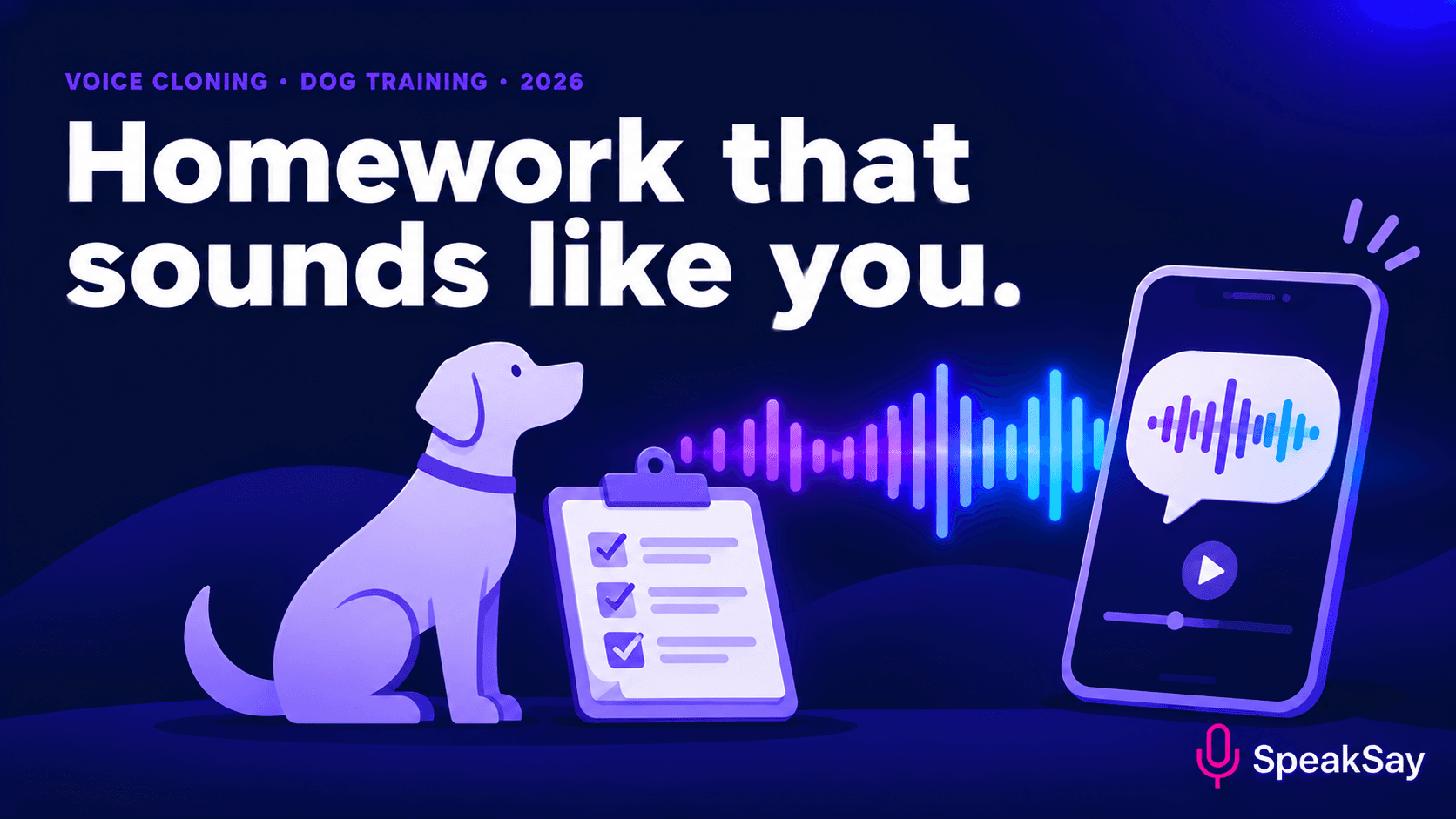
Clients leave a dog-training session with good intentions and forget the timing, the cue words and the order of steps by Wednesday. A short audio walkthrough in the trainer's own voice can sit in their pocket while they practise. Here is what to record, how to use a cloned voice with consent and what must stay written.
1. The gap between sessions
Training depends on repetition between sessions. Clients practise alone, with a restless dog and a phone in one hand. A printed sheet is hard to read in that moment, and a long video is hard to follow while watching a dog. Audio is easy to use hands-free: the client hears the next step while their eyes stay on the dog.
The trainer's voice matters. Clients already trust it, and the pace and tone model how to give cues calmly.
2. What to turn into audio
- Cue words and timing. "Say the cue once. Wait two seconds. Reward."
- Short practice routines. Three to five minutes per exercise.
- Troubleshooting prompts. "If the dog breaks the stay, reset and make it easier."
- Encouragement. A reminder that progress is uneven.
Keep each audio file to a single exercise. Clients should be able to choose what to play without scrolling through a long recording.
3. How to script a walkthrough
- Name the goal. "Today we are practising a calm sit at the door."
- Give the setup. Where to stand, what to hold, what the dog should be doing.
- Step by step, one action per sentence. Pause lines between steps so the client can act.
- Say the criteria for success. "Move on when the dog sits three times in a row."
- End with a reset. "If it goes wrong, stop and try again tomorrow."
Leave real silence for action. Use short breaks written into the script, then listen to the audio with a stopwatch to check the pacing feels natural.
4. Using your own cloned voice
A cloned voice saves you from recording every walkthrough, and it keeps the voice consistent across clients and weeks. Treat it carefully.
- Clone only your own voice. Do not use another trainer's voice without their written permission. See our consent script template.
- Tell clients. Add a line in your welcome pack: "Audio homework uses a synthetic version of my voice."
- Record a varied sample. Include calm cues and energetic praise, in one quiet session.
- Listen to everything before sending it. A mispronounced cue word can confuse a dog and a client.
With SpeakSay Voice Clone, you can create a voice from your own recording and generate new walkthroughs from text.
Make one walkthrough
Pick your most-asked exercise, script it, and listen in your own cloned voice before you share it.
5. What stays in writing
Audio is good for technique. It should not carry safety-critical or individual advice.
- Safety guidance, such as handling an anxious or reactive dog, stays in writing and in person.
- Health or medical questions go to a veterinarian.
- Anything specific to one dog should be in a written plan tailored to that dog.
- Contracts, fees and cancellation terms stay in writing.
If a client's dog shows signs of aggression or distress, a recording is not enough. Speak with them directly.
6. A simple weekly workflow
- After each session, write down the two exercises to practise.
- Turn each into a short script from your template.
- Generate the audio in your cloned voice and listen once.
- Send the links with the written plan.
- Ask at the next session which audio the client actually used.
Over time you build a library of reusable exercises. If you plan to produce audio every week, compare the Lifetime Plan with monthly options on the pricing page.
7. FAQ
Can clients use the audio while training?Yes, that is the idea, as long as they can hear it without distracting the dog. Earbuds in one ear or a phone on a table both work.
Do I need to tell clients it is a cloned voice?Yes. Say it clearly in your welcome pack and on the audio page.
Is audio a replacement for a session?No. It supports practice between sessions. It does not assess the dog or the handler.
How long should each file be?Three to five minutes for a single exercise is a good range.