You Said the Wrong Price in Episode 41 and It Already Has Thousands of Downloads: How to Fix One Sentence in a Published Episode With a Pickup Line in Your Own Cloned Voice (2026)
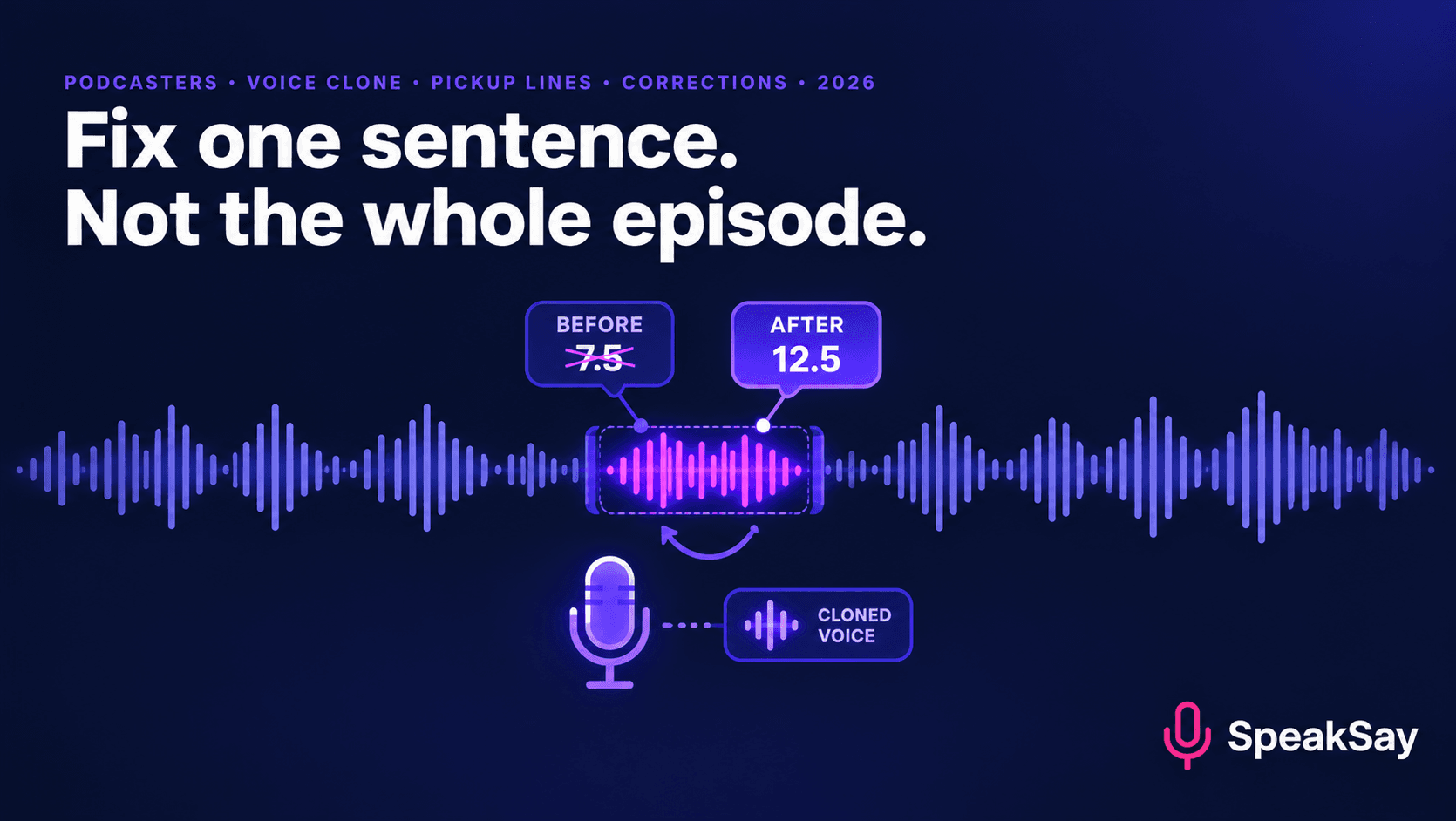
A wrong price, a sponsor who changed their offer, a name you mispronounced. Re-recording the whole episode is overkill, and leaving it up is worse. Here is a careful workflow for replacing a single sentence with a pickup line in your own cloned voice, plus when you should add a spoken correction instead.
1. Not every mistake is the same
| Type of error | Fix with a pickup line? | Better option |
|---|---|---|
| Mispronounced name or term | Yes, if you used the same word once or twice. | Replace each instance. |
| Wrong number, date or price you stated | Yes, but also say so in the show notes. | Add a short spoken correction at the start of the episode. |
| Sponsor offer, code or URL changed | Yes. This is the most common safe use. | Dynamic ad insertion, if your host supports it. |
| A statement of fact that turned out to be wrong | Only if you are also transparent about it. | A visible correction. Don't quietly rewrite what you said. |
| Something a guest said | No. Never put new words in a guest's mouth. | Edit around it, or ask the guest to re-record. |
| A legal or safety problem | No. | Take the episode down and get proper advice. |
The rule behind the table: a pickup line is for fixing what you said, in your own voice, where the meaning doesn't change in a way listeners would object to.
2. Three rules before you touch the audio
- Only your own voice. The clone should be a clone of you, made with your recorded consent. Our consent recording template shows how to document that. Never generate lines for a co-host or guest without their written permission.
- Don't change the meaning to hide a mistake. If you were wrong about something that matters, a silent edit can look like a cover-up. Correct it in the open.
- Keep the original. Save the unedited file and a note of what you changed and when. If anyone asks, you can show them.
3. The pickup-line workflow
- Find the exact words. Open the transcript or listen to the section. Note the start and end timestamps of the sentence you'll replace.
- Decide how much to replace. Replace the whole sentence, not one word. A new word dropped into an old sentence rarely matches in rhythm.
- Write the new sentence. Keep the same length, rhythm and emotion as the original.
- Generate it in your voice. Use SpeakSay Voice Cloning. Generate two or three takes.
- Audition against the original. Play the sentence before, your replacement and the sentence after, with headphones on.
- Splice, check, export. See section 5.
- Re-upload and note the change. See section 6.
4. Writing the replacement line
The new sentence needs to sound like it was said in the same breath as the old one.
- Match the length. If the original ran four seconds, aim for about four. A much shorter line leaves a gap and a much longer one feels rushed.
- Match the energy. A flat line in the middle of an excited story stands out. Rewrite to match, using the same punctuation style you speak in.
- Spell out numbers and codes. "Fifteen percent" and "code S-A-V-E ten" avoid reading errors. Our pronunciation fixes guide covers names and acronyms.
- Check proper names against how the person actually says them.
5. Splicing it in without a seam
- Cut at breaths and pauses. A cut mid-word is audible. A cut on a pause isn't.
- Match the room. The original has room sound and the clone has none. Add a little low-level room tone under the new line, or use a noise reduction pass on the whole segment so both sound similar. The free noise remover can help.
- Match the level. Run the replaced section through the audio normalizer or adjust the gain by ear.
- Crossfade by a few milliseconds. Just enough to hide the join.
- Listen at three points: in headphones, on a phone speaker and in a car if you can. Seams show up on speakers that a studio setup hides.
Clone your voice once, fix errors as they come
Make a private clone of your own voice and keep it ready for the next correction, sponsor change or pronunciation fix.
6. Republishing and telling listeners
- Replace the audio file in your host. Most hosts let you swap the file while keeping the same episode and RSS entry. Check yours before you start.
- Understand the cache. Apps may keep the old file for people who already downloaded it. They won't hear the fix.
- Add a line to the show notes. "Updated October 12: the price in the original audio was wrong. We replaced a sentence at 14:20 with the correct figure."
- Use disclosure that fits. If the pickup line is a generated version of your voice, say so in the notes. See our overview of AI voice disclosure rules for the platform side.
- Update the transcript so it matches the audio.
7. When to add a correction instead
If the mistake mattered to listeners' decisions, such as a medical claim, a financial figure or an accusation, don't replace it quietly. Record a short correction and place it at the start of the episode. State what you got wrong and what is right. Then, if you also want the original sentence fixed, do that second.
Many shows also post a short standalone correction episode. It costs you a couple of minutes and shows listeners that you're accountable for what you publish.
Choose a plan for how often you publish
Compare monthly credit plans and see which suits a weekly show with an editing workflow.
8. FAQ
Can I replace a sentence in an already published podcast episode?Usually yes. Most podcast hosts let you upload a new audio file for the same episode. Apps that have already cached the old version may keep it for existing listeners.
Is it okay to use a voice clone for the replacement?If it's a clone of your own voice, made with your consent, and you're fixing something you said, it's a reasonable production tool. Add a note to the show notes and don't use it to change what a guest said.
Will listeners notice the edit?Often not, if you match the length, rhythm, room sound and level. Cutting at a natural pause and listening on more than one device are the biggest factors.
What if the error was a factual claim?Correct it openly. A spoken correction at the start of the episode plus a show-notes update is better than a silent change.
Should I tell listeners the line is AI-generated?It's good practice to note it in the show notes. Platform rules differ, so check the current policy of the directories you publish to.
Can I use this for sponsor reads?Yes, for your own reads, with the sponsor's approval of the new copy. Many sponsor changes are easier to handle with dynamic ad insertion if your host offers it.


