Build a Self-Guided Audio Walking Tour With Two Voices, a Guide and a Resident From the Past: A Voice Remix Plan for Historical Societies, Main Streets and Local Businesses (2026)
A printed brochure can't tell a story, and a live guide can't be there every Saturday. A self-guided audio tour with two voices, a present-day guide and a resident speaking from the past, can. Here is how to plan stops, write short scripts, record with Voice Remix, and get people to listen on location.
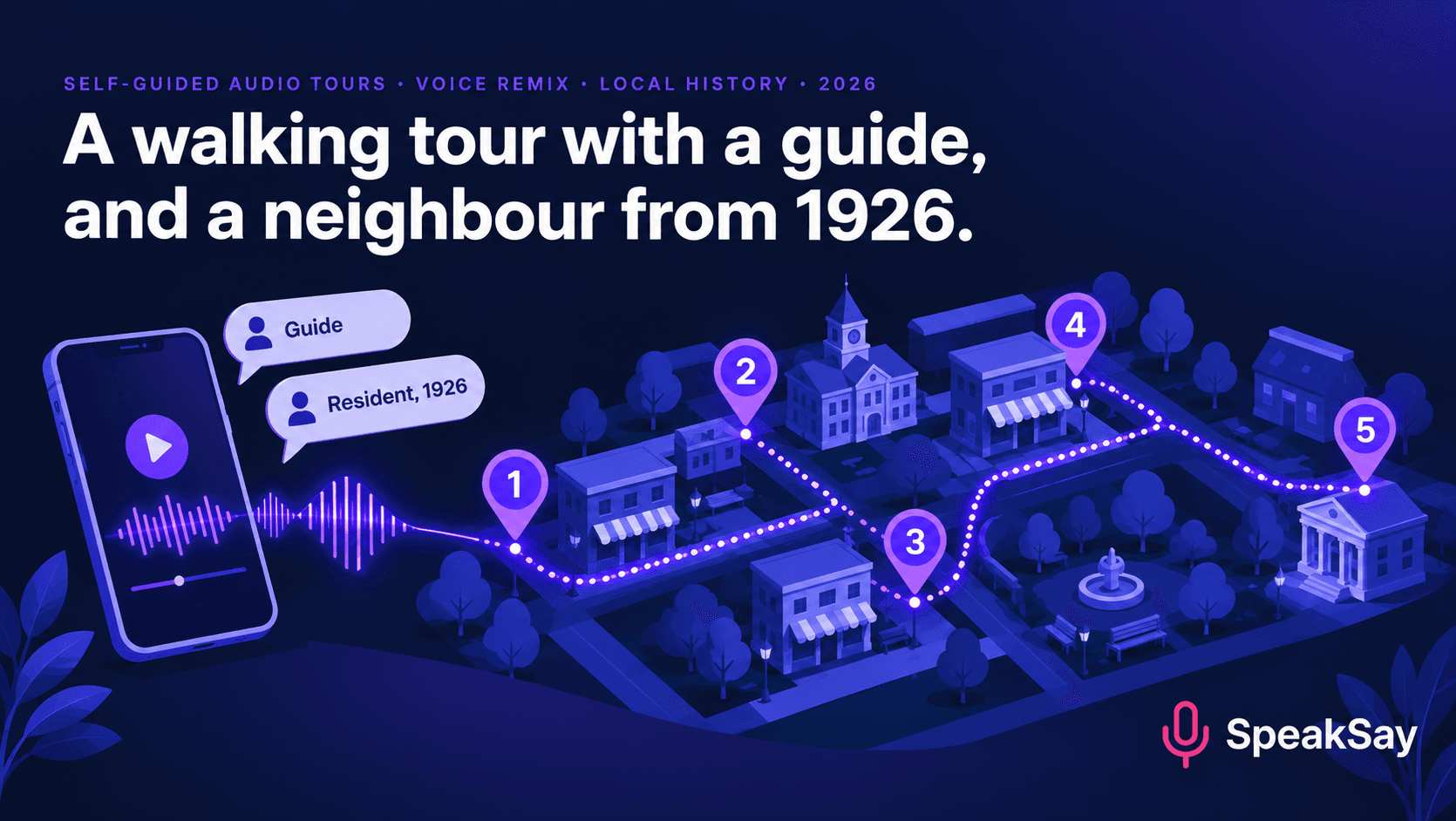
1. Why two voices work
A single narrator reading dates and architecture is the same as the brochure in spoken form. Two voices give you three things:
- Contrast. The guide knows what happened. The resident knows what it felt like.
- Pacing. Switching voices every 20 to 30 seconds resets attention.
- A way to say "we don't know". The guide can note where the record is thin, while the resident speaks in a clearly labelled imagined voice.
That last point matters. If the resident is a composite or an invention based on records, say so in the introduction. A listener should never think a made-up quote is a real person's words.
2. Plan the route and the stops
- Walk it first. Time the walk without stopping. A tour of 6 to 8 stops that takes 30 to 45 minutes with listening is a practical size for most visitors.
- Choose stops you can point at. A building, a doorway, a plaque, a view. "Look at the second-floor windows" works only if there are windows to look at.
- Start and end somewhere with seating, parking and a toilet, or at least a cafe. Say where in the introduction.
- Check the ground. Hills, steps, uneven pavement and crossings. Mention step-free alternatives where they exist.
- Number the stops on a simple map that works on paper and on a phone.
| Stop | What to look at | Guide says | Resident says |
|---|---|---|---|
| 1. Old market square | The clock on the corner building | When and why it was built. | What market day sounded like. |
| 2. The bakery | The oven chimney above the door | Who ran it across the years. | The smell on cold mornings. |
| 3. The mill house | The water channel by the wall | How the mill worked. | What a shift was like. |
This table is a template, not a real town. Replace the stops with yours.
3. Facts first: sources and permission
- Keep a source for every claim. A date from the local archive, a quote from a letter, an old newspaper page. Write it in the script's margin so the next volunteer can check it.
- Separate fact from imagined voice. The guide states facts. The resident can only say things the records support, or things clearly framed as imagined.
- Don't voice real people without permission. If you're portraying a named resident, ask descendants or the organization that holds their papers. A composite character avoids the problem. Avoid sound-alike clones of a real person's voice. Our guide to voice rights and sound-alike narrators explains why.
- Check image and text rights for anything you quote from newspapers, books or photographs.
- Tell people it's AI-voiced. A short line in the introduction and on the sign is enough.
4. Write each stop in 90 seconds
Ninety seconds is about 200 words of speech. That's long enough to say something and short enough that people don't wander off. A reliable shape:
- Look (10 seconds). The guide tells the walker where to look. "Stand facing the green door and look up at the carved stone."
- Fact (25 seconds). The guide gives the one thing the walker should remember.
- Voice (30 seconds). The resident adds a detail that no record could give: a sound, a smell, a habit.
- Guide again (15 seconds). Links the story to what's visible today.
- Go (10 seconds). "Walk along the lane to the right. The next stop is at the bridge."
Rules for writing audio: short sentences, no brackets, no long lists of dates. Write numbers the way you'd say them, and check how names are pronounced. If your town has a name that outsiders pronounce wrongly, respell it for the voice.
Try the two-voice format on one stop
Record or generate your first stop, clean and level it with the free audio tools, then add the second voice with Voice Remix.
5. Make the two voices
- Pick a guide voice. Warm, clear and unhurried. This voice carries the whole tour, so choose it first.
- Pick a contrasting resident voice. Different pitch, pace or accent so listeners can tell who is talking without being told.
- Record or generate each line and reshape voices with SpeakSay Voice Remix. If one person on your team will read both parts, Voice Remix can turn a single recording into a second, distinct voice. We cover that technique in our puppet show guide.
- Keep the volume even. Walkers listen outdoors, so check the clips against street noise. The audio normalizer is a free way to level the stops.
- Add a short sound cue at the start of each stop, like a door or a bell, so people know a stop has begun.
- Export one file per stop, numbered to match the map.
6. Put it where walkers can find it
- A QR code at each stop, linking straight to that stop's audio page. Use a laminated sign with the stop number and the words "Scan to listen".
- A start page with the map, the intro audio and an accessibility note.
- A transcript for each stop, for people who can't or don't want to listen.
- Offline option. Phone signal can be poor on a historic street. Offer a download for the whole tour.
- Hosting. Any web page that plays audio will do. Keep file sizes small so they load on a weak signal.
- Tell people. Your visitor center, the cafe at the start, local accommodation and the town's Facebook group are worth a message.
Local businesses can sponsor stops with one line at the end of a clip, but label it as a sponsor message and keep it short.
7. Test it on the street
- Walk the tour with a friend who doesn't know the town.
- Ask them to point at what each stop tells them to look at. If they can't find it, rewrite the "Look" line.
- Note where they stop listening. Cut or tighten those clips.
- Try it with and without headphones, on a busy day and a quiet one.
- Walk it again after a month. Check that signs are still up and the QR codes still work.
Make the whole tour in one session
See SpeakSay plans for multi-voice projects, from a single tour to a full set of local trails.
8. FAQ
How long should a self-guided audio walking tour be?Six to eight stops of about 90 seconds each, with a 30 to 45 minute walk, is a practical size for most small towns. Check your own route and adjust.
Can I use AI voices for a historical society tour?Yes, as long as you say they're AI voices, source your facts and don't imitate a real person's voice without permission.
Is it okay to invent a resident character?It works well if you label it. Say in the introduction that the resident is an imagined voice based on records, and keep what they say consistent with those records.
How do I get people to start the tour?Put a sign with a QR code at the first stop, add a link on your website, and give the link to the visitor center and local businesses.
What if there's no phone signal on the route?Offer a downloadable version of the tour on the start page and tell walkers to download before they set off.
Do I need a studio to record it?No. A quiet room and a phone microphone are enough for a script-reading take, and the audio tools can level and clean it up.


