Every NPC Sounds Like You: How Game Masters Can Give Tabletop Characters Distinct Voices and Pre-Recorded Scene Audio With Voice Remix (2026)
A game master voices the innkeeper, the villain and the dragon, and by the third hour they all sound the same. This guide shows how to build a cast of distinct NPC voices from your own recordings, prepare key scene audio before the session, and use it without slowing the table down.
1. Why the voices blur together
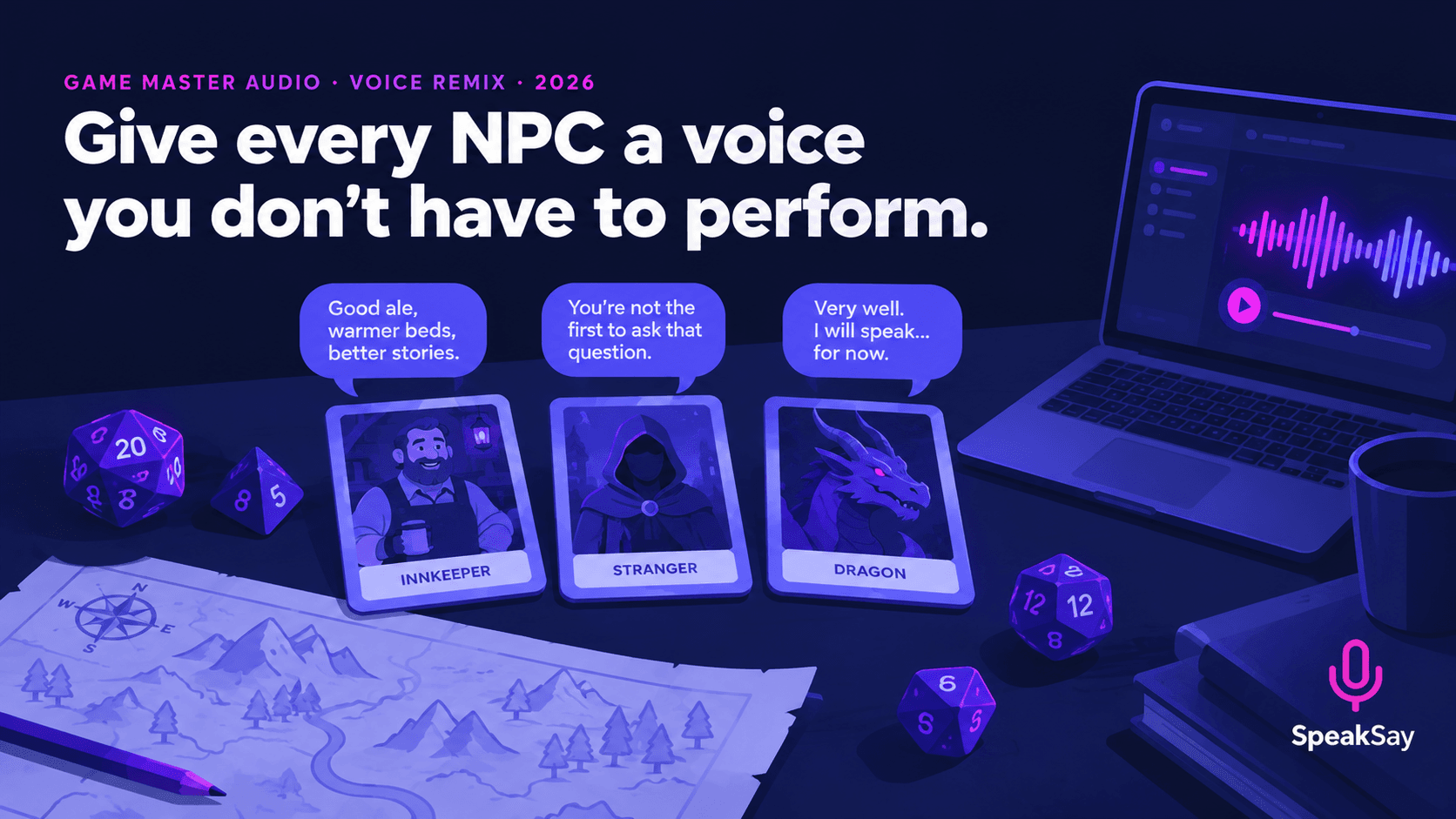
Performing voices live is tiring. Your pitch drifts back to your own, you forget which accent belonged to which character, and the improvised ones disappear from memory by the next session. Players remember a character partly by how they sound, and the NPC who gets the best voice is usually the one the party protects, avoids or never forgets.
You don't need to voice every character. You need a handful who stay consistent from session to session.
2. Decide which NPCs deserve a voice
Pick the characters your players will meet more than once, plus any single scene that has to land.
| Character type | Voice approach |
|---|---|
| The recurring ally (innkeeper, quartermaster) | Warm, easy to listen to, a repeatable catchphrase |
| The mysterious informant | Low, slow, with space between phrases |
| The villain | Controlled and calm; menace comes from pace, not volume |
| The monster or dragon | Deep, slowed, a little resonant; one key speech |
| The voice in the dream, or a ghost | Pre-recorded with an echo, for a single scene |
Aim for four to six voices for a campaign, not twenty.
3. Record the lines in your own voice
Your delivery supplies the timing and the personality. The remix changes the sound of the voice.
- Write the lines you know you will need: a greeting, a refusal, a threat, a clue, a goodbye. Five or six short lines per character is plenty.
- Record in a quiet room on your phone, held close, with a different tone for each character: slower for the informant, brighter for the innkeeper.
- Record two takes of each line, one calm and one intense, so you have a choice at the table.
- Clean the audio with the free noise remover.
If you write whole scenes with several speakers, the guide to hearing dialogue read aloud shows how to check them before the session.
4. Remix into characters
Use Voice Remix to turn each recording into its character's voice. Settle each voice once and use the same setting for every line of that character, so the innkeeper sounds like the innkeeper at session one and at session ten.
- Make the voices different from each other, not just different from yours. If two characters sound similar, change the pitch or pace of one.
- Keep the words clear. A strong effect that makes speech hard to follow slows the table down.
- Keep a voice sheet: character name, setting, and one example line.
- Test a clip on your players' typical set-up, whether that is a living-room speaker or a voice call.
The principles are the same as in our guide to character voices for a puppet show, where timing and clarity decide whether a voice works.
Build your cast of voices
Record one line, turn it into a character and hear it before your next session.
5. Use it at the table
- Don't pre-record everything. Use audio for the lines that matter most, and keep improvising the rest.
- Name your files in the order you will need them, such as "01 innkeeper greeting" and "02 informant clue".
- Use short clips. Eight to fifteen seconds works better than a monologue.
- Put a few clips in a folder on your phone or laptop so you can find them in two taps.
- Even out the volume across clips with the free audio normalizer, so none of them startles the table.
- Keep a fallback. If the file won't play, perform the line yourself.
6. Playing online
If you play over a voice call, test how clips sound after the call software processes them. Some tools reduce or distort background audio. Share your screen's audio or use a soundboard that your call software handles well, and check with one player before the session. Keep clips short so they don't talk over players.
7. Keep it original and respectful
- Create original characters. Don't imitate a real actor, a streamer or a character from a film or game.
- Don't use a real person's voice without their permission.
- Tell your players you are using prepared audio, and check that everyone is comfortable with it.
- Avoid accents played as caricature. Make a character distinct through pace, pitch and word choice instead.
8. FAQ
How do I make different NPC voices as a game master?Record short lines in your own voice with a different pace for each character, remix each into a character voice, and use the same setting for every line of that character.
How many voices do I need?Four to six for a campaign: the recurring allies, the villain, a monster and any single scene that has to land.
Can I use this when playing online?Yes. Test how your call software handles audio, use short clips and check with a player before the session.
Should I pre-record all my NPC lines?No. Prepare the lines that matter most and improvise the rest, so the game stays responsive to what the players do.
Can I make a voice that sounds like a character from a film?It is safer to create original characters. Imitating a real actor or a known character can cause problems.


