Your Team's Year in Review as a 10-Minute "Wrapped" Episode: AI Podcast for Small Businesses and Clubs (2026)
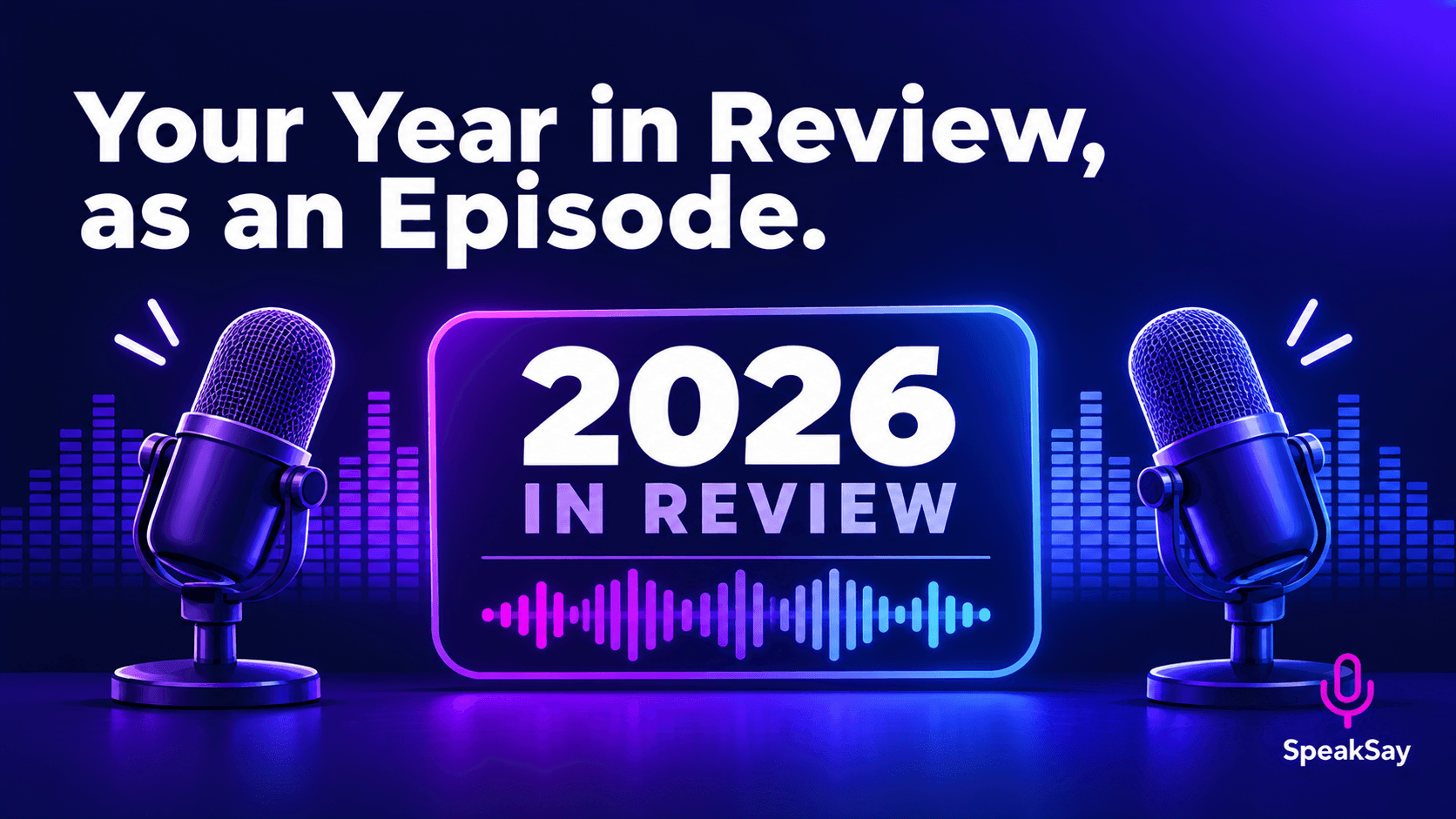
The year-end email gets skimmed. A ten-minute two-host recap built from your real numbers and wins gets played. Here is how to build one with an AI podcast.
1) Why a Recap Works Better as Audio
A year-end email competes with every other year-end email. A short episode can be played while commuting, cooking or walking, and two hosts bantering about your wins feels like a celebration rather than a report.
It also helps small teams who do not have a marketing department. You already have the material. The episode just changes the format.
2) Gather Your Real Material
- Numbers you can stand behind: orders shipped, events held, members joined, funds raised. Use only figures you can verify.
- Three to five milestones with a date and a name attached.
- Thank-yous to specific people and groups. Ask permission before naming anyone in a published episode.
- One honest miss. A recap that admits one thing that did not work sounds trustworthy.
- What is next: two or three plans for the new year.
Put it in one document. The AI hosts can only discuss what you give them.
3) The Ten-Minute Outline
- Cold open (30 seconds): the single biggest moment of the year.
- By the numbers (2 minutes): three or four figures, each with one sentence of context.
- Milestones (3 minutes): the story behind each one.
- Thank-yous (2 minutes): named, specific, short.
- The miss (1 minute): what you learned.
- What is next (1.5 minutes): plans and one clear ask.
Aim for under ten minutes. People finish short episodes.
4) Build It With an AI Podcast
- Paste your recap document into the SpeakSay AI podcast tool.
- Tell the hosts the format: friendly, year-in-review, ten minutes, in the order above.
- Choose two distinct voices from the voice library so listeners can tell them apart.
- Listen once for tone and once with your source document open to confirm every figure.
- Regenerate any section that drifts from the facts you provided.
Make your year-in-review episode
Drop in your notes and numbers and get a two-host recap you can share with your team or members.
5) Fact-Check Before You Publish
| Check | Why it matters |
|---|---|
| Every number against your source | Generated hosts can round, reorder or misstate figures. |
| Every name and pronunciation | Mispronouncing a volunteer's name undercuts the thank-you. |
| Anything private | Remove customer, member or health details you were not cleared to share. |
| Disclosure | Say in the show notes that the hosts are AI voices. |
7) Frequently Asked Questions
Can I use this for a company with employees?Yes, for general wins and thank-yous. Keep confidential financials and personnel matters out of any recording that leaves the company.
Do I have to tell listeners the hosts are AI?It is good practice and builds trust. A one-line note in the description is enough.
How long should the episode be?Around ten minutes. Shorter is better if you have less to say.
What if the hosts get something wrong?Regenerate that section with clearer source text, or edit the script. Never publish an episode you have not listened to in full.