Volunteer Orientation in the Coordinator's Own Voice: Cloned-Voice Onboarding Audio for Nonprofits and Clubs (2026)
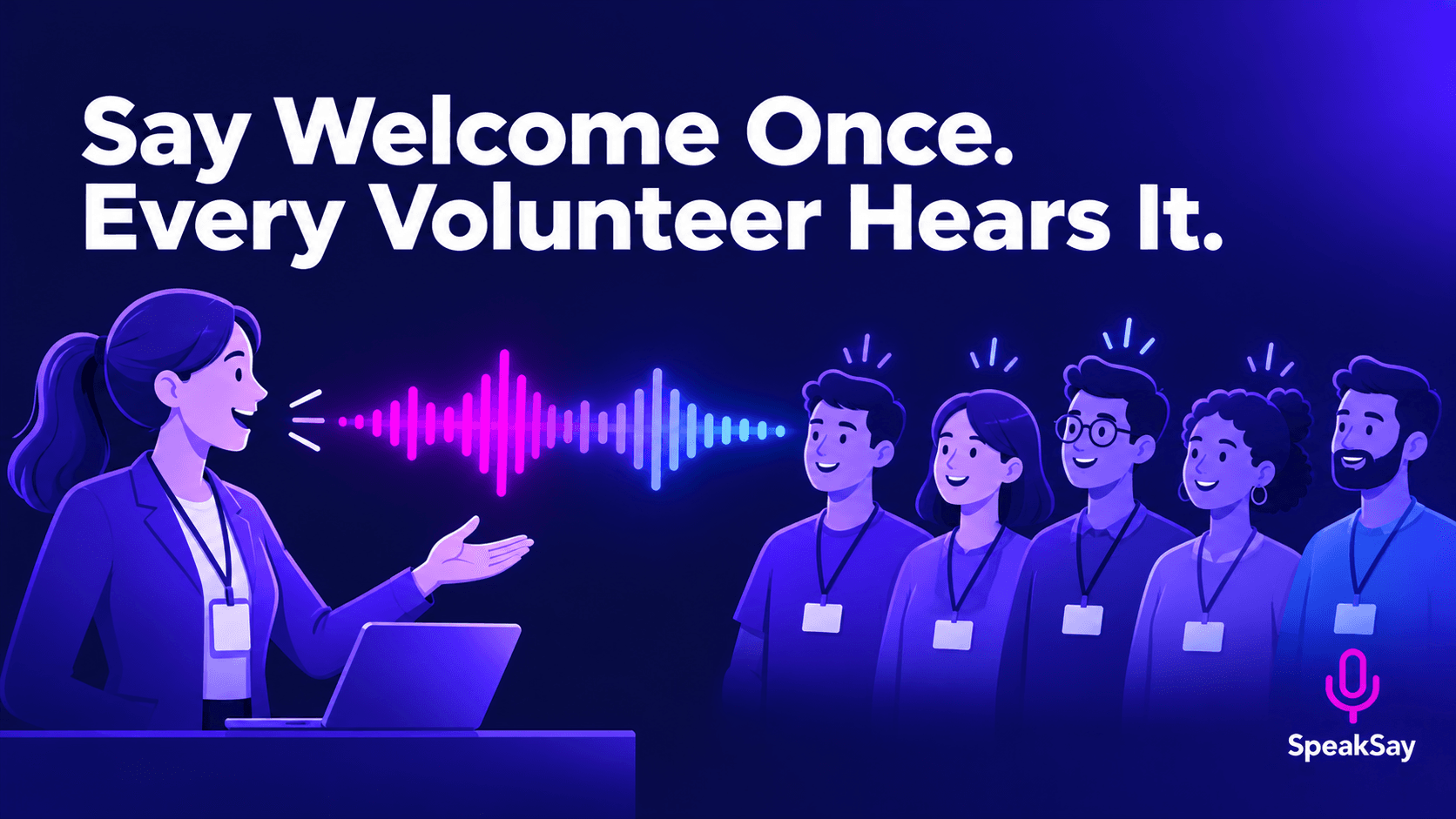
You give the same orientation every intake. Record your voice once, clone it with consent, and let new volunteers hear the welcome and the basics before they arrive.
1) What Belongs in Audio, and What Does Not
Audio is good for information volunteers need to hear once and can replay: the welcome, your mission in plain words, schedules, where to go and who to ask.
| Good for audio | Keep human or in writing |
|---|---|
| Welcome and mission | Safeguarding and child-protection training |
| Site map and parking | Legal agreements and waivers |
| Shift routine and who to ask | Background-check and eligibility steps |
| Frequently asked questions | Emergency procedures that must be practiced in person |
Required training stays required. The audio is a head start, not a replacement.
2) Consent and Privacy Rules
- Clone only your own voice. If another coordinator wants theirs cloned, they should record and consent themselves.
- Say it is a recording. Open with "This is a recorded welcome in my voice" so nobody thinks you are live.
- Leave out personal data. No names, medical details or case information in the script.
- Keep the sample secure. Store your original recording where only you and one backup person can reach it.
3) Write the Orientation Script
- Welcome (1 minute): why you are glad they came and what the organization does.
- Your first shift (3 minutes): arrival, check-in, who to find, what to bring.
- How we work (3 minutes): two or three habits that matter, in plain language.
- If something goes wrong (2 minutes): who to call, then point to the written procedure.
- Next step (1 minute): what happens after listening, and how to reach you.
Split it into short files so volunteers can find the one they need. Write the way you speak, with short sentences and contractions.
4) Clone Your Voice and Record
- Record a clean sample in a quiet room, following the guidance in the SpeakSay voice cloning tool.
- Create your clone and generate each script section.
- Listen for names of places and people. Respell them in the script until they sound right.
- Level the files with the free audio normalizer so the volume is even.
- Ask a current volunteer to listen and tell you what is confusing.
Record once, welcome everyone
Clone your own voice and turn your orientation script into short audio files.
5) Deliver It and Keep It Current
- Send the link with the confirmation email, a few days before the first shift.
- Post the files on your volunteer page, with a text version beside each one for accessibility.
- Replace a file when a policy, address or schedule changes. This is the main advantage over re-recording yourself.
- Review the script each season so nothing outdated stays in circulation.
Check plan details and usage limits on the pricing page before you plan a large library.
Update without re-recording
Policies change. See how the lifetime plan can keep your volunteer audio current without recurring cost worries.
6) Frequently Asked Questions
Will volunteers think it is impersonal?Not if you say it is a recording and still meet them in person. The audio frees up your time for real conversation.
Can this replace required training?No. Safeguarding, legal and safety training that must be done in person or documented stays as it is.
Is it allowed to clone my own voice for work?Yes, with your own consent. Never clone someone else without their written permission.
What if I leave the organization?Decide in advance whether the files stay in use, and delete your clone and sample if you want them removed.