Hear Your Thesis Before Your Committee Does: Listen-Back Proofreading and Defense Prep With Text to Speech (2026)
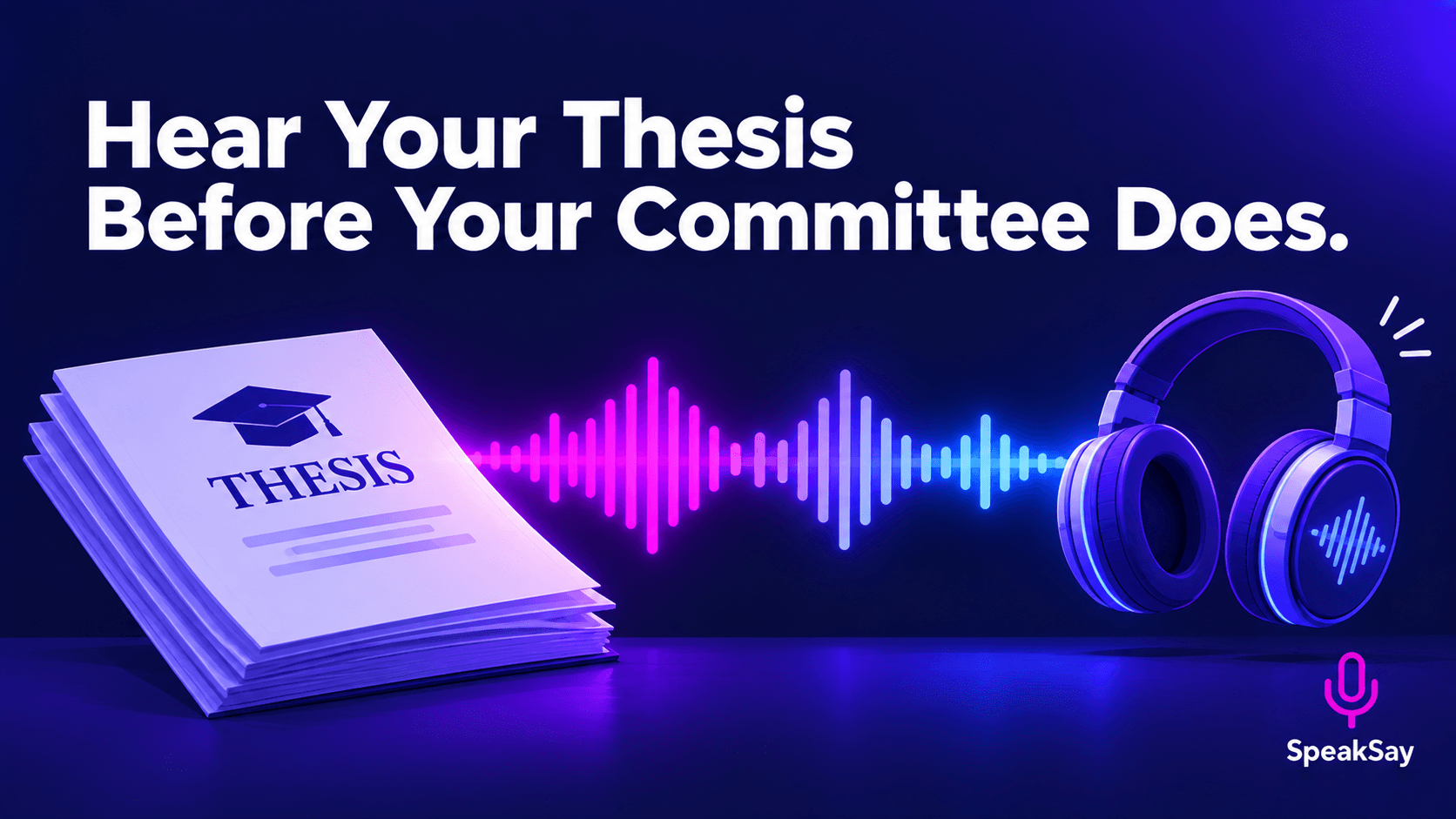
Your eyes skip the errors your ears catch. Here is a chapter-by-chapter listen-back routine for theses and dissertations, plus how to use it to rehearse your defense.
1) Why Listening Catches What Reading Misses
Reading your own writing is fast because your brain predicts the next word. That is exactly why repeated words, missing words, tangled sentences and inconsistent terms slip past you. Listening forces a linear pass at the speed of speech, so a sentence that runs out of breath or repeats itself is hard to ignore.
Many university writing centers suggest reading drafts aloud for this reason. Text to speech gives you the same effect without losing your voice, and without reading chapter four aloud for the ninth time.
2) Prepare the Text
- Work one chapter at a time. A whole dissertation in one file is hard to navigate when you need to jump back to a flagged sentence.
- Strip what is not spoken. Remove reference lists, long tables and page headers from the listen-back copy, or listen to them separately.
- Spell out symbols you want read. Write "p less than point oh five" in the listen copy if you want to check how it will sound when you present it.
- Keep paragraph breaks. They create natural pauses and help you find your place later.
Only paste text you are allowed to process. If your work contains confidential participant data or embargoed material, check your ethics approval and data agreements first, and remove identifying details from the listen copy.
3) The Chapter-by-Chapter Routine
- Generate the chapter with a neutral voice from the SpeakSay voice library. Pick one voice and keep it for the whole project so your ear adapts.
- Listen with the text open on a second screen or a printout. Mark the exact sentence every time you wince, stumble or lose the thread.
- Do not fix while listening. Mark and keep going. Fixing mid-pass breaks the rhythm that makes the method work.
- Fix in one batch after the chapter ends, then regenerate only the paragraphs you changed.
- Do a final no-text pass while walking or commuting, listening only for flow and argument.
Turn a chapter into audio in minutes
Paste a chapter into SpeakSay text to speech, choose a steady voice and listen back on your phone.
4) Fix Field Terms and Names
Technical vocabulary, author names and Latin or chemical terms are where synthetic voices stumble. A mispronounced term is not an error in your thesis, but it can make you miss a real error nearby, so fix it before you listen.
| Problem | Quick fix |
|---|---|
| Acronym read as a word | Write it with spaces in the listen copy, such as "N L P". |
| Author surname mispronounced | Respell it phonetically in the listen copy only. |
| Long formula or equation | Replace with a spoken description and check the original visually. |
| Numbers and ranges | Spell out ranges, such as "ten to twenty", to check they make sense. |
Keep a short glossary file of your respellings so every chapter sounds the same.
5) Turn the Listen-Back Into Defense Prep
Once the written chapters are clean, use the same tool for your defense.
- Write a ten-minute summary in plain speech, not thesis prose, then listen to it. If it sounds like a paper being read aloud, rewrite it.
- Time it. Audio length shows you instantly whether your talk fits the slot.
- Draft likely questions from your committee's earlier feedback and answer them aloud, then listen to a read-back of your written answers for gaps.
- Practice on your commute. Repetition by ear builds recall without staring at slides.
Unlimited-feeling revision cycles
Revising means regenerating chapters many times. See which plan fits a long project, including the one-time lifetime option.
6) What Listening Will Not Catch
- Formatting and citation style errors. Use your department's style guide and a visual check.
- Wrong facts or numbers. A voice reads a wrong figure just as smoothly as a right one.
- Homophones in your own head. "Affect" and "effect" sound alike, so keep a visual spellcheck pass.
- Your committee's requirements. Always follow your institution's rules on proofreading help and AI tools.
Free helper: after exporting audio, level it out with the free audio normalizer so quiet and loud sections are even on headphones.
7) Frequently Asked Questions
Can text to speech proofread my thesis for me?It does not proofread automatically. It reads your text back so that you can hear errors. You still decide what to change.
Is it allowed to use AI tools on my dissertation?Policies vary by institution. A listen-back tool does not write or alter your text, but check your graduate school's guidance if you are unsure.
How long does a full dissertation take to listen to?It depends on length and pace. Splitting by chapter and listening at a slightly faster speed on the second pass makes it manageable.
Should I use my own cloned voice?You can, if you like hearing it in your own voice, but a neutral voice is often better for catching errors because you are less likely to hear what you meant.