Every Pour, Explained: How Breweries, Wineries and Distilleries Can Put a 30-Second Audio Note Behind a QR Code at the Testing Bar With Text-to-Speech (2026)
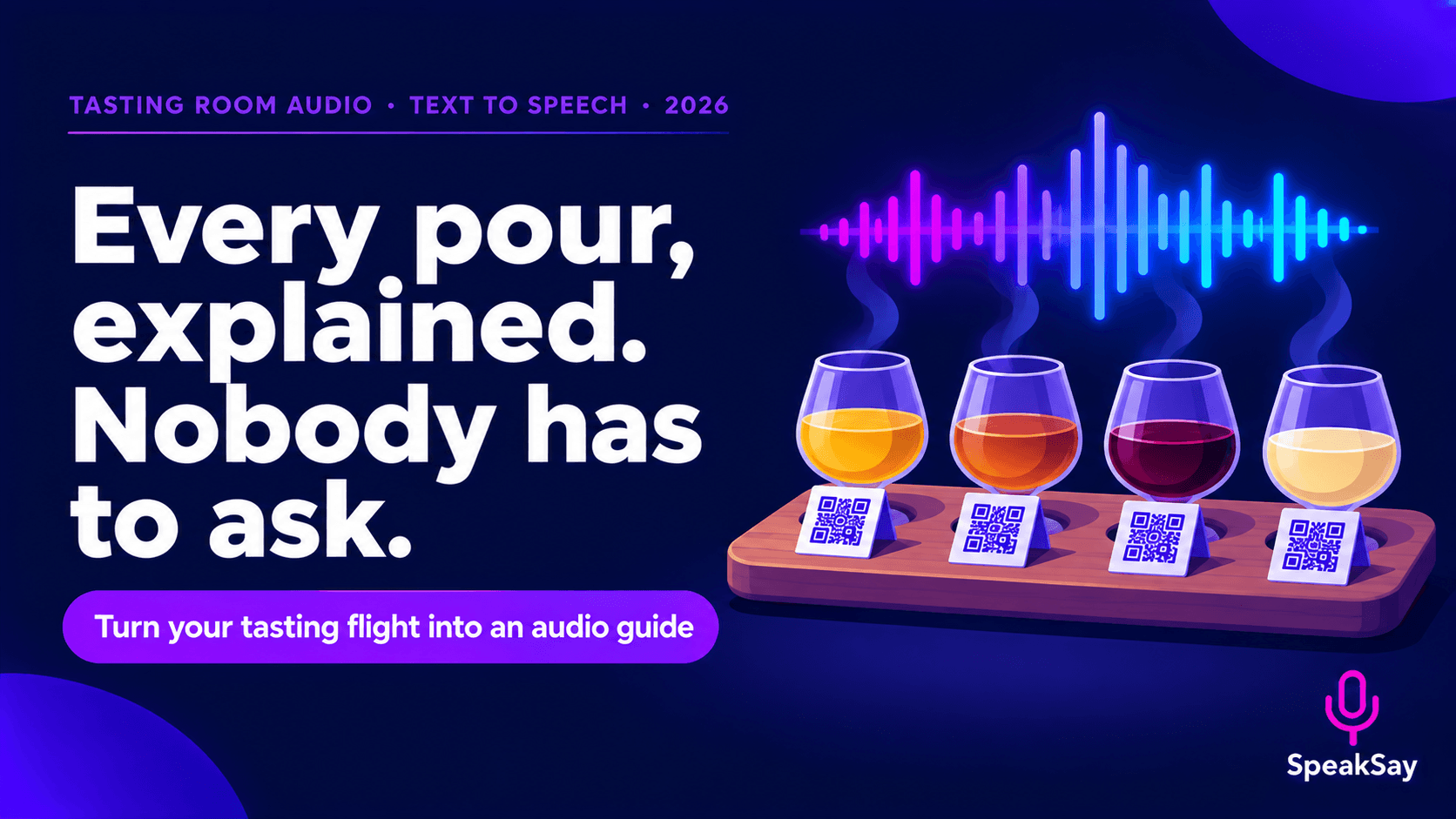
A busy testing room runs on one or two people repeating the same notes about each pour. This guide shows how to turn your flight sheet into short, scannable audio with text-to-speech, so guests can hear about each pour while the staff serve the next customer.
1) The tasting-room bottleneck
Tasting rooms are social, but the repeating part of the job is not. Staff answer the same few questions: what is this one, how is it different from the last, and what should I eat with it. During a rush, the answer shrinks to a few words, and the story the maker worked hard to build never reaches the guest.
Printed flight cards help, but they are small, get splashed, and are rarely read by a group that is talking. Audio does not replace staff. It handles the part of the conversation that never changes, so people have more time for the part that does.
2) What belongs in a 30-second pour note
Thirty seconds is about 75 to 90 spoken words. That is enough for four things and no more.
- What it is: the name and style or variety, in plain words.
- One thing to notice: a single aroma, flavour or texture, described the way your team would describe it.
- One thing about how it was made: a grain, a vineyard block, a barrel, a still.
- One pairing or next step: "Try it after the pale ale" or "Ask about the barrel-aged version."
Leave out scores, awards and strength-comparison claims unless they are accurate, current and approved for use in your market.
3) A script template you can copy
Write the way the head brewer or winemaker would say it to a friend. Spell out numbers and abbreviations so the voice reads them correctly.
- Name the pour and its style.
- Say what is in the glass in one sentence.
- Give one tasting cue: "Notice the citrus on the first sip."
- Add the one-line story.
- Close with what to try next.
Example: "This is our Harbour Amber, a malty ale with a toasted-bread character. On the first sip, look for caramel and a little orange peel. We brew it with two kinds of malt roasted in-house. If you like it, try the Smoked Porter next."
That example is about 50 words. Aim for 40 to 90.
4) Build the audio, step by step
- Pick one voice from the SpeakSay voice library and use it for every pour, so the bar sounds consistent.
- Paste each script into the text-to-speech tool and generate a clip per pour.
- Listen for names the voice mispronounces: grape varieties, hop names, place names. Add a phonetic spelling in the script until it sounds right. Our pronunciation guide shows how.
- Export each clip and host it on a simple page of your own, one link per pour.
- Create a QR code for each link, or one code for a page that lists the whole flight.
Keep a short "welcome" clip too: ten seconds on how the flight works, where the restrooms are and how to ask for water.
Try the voice before you print the codes
Turn one flight sheet into audio and listen at the bar. Plans for a small lineup are inexpensive, and a lifetime option exists if you update the lineup often.
5) QR codes at the bar: placement that works
- Put the code next to the glass or the flight paddle, not on the wall behind the bar.
- Print the pour name beside the code so guests know what they will hear.
- Use a matte, wipe-clean card or a small stand. Bars are wet.
- Add the words "Tap or scan to listen" so no one wonders what the code does.
- Keep the page light. Guests are on a mobile connection and may be standing outside.
The same approach works for exhibit labels. See our guide to QR audio guides for small museums.
6) Age, licensing and wording reminders
This post is about hospitality, not legal advice. Alcohol marketing is regulated and the rules differ by country, state and county. Before you publish:
- Check the rules for any claims you make about your products and for where the audio is published.
- Keep wording neutral about health, performance and intoxication.
- Do not target the audio at anyone under the legal drinking age. The codes belong at the bar, not on social media ads.
- If you play music or other recordings under the notes, make sure you hold the licence for them.
- Remind guests to drink responsibly in your welcome clip.
If in doubt, ask your licensing authority or an adviser who knows your market.
7) Keep it current when the lineup changes
Seasonal pours come and go. Keep the scripts in one document with the date each clip was last checked, and regenerate only the clips that change. A QR code that points to the same page can keep the same address while the audio file behind it is replaced.
Once a month, listen to every clip at the bar. If a staff member would say it differently now, change the script.
8) FAQ
Will an AI voice make the tasting room feel less personal?It can if it replaces the conversation. Use it for the repeated facts and keep staff for the questions and recommendations. If you want your own voice instead, you can use a voice clone of the owner or head maker with their consent.
How many pours should have audio?Start with the standard flight, usually four to six. Add more once guests start using the codes.
Can I put the audio on my website instead of at the bar?Yes. A single page with one clip per pour works for both. Keep the wording suitable for a general audience.
Do I need to tell guests it is an AI voice?A short line on the page, such as "Audio notes read by a text-to-speech voice," is a simple, honest option.