The Recital Email Parents Don't Finish: How Dance Studio Directors Can Send Arrival Times, Costume and Hair Details as a Two-Minute Voice Message in Their Own Cloned Voice (2026)
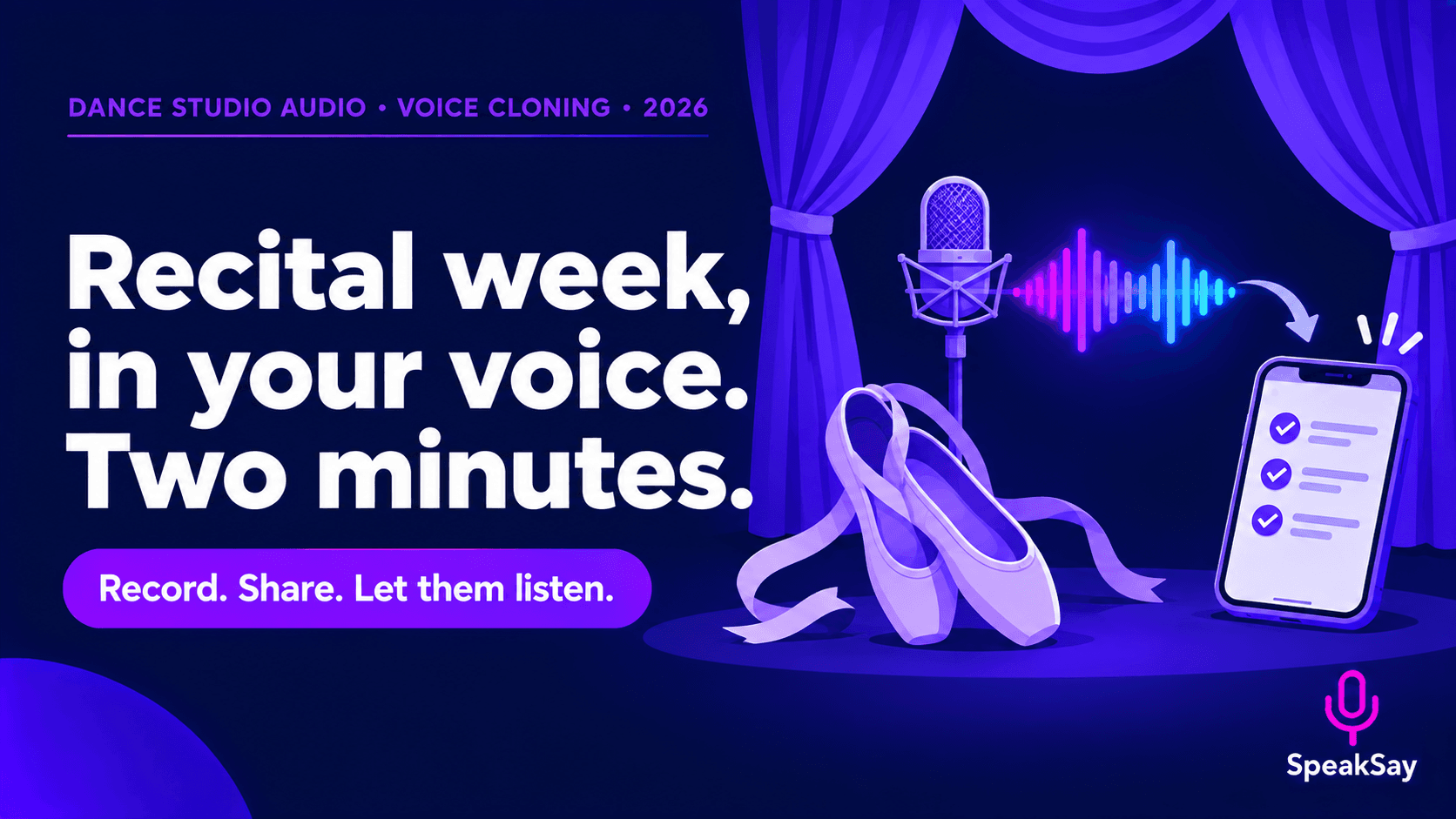
Recital season produces long emails full of call times, costume notes and rules. Parents skim them and then call the studio. This guide shows how a studio director can turn the key details into a two-minute audio message in their own cloned voice.
1) Why the recital email does not work
A recital email has to cover many classes, and each parent needs only a few lines. They read the top, scroll for their child's class, and miss the details that come after the table. The front desk then answers the same questions on the phone in the week before the show.
A voice message in a familiar voice, sent as one short clip, is easier to play in the car or while getting a child ready. It does not replace the written schedule. It points to it and repeats the three or four things that cause the most problems.
2) What to put in two minutes
Two minutes is about 280 to 320 words. Choose the points that cause the most calls.
- Arrival: "Please arrive at least forty-five minutes before your class's call time, and check the schedule for the exact time."
- Costume: what the dancer wears, what goes in the bag and what stays at home.
- Hair and makeup: the one style the studio asks for, and where to find a photo guide.
- Drop-off and pick-up: where to park and who can collect.
- Tickets, photos and filming: the studio's rules in one sentence each.
- Who to contact on the day: a name and number, not "the office."
Everything else stays in the written schedule.
3) A script template
- Greeting and the date of the recital.
- One sentence saying this message covers the key points and the full schedule is attached.
- The arrival and call-time rule.
- Costume and bag.
- Hair and makeup.
- Parking, drop-off, pick-up.
- Photography and filming policy.
- Contact for the day.
- Thank you and a warm close.
Tip: Spell out times, such as "five thirty," and avoid abbreviations for room or door numbers. Write "stage door on the east side," not "SD East."
4) Set up your own cloned voice
Record a clean sample of your own voice following the SpeakSay voice clone guide. Use a quiet room and read normally, in your regular teaching tone, not your announcement voice.
Clone only yourself. Do not clone a teacher, a parent or a student. If another staff member wants to send messages in their own voice, they should record their own sample and give their own consent. Our consent recording template can help.
Generate the message, listen to it all the way through, and fix any names or terms that sound wrong. Dance terms such as "pas de bourrée" may need a phonetic spelling.
Record your voice once, reuse it every season
Create your studio voice now, then generate recital, registration and weather-closure messages in minutes. Plans are priced for small studios, and a lifetime option is available.
5) Sending it: where parents will hear it
- Put the audio link at the very top of the recital email: "Press play for a two-minute summary."
- Add it to the studio's private parent group or app, if you use one.
- Save the audio on the recital page of your website.
- Keep the written schedule attached for parents who prefer to read.
Say at the start of the message that the audio was generated from the director's own voice sample and script, so parents are not misled.
6) When to send, and what to send when
- Four weeks before: a short "save the date" audio message with the recital date and ticket instructions.
- One week before: the two-minute message with call time, costume, hair and parking.
- The day before: a 30-second reminder with the arrival rule and the contact for the day.
Plan to send the one-week message by mid-November if your recital is in early or mid-December, so families have time to buy missing items.
7) Care points: children, consent and changes
- Do not name individual children in a group message.
- If the schedule changes, send a short new clip. Do not edit the old one and resend it without saying what changed.
- Keep the clone private to the studio. Do not share the voice file or let anyone else generate audio with it.
- If you stop teaching or no longer want the clone, delete it.
8) FAQ
Will parents mind a synthetic voice?If you say what it is and it sounds like you, most parents care more about getting the right information. Try it with a small group first.
Why not just record a voice message on my phone?You can, and for a single message it may be quicker. A clone helps when you send several messages a season and want to fix a line without re-recording.
Can I use the clone for the live announcements at the recital?We do not recommend it. Live announcements are better made in person.
Should I send the audio in other languages?If many families speak another language, ask a fluent speaker to review a translated script before you generate audio.