Three Characters, One Entertainer: How Kids' Party Performers Can Build Original Character Voice Tracks for Birthday Shows (Voice Remix, 2026)
A solo party entertainer can only be one voice at a time. This guide shows how to create a small cast of original character voices, build short show tracks, run them safely at a live party and avoid copying existing characters.
1) Why use character tracks in a live show
A child watching a performer talk to a character that answers back in a different voice is watching magic. For the performer, tracks solve practical problems:
- You can play several characters without changing your voice or tiring it across back-to-back parties.
- Voices stay consistent from one show to the next.
- You can keep your hands free for props, bubbles or tricks.
- A track that fails can be dropped without breaking the show, as long as you plan for it.
If you perform puppet shows, see our guide to pre-recorded tracks for puppet shows. This article is for performers who work as themselves with invented characters on a track: magicians, face-painters, games hosts, storytellers and characters-in-costume of their own design.
2) Rule one: original characters only
Parents often ask for a particular film or TV character. Do not use that character's voice, catchphrase or look in your tracks. Imitating a known character with a voice tool does not make it yours, and it can bring complaints and takedowns on any video you post.
Give every character an invented name, an invented personality and an invented voice. Say "the dragon from my show," not a name that belongs to someone else. If a parent asks, say you have your own characters and offer a themed story with one of them.
Never clone a real person, including a famous voice or a person you know, without their clear permission. Voice Remix is for designing voices you own, not for copying voices you don't.
3) Design a cast of three
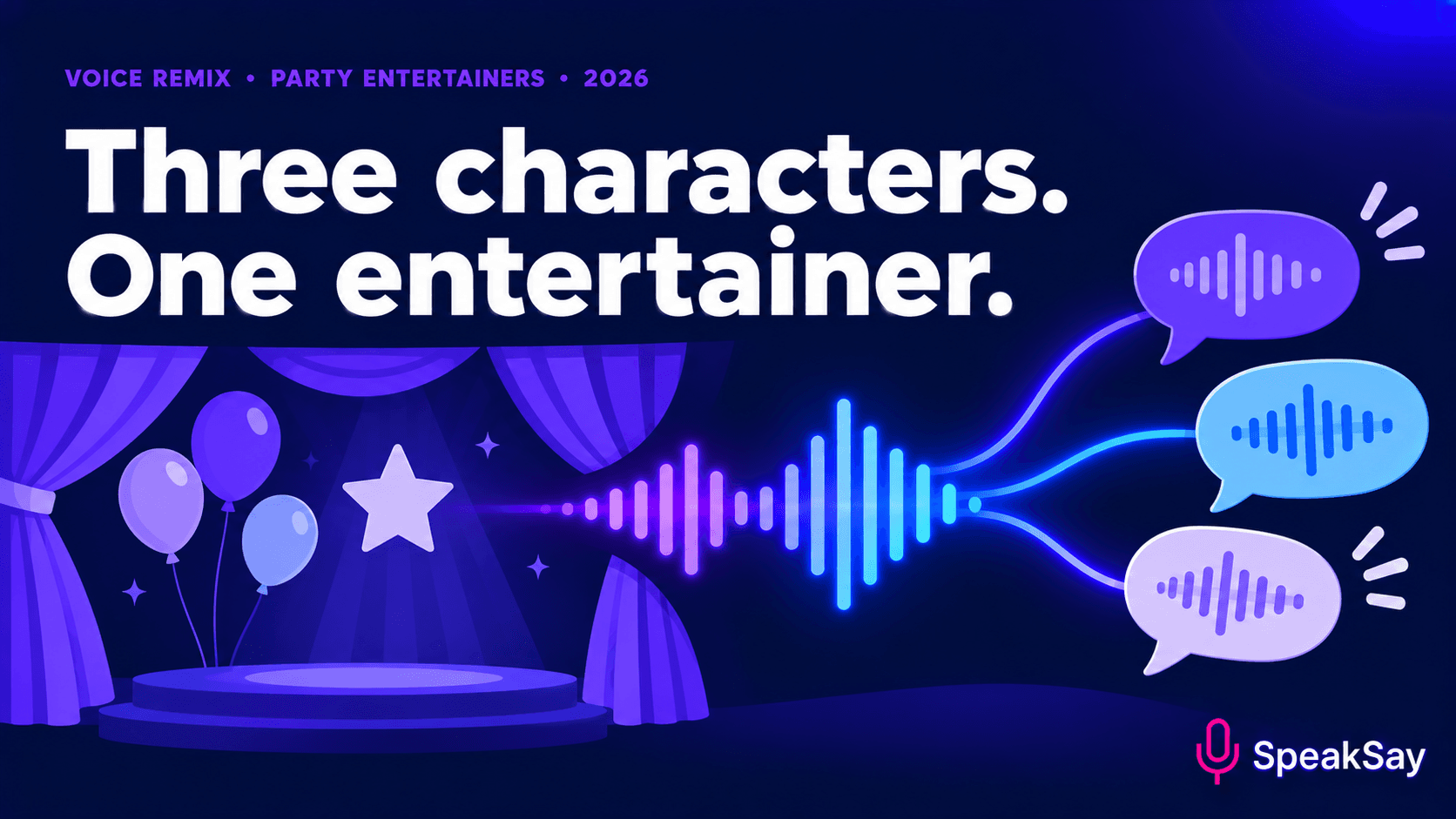
Start small. Three characters are enough for a 30 to 45 minute show, and each should be easy to tell apart by ear:
| Character | Voice idea | Job in the show |
|---|---|---|
| The host's sidekick | Bright, quick, a little squeaky | Asks questions, gets things wrong, invites children to help |
| The grumpy one | Low, slow, dramatic | Creates a small problem the children solve |
| The wise one | Warm, calm, medium pace | Closes the show and gives the thank-you |
Use the SpeakSay Voice Remix tools to shape a base voice into something distinctive: adjust pitch, pace and character until each voice is clearly its own. Audition each one by playing it from a small speaker across a room, not only on headphones.
Make your first character in one session
Choose a base voice, remix it into something new and test it with a real script.
4) Build short cue tracks
Do not record a long script. Build many short clips, 3 to 15 seconds each, that you trigger at the right moment:
- Entrances and exits: "Hello, everybody!" and "See you next time!" for each character.
- Questions to the children: short, easy to answer by shouting.
- Reactions: cheers, gasps and silly noises that fit the voice.
- Rescue lines: three or four lines you can play if the room gets loud or the show gets stuck.
Write each line in short, spoken sentences, and leave room for children to respond. Name files by character and cue, for example owl-closing-01, and keep a printed cue sheet. For help with pace and pronunciation in your scripts, see our guide to pronunciation fixes.
5) Running tracks in a real party room
- Test the speaker in the actual room. Party rooms are loud and echoey. A small portable speaker may not carry.
- Normalise volume. Each character should play at about the same loudness, and none should be startling.
- Use a simple trigger. A phone app with big buttons, or a small pad, works. Don't dig through menus mid-show.
- Keep a backup. Copy all files to the phone and to a second device. Have a plan to carry on without tracks.
- Rehearse the timing. Practise your pauses so the character "answers" at the right moment.
Keep sound at a moderate level. Children's hearing is sensitive, and a loud character can frighten a young child.
6) Safety, consent and parent expectations
- Tell parents in advance that the show uses recorded character voices. It is a feature, not a secret.
- Avoid frightening content for younger children, and have a gentler version ready.
- Do not record or share children's voices without permission from the parent or guardian.
- If you post show clips online, check that no child can be identified without consent, and that the music and voices are yours to use.
- Check your venue, insurance and local rules for amplified sound.
7) Holiday season planning
November and December are busy for family events. If you plan a seasonal show, make the cast and tracks now so the late-season rush is for performing, not editing. Keep a simple version of each character you can reuse across themes. Reusing three characters in different stories costs you far less time than starting a new cast each season.
For stories that need a quiz or game-show host character, see our guide to character hosts for family trivia nights. To compare plans before you produce a library, see SpeakSay pricing and the lifetime plan.
8) FAQ
Can I make a voice that sounds like a film character if the parent asks?No. Offer your own original character instead. Imitating known characters can cause complaints and takedowns.
How many characters do I need?Three is a good start. Add more only when the first three are working.
Should I tell parents the voices are recorded?Yes. A short note when booking avoids surprises.
What if the speaker fails mid-show?Have a plan to carry on without tracks: a few lines you can say in your own voice, and a spare device.