Station IDs Without a Voice Actor: Original AI Voices for Student and Community Radio Bumpers, Underwriting Reads and Legal IDs (2026)
Volunteer radio stations often rely on the same two voices for years. Original AI voices can refresh bumpers, promos and underwriting reads without a recording session. Here is a plan for a voice set, a naming sheet, what to check for legal IDs and how to avoid voices that sound like real people.
1. Decide what the station sounds like
Write three adjectives for the station: for example "warm, local, a little cheeky". Every voice and script choice should fit them. A station that tries to sound like a national network usually loses what makes it different.
Listen to your current imaging with fresh ears. Which items sound dated? Which voices are tired? Start with the three items heard most often: the top-of-hour ID, the most frequent bumper, and one promo.
2. Build a small voice set
Three to five voices are enough. Too many makes the station sound unfocused.
| Role | Voice character | Used for |
|---|---|---|
| Main ID voice | Warm, clear | Station IDs, show openers |
| Energy voice | Quick, bright | Promos, event announcements |
| Calm voice | Low, steady | Late-night and news-style items |
| Wildcard | Distinctive | Seasonal bumpers, jokes |
Use the SpeakSay Voice Remix tools to shape original voices from the library, adjusting pitch, pace and character until each fits its role. Save the settings so you can recreate the same voice next semester.
3. The items you can produce
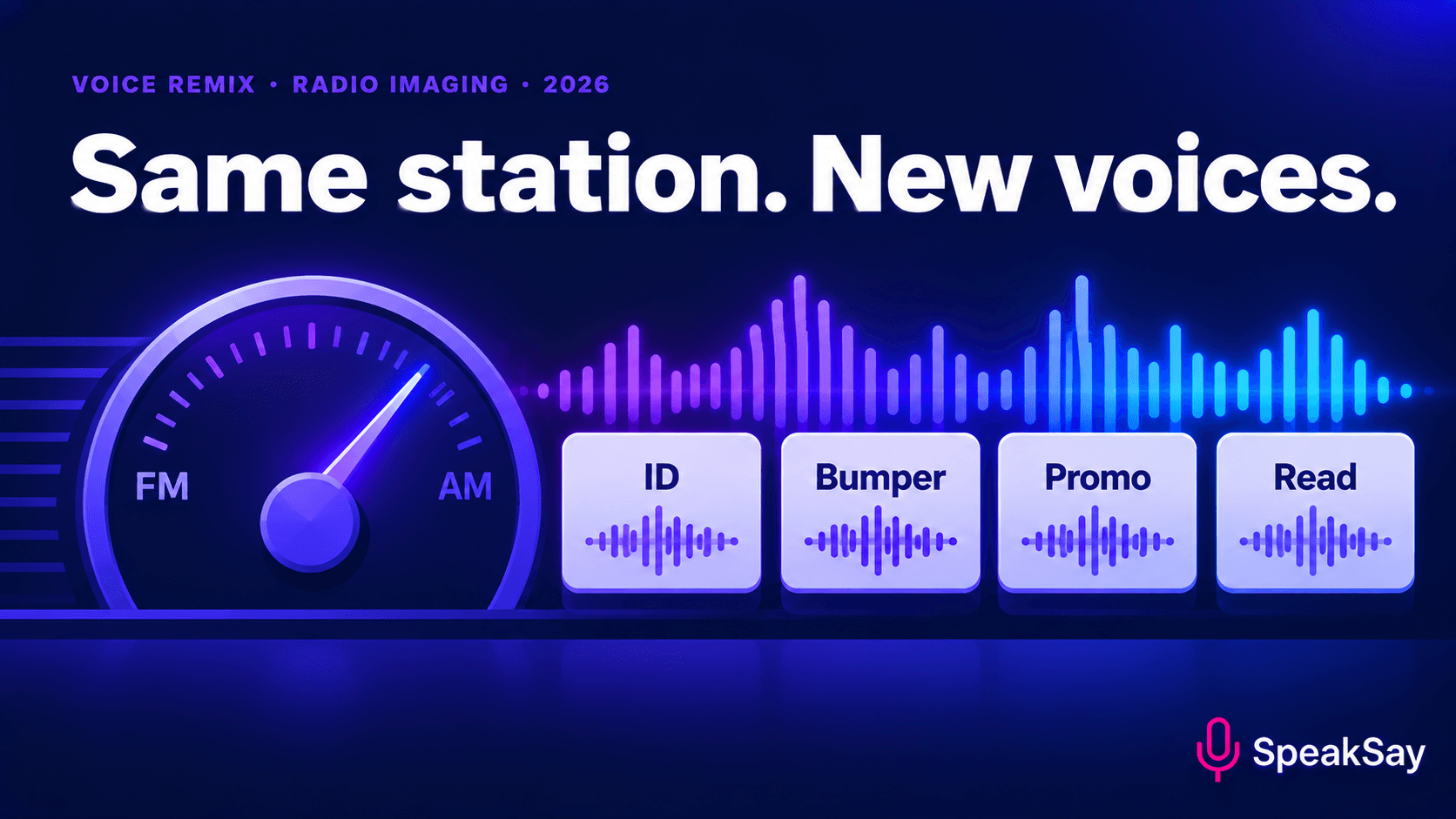
- Top-of-hour station IDs. Short, clear and consistent.
- Bumpers between shows. Five to ten seconds. Vary the script, keep the voice.
- Promos for specials and events. Date, time and where to listen.
- Weather or campus notes. Update them quickly without a studio slot.
- Seasonal drops. Exam week, reading week, holiday programming.
If you want a general guide to short audio drops, see our post on DJ drops and radio imaging. This post focuses on volunteer stations and the compliance side.
Build your voice set
Start with the main ID voice. Test it on three scripts and listen on the same speakers your studio uses.
4. Legal IDs and underwriting: keep a human in charge
Broadcast rules differ by country and by licence type. In some places, legal station identification and sponsorship or underwriting announcements have specific wording or timing requirements. Do not copy wording from a blog post, including this one.
- Get the current wording from your regulator or your station's compliance officer.
- Have that person approve the final script.
- Use the AI voice only to read approved text. Do not let anyone change the words at the last minute.
- Keep a dated copy of each approved script and audio file.
Underwriting reads usually involve a sponsor. Send the sponsor the final script before it airs.
5. Original voices only
Do not make a voice that sounds like a real DJ, a former station voice or a public figure. If a past volunteer's voice is on air now and you want to continue it, you need their written permission, and see our consent script template. Original voices avoid the issue and let the station sound new.
If the station publishes on streaming platforms, read the platform's current policy on AI voices and labels, and think about a short disclosure on your website.
6. Keep a simple library
A shared spreadsheet is enough. One row per item: name, script, voice, date, who approved it, and where the file lives. Student stations change leadership every year, and the library is what keeps the sound consistent. For ongoing use, compare monthly pricing with the Lifetime Plan and the pricing page.
7. FAQ
Can an AI voice read a legal station ID?That depends on your regulator and licence. Ask your compliance contact. The wording and timing should come from them.
How many voices does a station need?Three to five is usually enough to keep the sound consistent and still give variety.
Should we tell listeners the voices are synthetic?A short note on your website or about page is a good idea, and some platforms require it.
Can volunteers still record some items?Yes. Mix human and synthetic voices. Live voices keep the station feeling local.