Second Edition, Stale Audiobook: How to Update an AI-Narrated Audiobook When Your Book Changes, Without Re-Recording Everything (2026)
When you revise a nonfiction book, the audiobook quietly goes out of date. This guide shows how to find what changed, re-render only the affected passages in the same voice, proof just those spots, and re-publish the update.
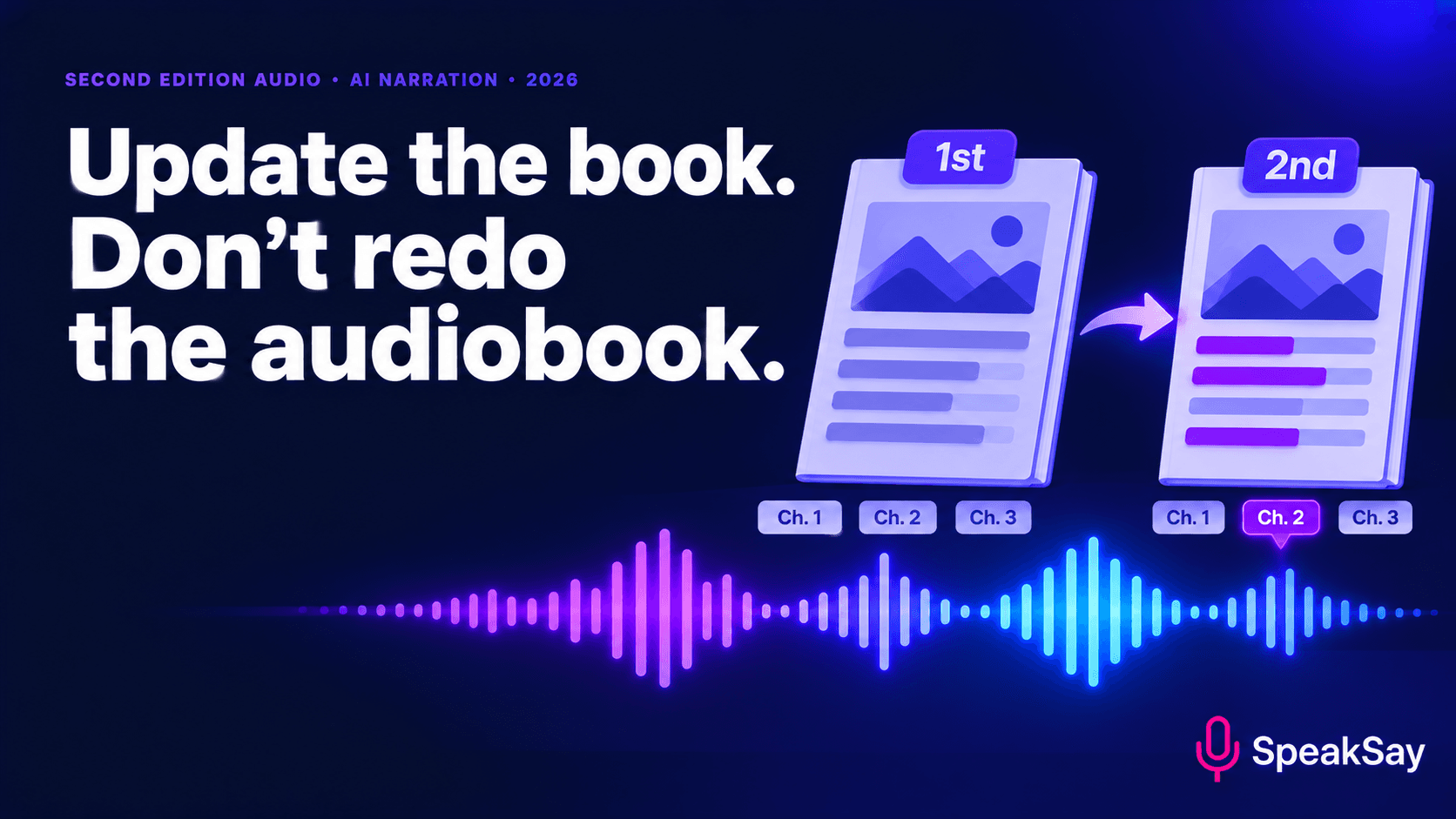
1) Why the audiobook drifts
Ebooks and print files are one document and easy to replace. Audiobooks are a set of recorded chapters, and editing a sentence in the middle of one means producing new audio for it. For a human narrator that means booking time, matching their voice and paying again. So many authors let the audiobook lag, and it gets quietly worse each year.
That matters most for nonfiction: business, health, money, technology and legal guides. A listener cannot see a "second edition" label while driving. They simply hear old information.
AI narration changes the cost of a fix. A changed sentence is new text and a new render, not a new session.
2) Step 1: Find exactly what changed
Do not try to remember. Compare the old manuscript with the new one.
- Export both versions as plain text or documents with tracked changes.
- Use your word processor's compare feature, or a text-compare tool, to list every difference.
- Number each change and note the chapter and paragraph.
- Check the figures, dates, names and links by eye. Comparison tools find edits, but they will not find things you forgot to edit.
The output is a change log. Keep it, because it will also drive your proofing and your listener notes.
3) Step 2: Sort the changes
| Type of change | Example | Audio action |
|---|---|---|
| Typo or wording fix | "recieve" to "receive" | Only needs audio work if the spoken line changes. Often none. |
| Fact or figure update | A rate, a date, a price | Re-render that sentence or paragraph. |
| New or rewritten section | A new case study | Render as new audio; place carefully. |
| Removed section | A discontinued tool | Cut the audio and check the join. |
| Restructure | Chapters reordered or merged | Re-assemble; re-render chapter openings and closings. |
| Title, year or edition mention | "2025" to "2027" | Re-render opening credits and any spoken year. |
Do not forget opening and closing credits. If you say "second edition" in the credits, the opening credits need a new render. See our guide to opening credits and front matter.
4) Step 3: Keep the voice identical
The riskiest part of a patch is a new passage that sounds slightly different from the old one. Listeners hear a change in pace, tone or accent even when they cannot name it.
- Use the same voice, speed and settings you used for the first edition. Write them down now if you did not before.
- Check which model version you originally used. If the platform has updated its models since, a new render may sound slightly different. Our post on voice consistency after model upgrades explains how to test for this.
- Render a sample of an unchanged paragraph with today's setup and compare it with the old audio. If it is not close, re-render the whole affected chapter instead of patching a sentence.
For more on avoiding drift across a long project, see keeping an AI audiobook voice consistent.
Keep your voice the same from edition to edition
Pick a SpeakSay voice, save the settings and reuse them whenever the book changes.
5) Step 4: Re-render only what changed
- Edit the narration script for each changed passage. Rewrite figures and dates to read well aloud.
- Render the passage plus one sentence on either side. The extra sentences give you something to cut on, so the join sounds natural.
- Replace the old section in your chapter file. Keep the original audio and note what you replaced.
- Re-check chapter length and level. The free audio normalizer can match levels between old and new.
- For heavily changed chapters, re-render the whole chapter. It is cleaner than three patches.
Keep a folder per edition. If a platform asks for the earlier version or a listener disputes something, you will want the old files.
6) Step 5: Proof the changed spots and their edges
You do not need to listen to nine hours again. You do need to listen to every place the audio changed.
- Listen to each changed passage with the new text in front of you.
- Listen to the 15 seconds before and after, where a join can click, jump in level or change pace.
- Check numbers and names aloud. See numbers, dates and units for text to speech.
- Check that nothing refers to a section you removed ("as we saw in chapter 6").
- Listen once to each chapter start and end.
Our guide to risk-first proof listening helps you spend your time on the riskiest spots.
7) Step 6: Re-publish and tell listeners
Each retailer treats updates differently. Some accept a replacement file for an existing title; others treat a revised edition as a new product. Check each retailer's current process before you upload, and expect review time.
- Update the metadata. Edition number, publication date, description and any year in the title.
- Update the description with a line such as "Updated for 2027."
- Tell your list. A short email saying what changed gives you a reason to remind people of the book.
- Keep the disclosure line about AI narration in place, if you have one. See our guide to credits and disclosure.
Own your narration instead of renting it
If you update books every year, a plan that does not charge per edition helps. See SpeakSay's lifetime plan.
8) A simple update calendar
| When | Do this |
|---|---|
| November | List what in the book will be out of date by January. |
| December | Revise the manuscript and produce the change log. |
| Early January | Re-render changed passages and proof them. |
| Mid January | Submit updated files and metadata to each retailer. |
| After approval | Email your list and update your site. |
Adjust to your own publishing schedule.
9) FAQ
Do I have to re-record the whole audiobook for a new edition?Not with AI narration. Re-render the changed passages in the same voice and replace them, or re-render whole chapters that changed heavily.
What if the voice sounds different now?Test an unchanged paragraph against the old audio. If it does not match, re-render the entire affected chapter, or the whole book, so the voice stays consistent.
Will retailers accept an updated audiobook?Rules vary by retailer and change over time. Check each retailer's current guidance, including whether the update replaces the old file or becomes a new listing.
Should I label it a second edition?If the content changed meaningfully, yes. Update the description and credits so listeners can tell which version they have.
Is it worth updating for small changes?If a change affects accuracy or advice, yes. If it is a spelling fix that does not change what is spoken, no.


