38% of Employees Struggle With Open Enrollment Emails: Turn Your Benefits Guide Into 3-Minute Audio Explainers (2026 HR Playbook)
More than a third of employees struggle to understand open enrollment communications, and 35% regret the choices they make. The benefits guide isn't the problem. The format is. Here's how HR teams turn the guide into short, phone-friendly audio explainers, in every language their workforce speaks, without recording a thing.
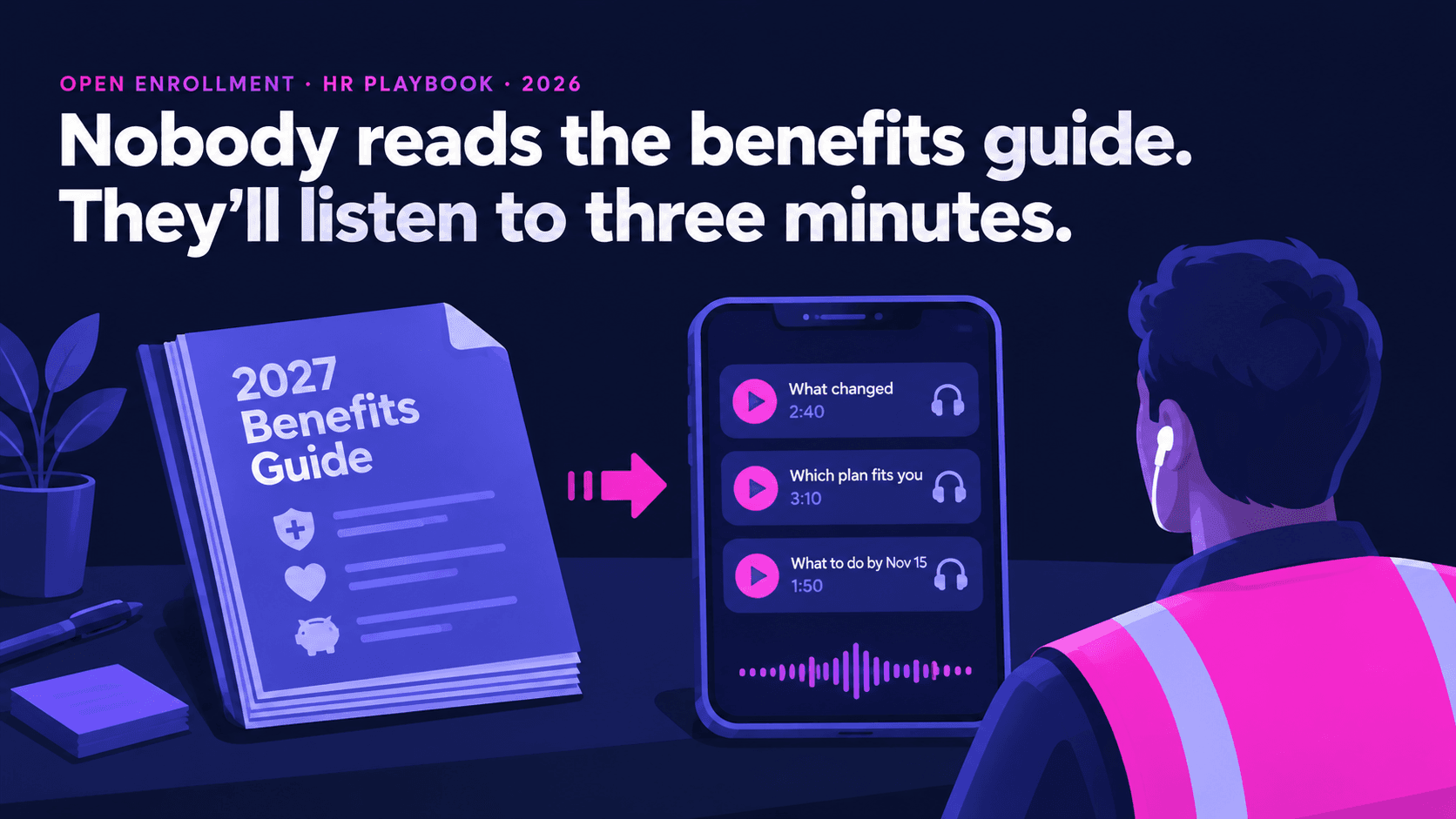
1. The understanding gap, in numbers
Three recent sources describe the same problem from different angles.
- MetLife's 23rd annual Employee Benefit Trends Study (September 2025): only 57% of employees fully understand what their benefits cover, and 38% struggle to understand their employer's open enrollment communications, up six percentage points on the prior year. 72% want communications tailored to their own needs.
- Selerix's 2026 Employee Benefits Survey (622 employed US adults, published June 23, 2026): 35% regret the choices they made at their last enrollment, unchanged from the year before. 46% feel confident managing their benefits, but only 23% say they genuinely understand them. 41% planned to come back to a benefits message and never did, and only 20% say communications reliably arrive when they're ready to act.
- OneDigital's "State of Open Enrollment 2026" (September 30, 2026): healthcare cost trend is projected at 8–10%, so more plans are changing, and the employees most likely to be missed are frontline and remote workers, spouses who share the decision, people with limited tech access and people with low health literacy.
That 41% figure is the one to focus on. Those employees weren't uninterested. They meant to come back and didn't. A 14-page PDF asks for a quiet half hour at a desk. A three-minute audio clip fits into a commute, a break or the drive home.
2. Why audio reaches the people your emails miss
Audio isn't a replacement for the plan documents or your enrollment platform. It's the layer that gets someone from "I should look at that" to "I know what I'm choosing and why".
| Who gets missed | Why written comms miss them | What audio changes |
|---|---|---|
| Frontline and shift workers | No desk, no work laptop, email checked rarely | A QR code on the break-room poster plays a clip on their own phone |
| Drivers, field and remote staff | Time is spent driving or on site | Explainers can be played hands-free on the road |
| Spouses and partners | They never get the HR email but often share the decision | A link is easy to forward and plays without a login |
| Employees who prefer another language | The guide is in English, or the translation is stiff | The same explainer in their language, in a natural voice |
| Low health literacy | Dense terms (coinsurance, out-of-pocket maximum) on one page | One term at a time, with an example, at speaking pace |
| Everyone who "meant to come back" | The PDF needs a quiet half hour | Three minutes, any time |
Recording all this with a person used to mean a studio session, one language and a re-record every time a number changed. With text-to-speech, the script is the source. Change a premium, regenerate the clip, and every language version updates the same afternoon.
3. The audio explainer library: what to make
Don't narrate the guide front to back. OneDigital's advice is to help employees answer three questions: what changed, what it means for me, and what I should do next. Build the library around those questions, one clip per decision, each under four minutes.
| # | Clip | Length | What it covers |
|---|---|---|---|
| 1 | What changed this year | 2–3 min | Every change in plain words, with the reason for each. If you can't explain a change in two sentences, the guide can't either. |
| 2 | Choosing a medical plan | 3–4 min | How premium, deductible and out-of-pocket maximum trade off, with two worked examples ("a quiet year" and "a year with a surgery") |
| 3 | Prescription coverage | 2–3 min | Tiers, how to check whether a medication is covered, where to ask. Describe the process, never anyone's medication. |
| 4 | HSA or FSA | 2–3 min | What each account is, who can use which, what happens to unused money |
| 5 | Dental, vision and the extras | 2 min | What's included, what costs extra, who usually benefits |
| 6 | Adding or removing dependents | 2 min | Who qualifies, what documents are needed, deadlines |
| 7 | How to enroll, step by step | 2 min | Where to log in, what to click, what to do if you're stuck, the deadline said twice |
| 8 | After you enroll | 1–2 min | When coverage starts, when ID cards arrive, where to get help in January |
Clip 8 is the one most teams forget. OneDigital points out that enrollment is the start of the year, not the end, and employees who chose a plan they don't understand will be back with questions in January. Record the answer now.
Turn the guide into a playlist this week
Paste each script into SpeakSay's text-to-speech editor, pick a clear, warm voice and export phone-ready audio. Changing a number means regenerating a clip, not booking a studio.
4. Writing benefits scripts for the ear
A benefits guide written for the page reads badly aloud. Listeners can't glance back at a table. Use these rules when you adapt it.
- One idea per sentence. "Your deductible is what you pay before the plan starts sharing costs." Stop there. Then give the number.
- Define a term the first time you use it, every clip. Each clip should work on its own, because people will skip around.
- Use examples, not tables. Instead of reading three columns of numbers, walk through one person: "Say you have a quiet year: two check-ups and one prescription. On the Basic plan you'd pay…"
- Say money the way people say it. Write "one thousand five hundred dollars", not "$1,500.00", or run a normalization pass so the voice doesn't read "one thousand five hundred point zero zero". Our numbers, dates and prices guide covers the full pass.
- Spell out acronyms on first use. HSA, FSA, PPO, HMO, EAP. Then check the voice says the short form the way your team does. Some say "H-S-A", some say it as a word. The pronunciation fixes guide shows how to lock it in.
- Say the deadline twice: once near the start and again at the end, with the day of the week. "Enrollment closes Friday, November 13."
- End with one action. "Open the enrollment site and compare the two plans with your own numbers." Not five actions.
- Keep the employer's voice, not a salesperson's. Calm, plain and honest about cost increases. If premiums went up, say so and say why. Employees notice when a clip skips the bad news.
A good test: read the script aloud to someone outside HR. If they can't tell you what changed and what to do next, rewrite it before you generate anything.
5. Every language your workforce speaks
OneDigital's checklist asks whether you're offering more than one language, and whether content is "truly easy to understand, not just translated". Audio makes that possible in a way a translated PDF often doesn't.
- Find your languages from payroll or HRIS preferences, not guesses. Ask site managers which languages are actually spoken on the floor.
- Translate the plain-English script, not the original guide. It's shorter and has already been simplified.
- Have a fluent reviewer check meaning, not just grammar, ideally someone who knows the benefits terms in that language. Insurance terms often have no exact equivalent.
- Generate the clip in a native-sounding voice for that language and have a speaker listen to the whole thing. Our QA protocol for languages you don't speak works for TTS too.
- Keep plan names in English if that's what employees will see on screen, and say so: "On the enrollment site, this plan is called 'Choice Plus'."
- Label each version clearly on the landing page, in that language: "Escuchar en español", not "Spanish".
6. Where to put the audio
Selerix found only 20% of employees say communications arrive when they're ready to act. So put the clips where the decision happens, not only in the launch email.
- A single landing page with every clip, every language and the official documents, as one source of truth.
- QR codes on break-room posters, time clocks, payslips and the printed guide's cover.
- Inside the enrollment platform, if it supports links or embedded media, next to the step each clip explains.
- Text messages with one link, sent in the last week, when the most people act.
- Team huddles: play clip 1 at the start of a shift meeting. Three minutes, then questions.
- A "forward to your partner" line in every email, because spouses share the decision and never see your comms.
Before publishing, run every clip through a loudness check so a quiet clip doesn't follow a loud one. SpeakSay's free audio normalizer evens out the volume across the set. Then listen on a cheap phone speaker, because that's how many people will hear it.
7. Ground rules: what audio must not do
- Audio explains. The plan documents govern. Every clip should end with: "If anything here differs from your plan documents, the plan documents apply."
- Have the broker or carrier review the scripts before generating. A wrong number in a clip spreads faster than a wrong number on page 9.
- Never personalize with health information. Don't generate per-employee clips that mention conditions, claims or medications. Explain the process, not anyone's situation.
- Don't advise. Explain the trade-offs with neutral examples. "Which plan should I pick?" goes to a benefits counselor or decision-support tool.
- Disclose the synthetic voice on the landing page ("These explainers use an AI voice"). Most people won't mind. They'll mind finding out.
- Don't clone an executive's voice without written consent, and think twice even with it. A neutral voice keeps the focus on the information.
- Version everything. Put the plan year and date in each file name ("2027-medical-plans-EN-v2.mp3") so last year's clip doesn't survive on a poster.
- Keep the text. Post each script as a transcript next to the clip for employees who are deaf or hard of hearing, and for anyone who'd rather read.
8. A 10-day production plan
| Day | Task |
|---|---|
| 1 | List the changes and decisions for the year. Pick the clips from the library in section 3. |
| 2–3 | Write plain-English scripts. Read each aloud to a non-HR colleague. |
| 4 | Broker or carrier review of the numbers and terms |
| 5 | Generate the English clips. Fix pronunciation of plan names and acronyms. |
| 6–7 | Translate the scripts, have them reviewed and generate the other languages |
| 8 | Native-speaker listen-through, loudness check, phone-speaker test |
| 9 | Build the landing page, QR posters and transcripts |
| 10 | Launch with the enrollment email. Schedule the last-week text reminder. |
After enrollment closes, check which clips were played and which questions still reached HR. Those questions are next year's script edits. If you already run audio for training or company updates, the internal comms audio briefing guide and the frontline point-of-work audio guide show how to fold this into a library you reuse all year.
One plan covers every clip and every language
SpeakSay plans include natural voices across languages, so the English, Spanish and every other version come from the same script and the same workflow.
9. FAQ
How do I get employees to understand their benefits during open enrollment?Answer three questions for them: what changed, what it means for them and what to do next. Break the guide into short, single-decision explainers, use worked examples instead of tables, offer each in the languages your workforce speaks and put them where people act, such as QR codes and text reminders.
Why use audio for benefits communication?Many employees, especially frontline, field and shift workers, don't sit at a desk to read a long guide. A three-minute clip can be played on a phone during a commute or break, forwarded to a spouse and offered in several languages.
Can text-to-speech handle insurance terms like coinsurance and HSA?Yes, with checks. Define each term in the script, decide how acronyms should be said, write money the way people say it and listen to every clip before publishing.
Do audio explainers replace the official plan documents?No. They explain and point to the documents. Every clip should state that the plan documents apply if anything differs, and the scripts should be reviewed by your broker or carrier.
How long should a benefits audio explainer be?Under four minutes, and one decision per clip. Short clips are easier to finish and easier to update when a number changes.
Should we tell employees the voice is AI-generated?Yes. A short line on the landing page is enough. Being open about it protects trust in the information itself.


